
Cart Abandonment Popup: 7 Examples & Best Practices (2026)
A cart abandonment popup stops sales from leaking out of your store and it works even for shoppers who never gave you an email. Inside: 7 real examples, the right trigger for desktop vs. mobile, when discounts actually pay off, and headline and CTA formulas you can copy.
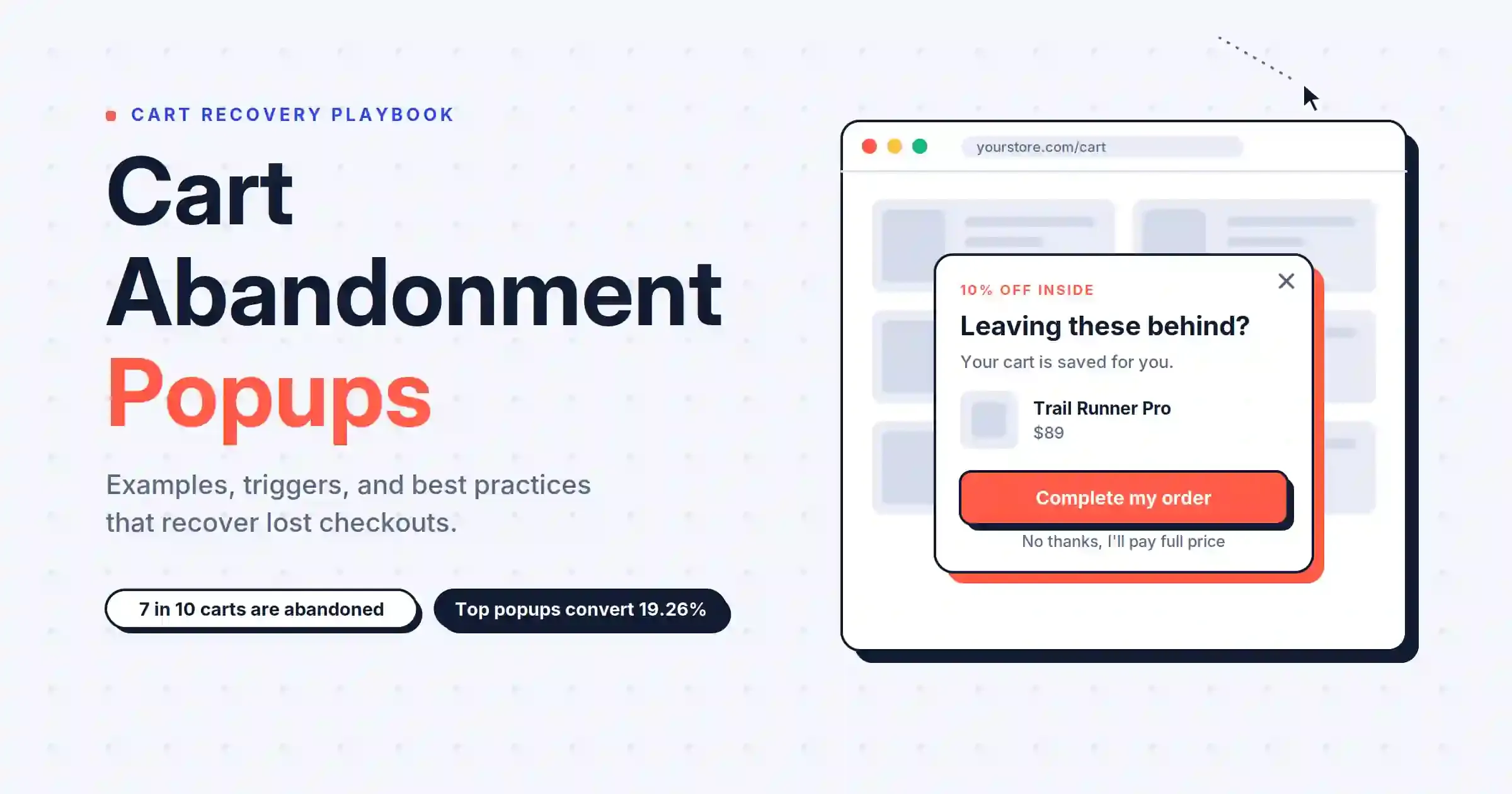
Cart abandonment popup is an effective strategy to increase your sales.
It stops leaks and turns visitors into customers.
This guide has it all. You’ll find a complete playbook. It has real examples. You’ll get tips for making one. It covers different trigger types and proven copy formulas
What Is a Cart Abandonment Popup?
A cart abandonment popup appears when a shopper is about to leave your store with items still in their cart. This popup reminds them to complete their purchase.
Most cart abandonment popups appear when someone is about to leave. Exit-intent technology notices when the cursor goes to the close button. It shows a message before the shopper leaves.
Some popups use other signals, like a timer, scrolling, or actions such as inactivity.
New to this? Here's a quick guide to what a popup is.
Do Cart Abandonment Popups Work?
Yes, cart abandonment popups are effective when implemented correctly.
Key elements for a successful cart abandonment popup include the following:
- Use social proof to convince buyers.
- Use FOMO (fear of missing out).
- Let people know the product benefit.
- Include a proper CTA.
Why Shoppers Abandon Carts (And the Popup That Fixes Each One)
Make sure your popup addresses the reason someone is leaving your site. Many stores get this wrong and offer a 10% coupon for everything.
Why shoppers abandon carts
If customers don’t trust you, offering a discount won’t solve the problem. A guarantee can help build that trust. Before deciding on your offer, take a look at your exit surveys.
7 Cart Abandonment Popup Examples
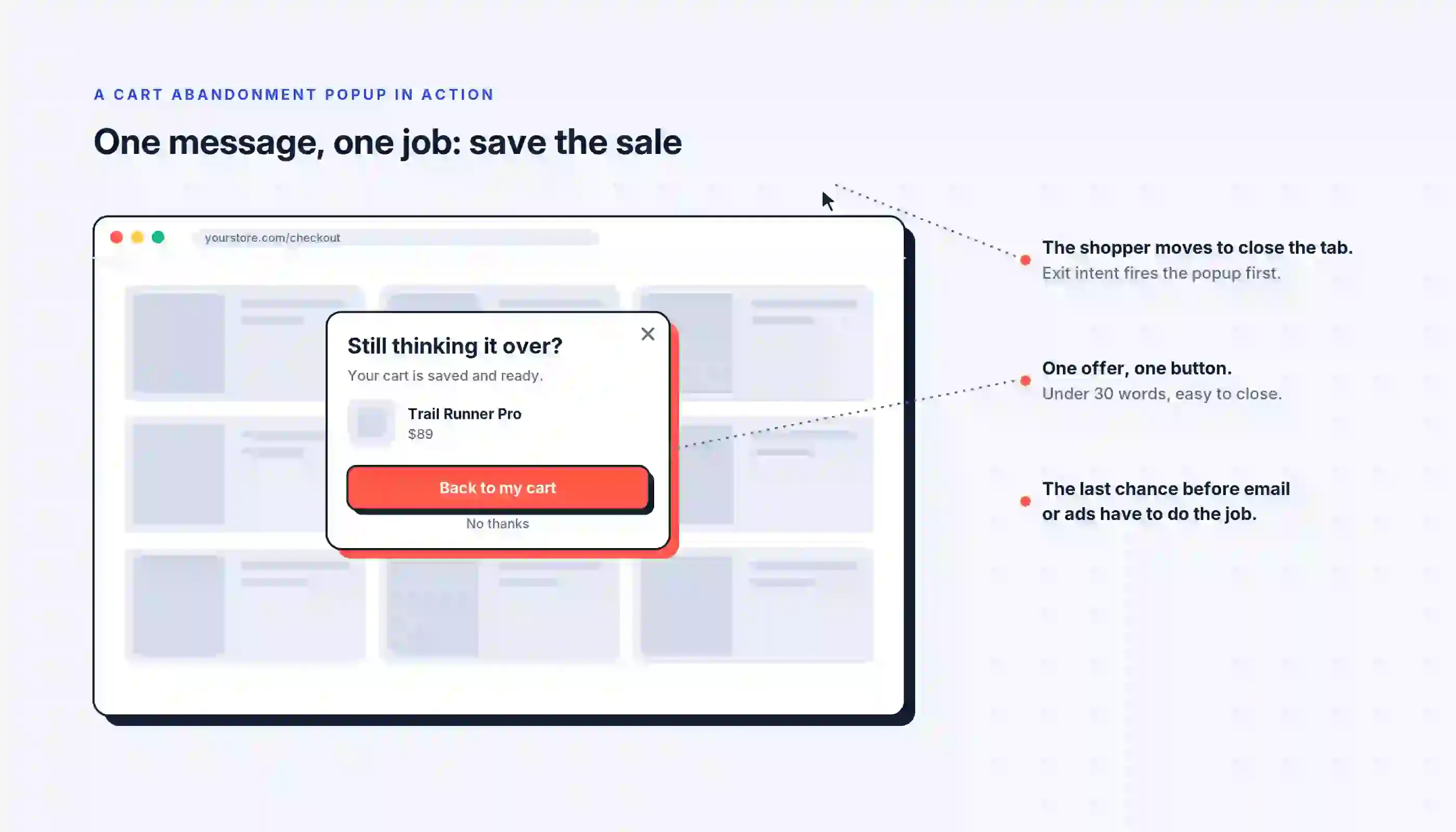
Here are seven popup examples that work:
1. The no-discount reminder
Luxury stores use this approach on their cart abandonment popups. There is no coupon, just the cart's item displayed again.
This is a classic luxury strategy. Offering discounts teaches shoppers to wait for deals. But showing a product photo reminds them why they want it. This approach keeps the price steady.
2. The one-click discount code
This exit popup offers a discount code with one smart twist. With one tap, the code is added to the cart. The offer expires after 24 hours.
Read more
Read more about the discount popup examples & best practices.
The one-click discount makes it easy for shoppers. Filling out coupon fields can slow people down right before they buy. The 24-hour expiration encourages quick action.
Optinify Pro Tip
Use free shipping instead of a discount.
3. Scarcity without a coupon
You will often see this tactic in supplement stores. A popup tells shoppers that their cart items are in high demand. It will hold those items for 24 hours. However, the tactic does not provide a discount.
This approach works well for products where trust is important. People shopping for supplements usually do their homework first. Instead of a pushy coupon, a gentle reminder shows respect for their choices.
Optinify Pro Tip
Add a short review quote to provide social proof.
4. Brand voice plus a countdown
Imagine a cheerful popup on a pet store site. There is a countdown timer next to a 10% discount code, and the popup lists the items in your cart.
Mentioning specific products is key. For example, seeing 'dog collar' and 'carry bag' feels more personal than 'your cart. ' A light tone creates a playful nudge rather than pressure.
Optinify Pro Tip
Show the same popup with no discount. The countdown may drive conversions on its own.
5. The bundle upgrade
This exit popup does more than discount the cart. It gives shoppers a bundle that includes their cart item for a lower total price, and there is a timer on the deal.
It helps keep the sale and also increases the order value, while most popups only manage one of those.
Optinify Pro Tip
Show fewer products in the bundle image. Keeping it simple usually leads to quicker sales.
6. The discount already applied
This popup displays your cart with 10% already applied. You can see the savings in the total.
It is better to show a discount than promise one. Popup leads to more redemptions than sending it by email. Showing the savings in the cart helps even more.
Optinify Pro Tip
Add a deadline to the discount. Even clear savings need a reason for shoppers to buy now.
7. The add-to-cart popup
This popup appears when a shopper adds something to their cart, instead of when they are about to leave. It recommends the store’s most popular product and includes a customer review.
This shows how important timing is for popups. Cart-action popups have a higher conversion rate than exit-intent popups.
Read more
Read more about exit intent popups.
Which Popup Trigger Should You Use?
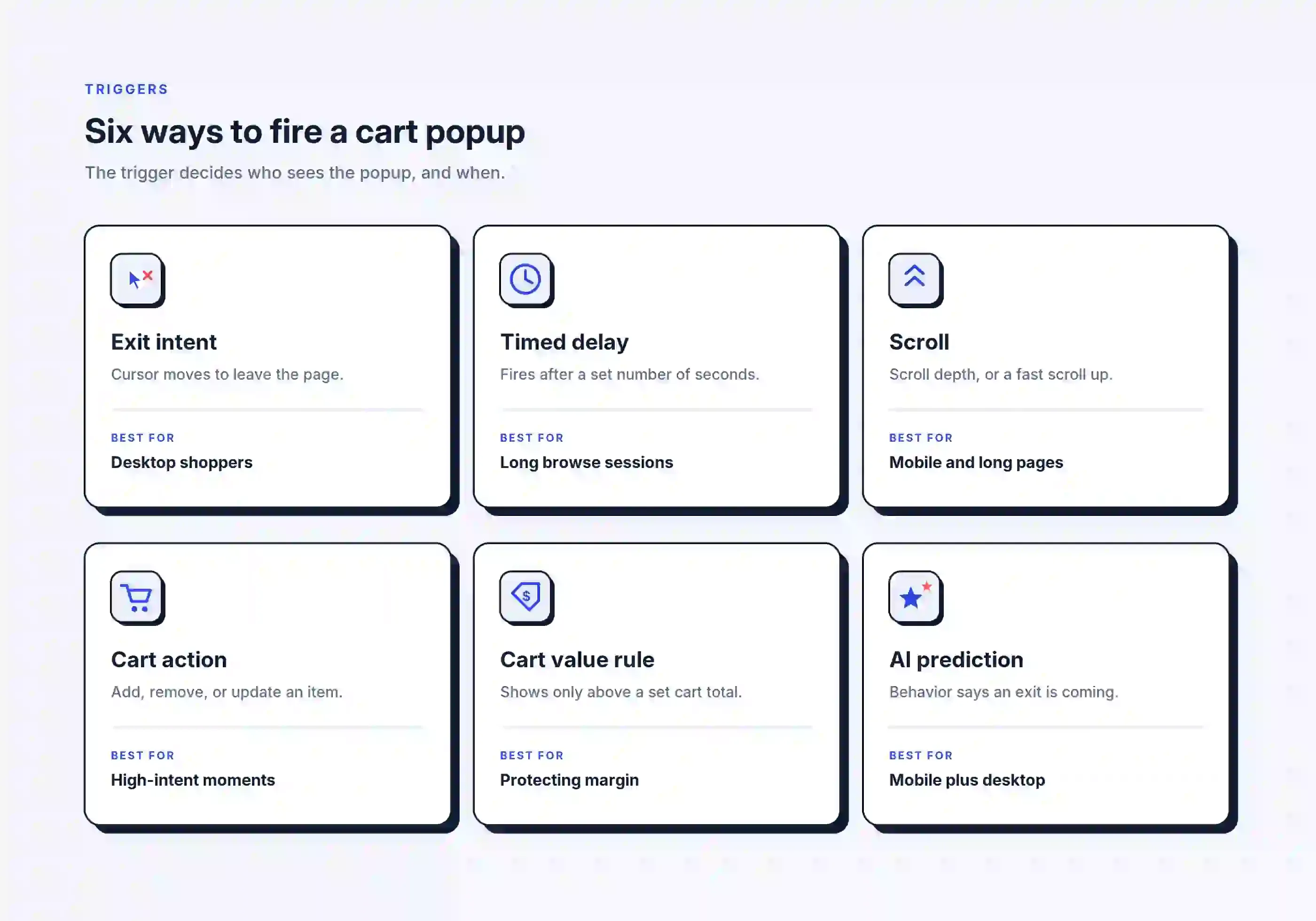
The trigger controls who will see your popup and when they see it. If you choose the wrong trigger type, you might annoy visitors or lose potential customers. These are the main types of popups grouped by how they trigger. Here are your six options:
When a popup fires
Optinify Pro Tip
Use exit intent for desktop users. For mobile, try cart actions or AI triggers. After setting those triggers, add a cart value rule to both desktop and mobile campaigns.
Should You Offer a Discount in Your Popup?
Do discounts actually work? Sometimes they do.
Offer discounts to new customers, for high-value orders, or to close a sale.
It is usually best to avoid discounts for repeat customers or products with low profit margins.
You don’t always need to lower your prices. Free shipping often addresses the main reason people abandon their carts.
Optinify Pro Tip
Browse these sales promotion examples for offer ideas beyond a flat discount.
What a High-Converting Cart Popup Includes
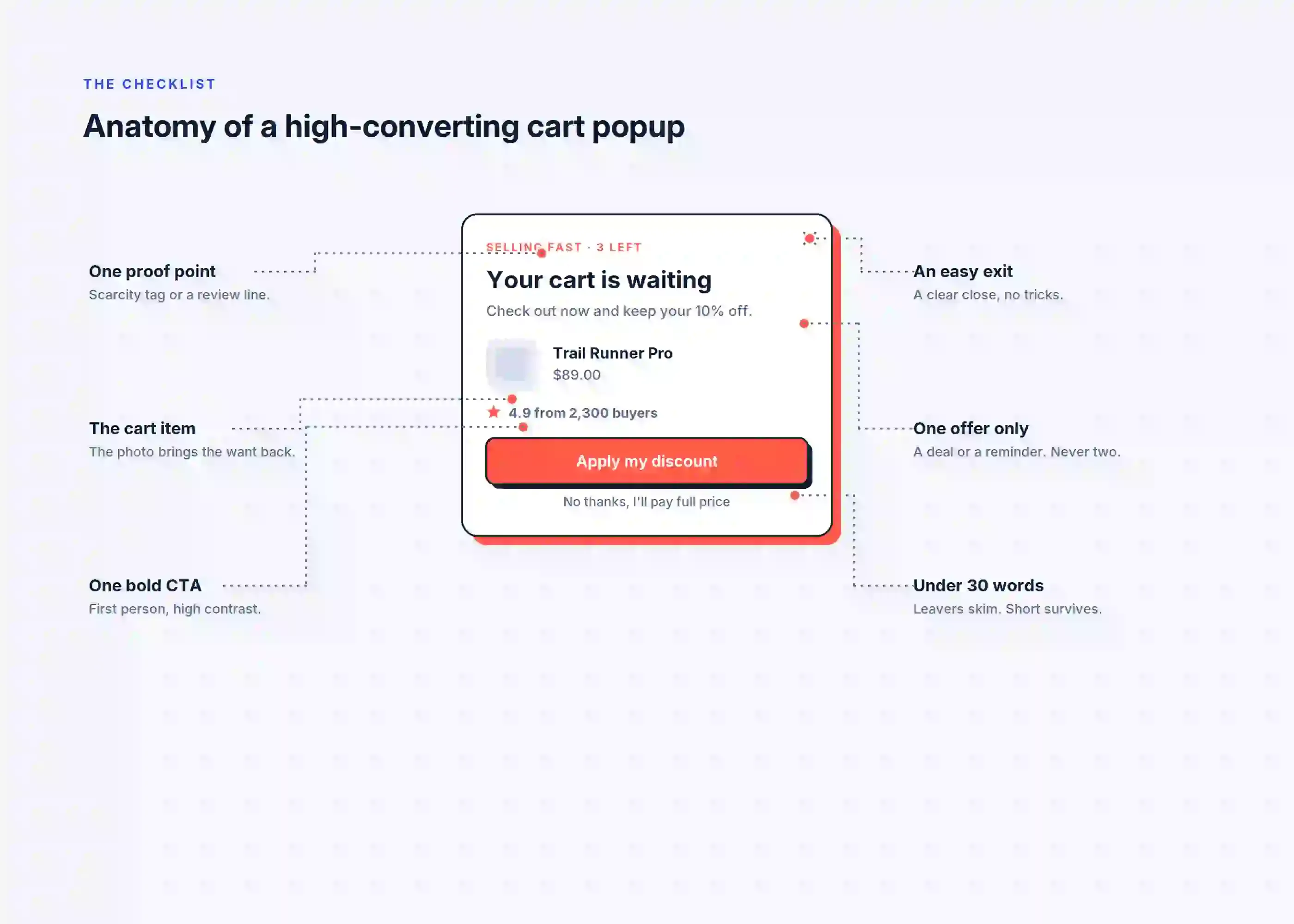
Keep your pop-up to six parts. Anything extra only distracts.
- Show only one offer.
- Include the cart item and show its photo. This helps remind shoppers why they wanted it.
- Make it easy to exit with a clear close button. Shoppers who feel trapped are less likely to buy.
- Keep your message under 30 words.
The words you use matter more than the design.
Try these headline formulas:
- "10% off if you check out now"
- "Your [product name] is still in your cart"
- "Free shipping on this order"
- "Only [3] left at this price"
- "Save $[12] before this expires"
And these CTA formulas:
- "Complete my order"
- "Apply my discount"
- "Back to my cart"
- "Claim free shipping"
- "Finish checkout"
Avoid using “Submit” or “Click here.” First-person buttons such as “Apply my discount” make the action feel like a win for the shopper.
Which app to use?
When choosing an app, look for these features:
- Exit intent
- Mobile-safe trigger options
- One-click coupon apply
- Built-in A/B testing
- Revenue tracking, not just click counts
Cart Abandonment popup for Shopify stores
Best Shopify popup apps let merchants create cart abandonment popups.
Optinify is a Shopify popup app. It has all the above-mentioned features.
It creates popups not only to engage the store visitors but also to speed up the revenue. You can create a cart abandonment popup using Optinify.
#1 Choice for High-Growth Shopify Stores
Convert more visitors into customers with beautiful Shopify popups, smart targeting, and powerful lead generation. Optinify makes growing your store easier and smarter.
Free 14-day trial • Setup in 60 seconds • Human Support
How to Create a Cart Abandonment Popup Using Optinify
To create a cart abandonment popup with Optinify, follow these steps.
- Choose your preferred template.
- Customize your popup to match your brand.
- Build your offer.
- Set your trigger rules.
- Publish and test.
Cart Abandonment Popups on Mobile
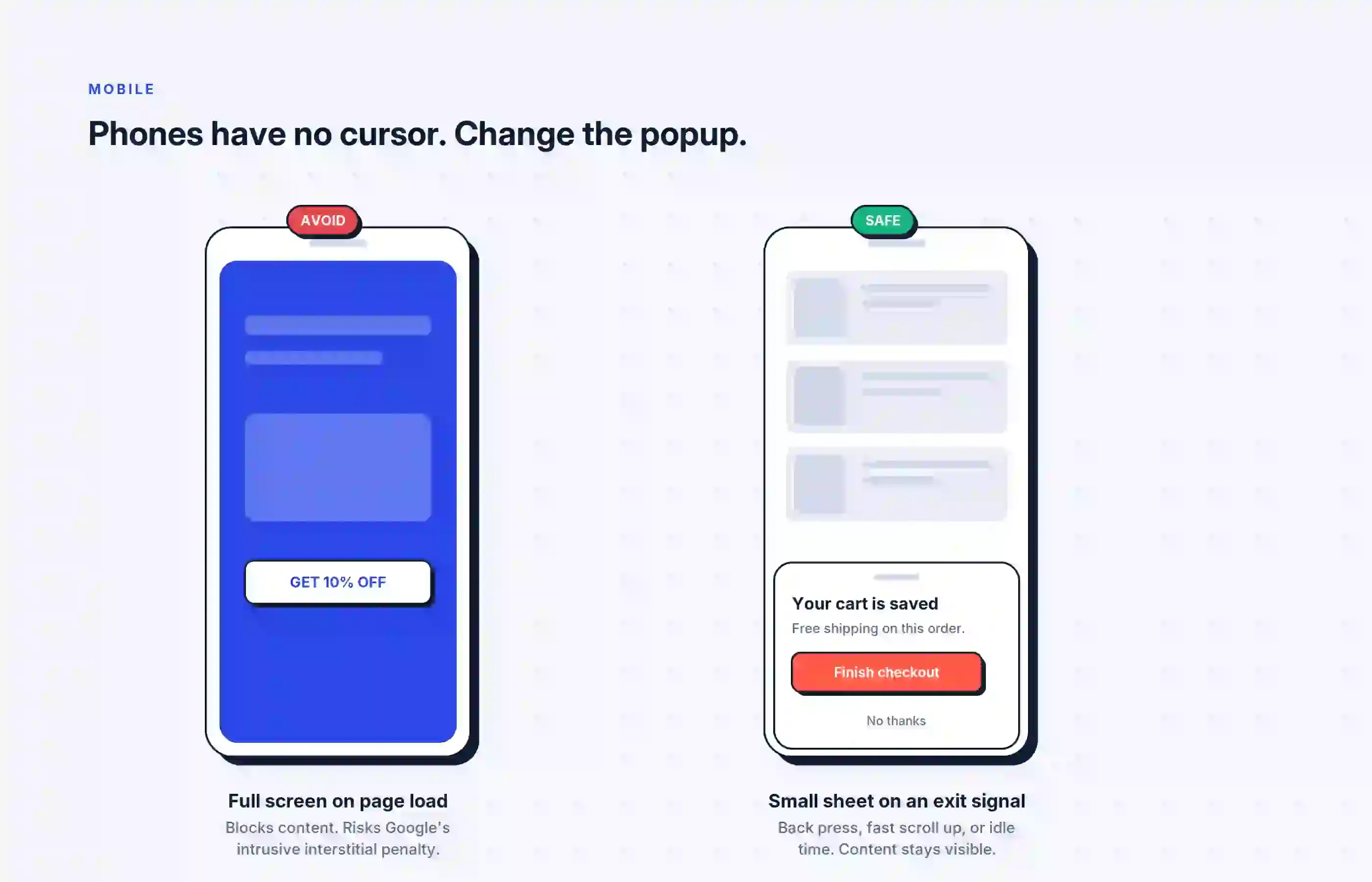
Traditional exit intent popups rely on a mouse movement, but phones don’t have one. Many stores still use desktop popups on mobile, and it surprises them when the popups fail.
Mobile devices need their own signals to trigger popups:
- A press of the back button
- A fast scroll to the top
- A switch to another tab
- Idle time on the cart page
Popup size is important too. A full-screen popup on mobile can violate Google’s rules about intrusive interstitials. This is a real risk for any page that gets search traffic.
Keep mobile popups small. You can use the lightbox popup for mobile. This can help save the sale without blocking the whole screen.
Optinify Pro Tip
Check the Lightbox popup templates of Optinify.
Best practices for cart recovery popups
- Offer discounts as specific numbers
- Show the promo code right in the popup
- Keep your messages short and clear
- Align timing with intent
- Limit how often the popup appears
- Avoid showing the popup immediately
- Use a large, easy-to-find close button
How to Measure Popup Performance
Recovery rate = orders from the popup ÷ popup views × 100
Next, keep an eye on these metrics:
- View rate: This shows the percentage of visitors who are about to leave actually see the popup.
- Click-through rate: This measures the percentage of viewers who click your call-to-action button.
- Attributed revenue: Focus on the real revenue generated, not the clicks.
- List growth: If your popup collects emails, be sure to track how many new contacts you gain.
Frequently Asked Questions
Thoughts on cart abandonment popup
A cart abandonment popup is an effective method for recovering lost sales at a low cost. It shows up before the shopper leaves. It also reaches those who haven't shared their email address.
Begin with a simple reminder popup. Set it up this week and track its results for two weeks. After that, test one offer to see how it compares.
Successful stores focus on testing offers, not tweaking the design. Now you have a clear starting point for your optimization strategy.
What to read next
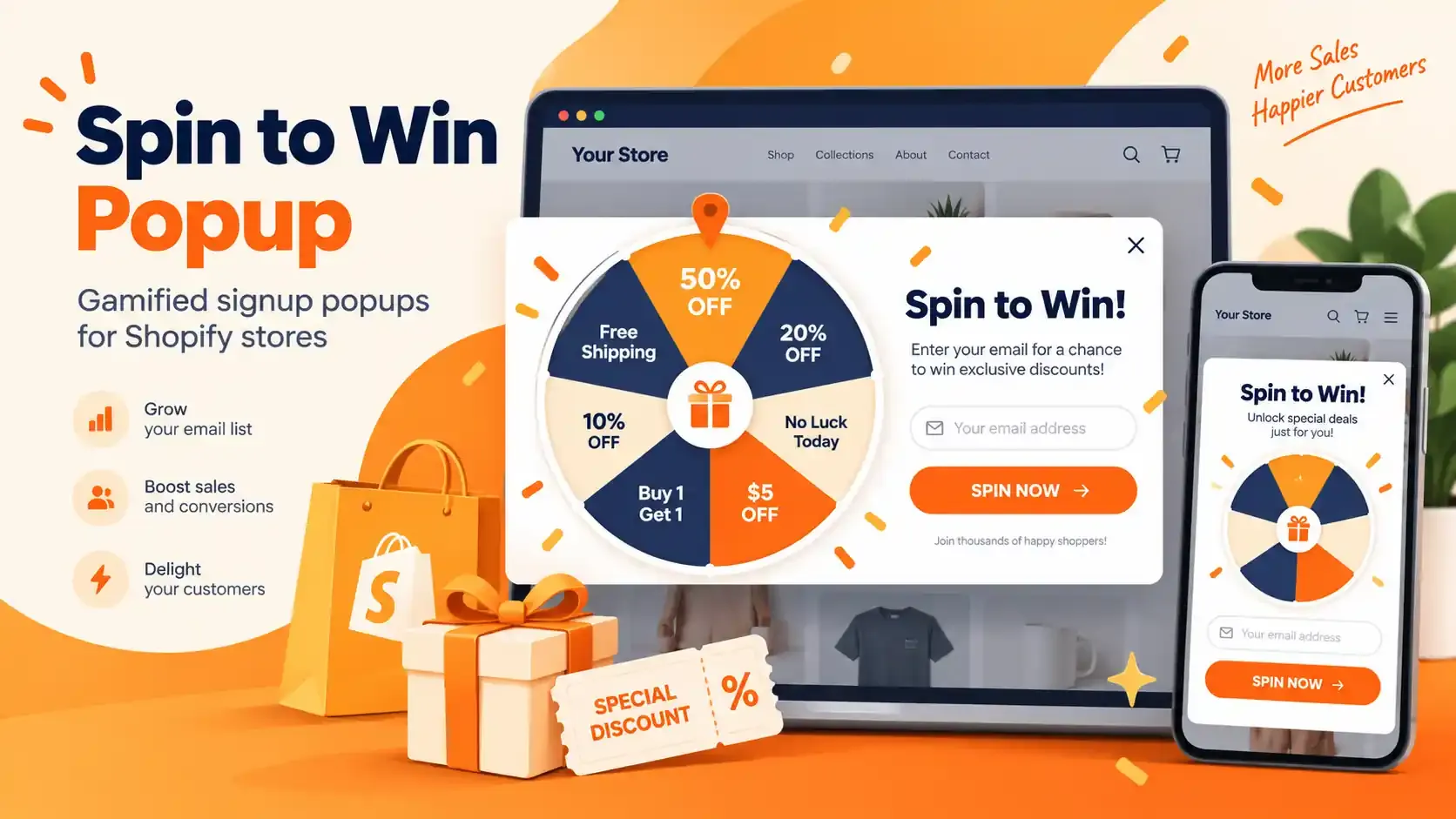
Spin to Win Popup: How Shopify Stores Can Grow Email Signups and Sales
Learn how spin to win popup actually work! Discover the best prizes and perfect timing strategies to boost conversions and grow Shopify sales.
Read Article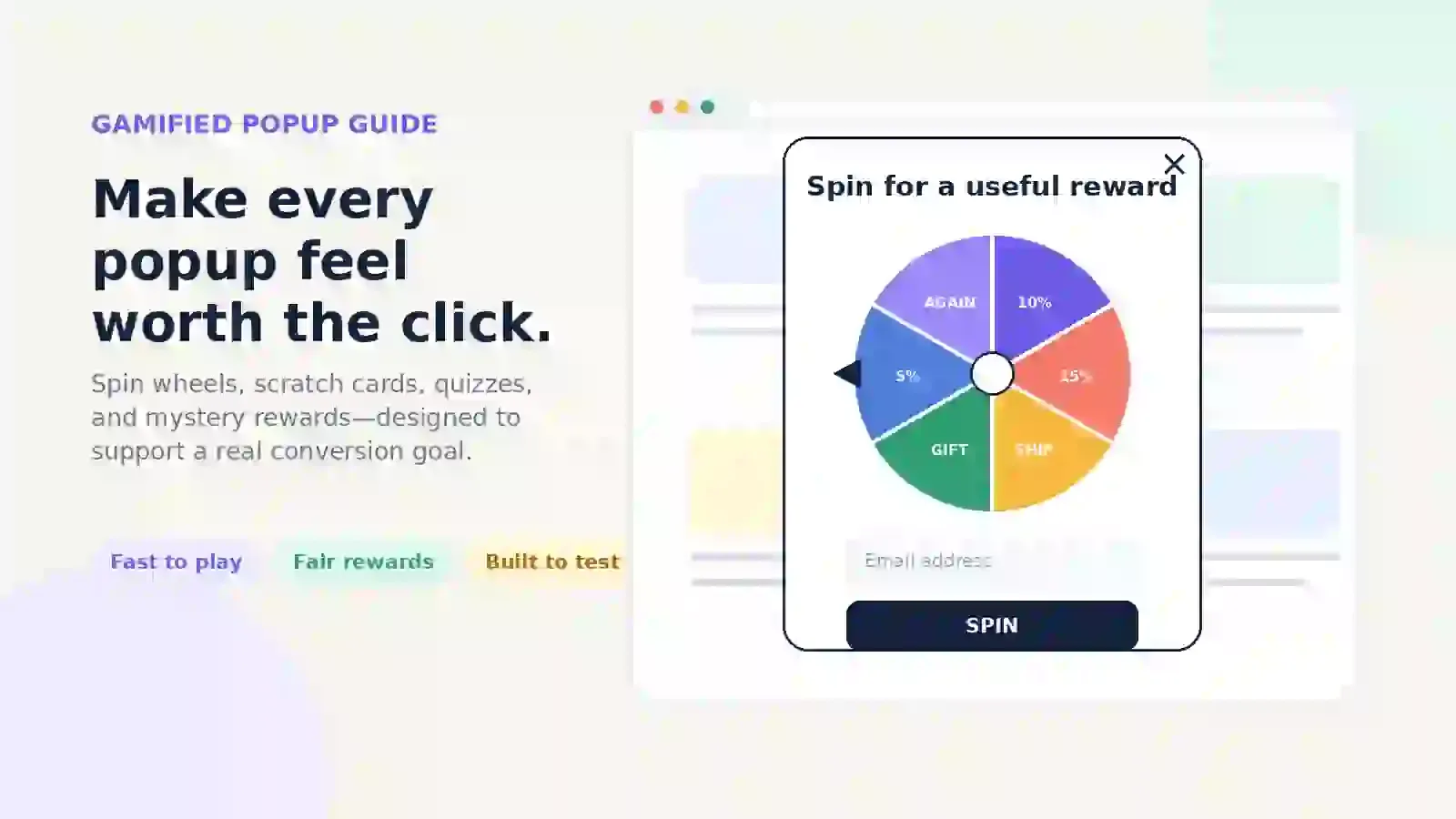
Gamified Popup Guide: Types, Examples & Best Practices
Learn how gamified popup help Shopify stores grow leads and sales. Compare game types, prize ideas, targeting tips, and best practices.
Read Article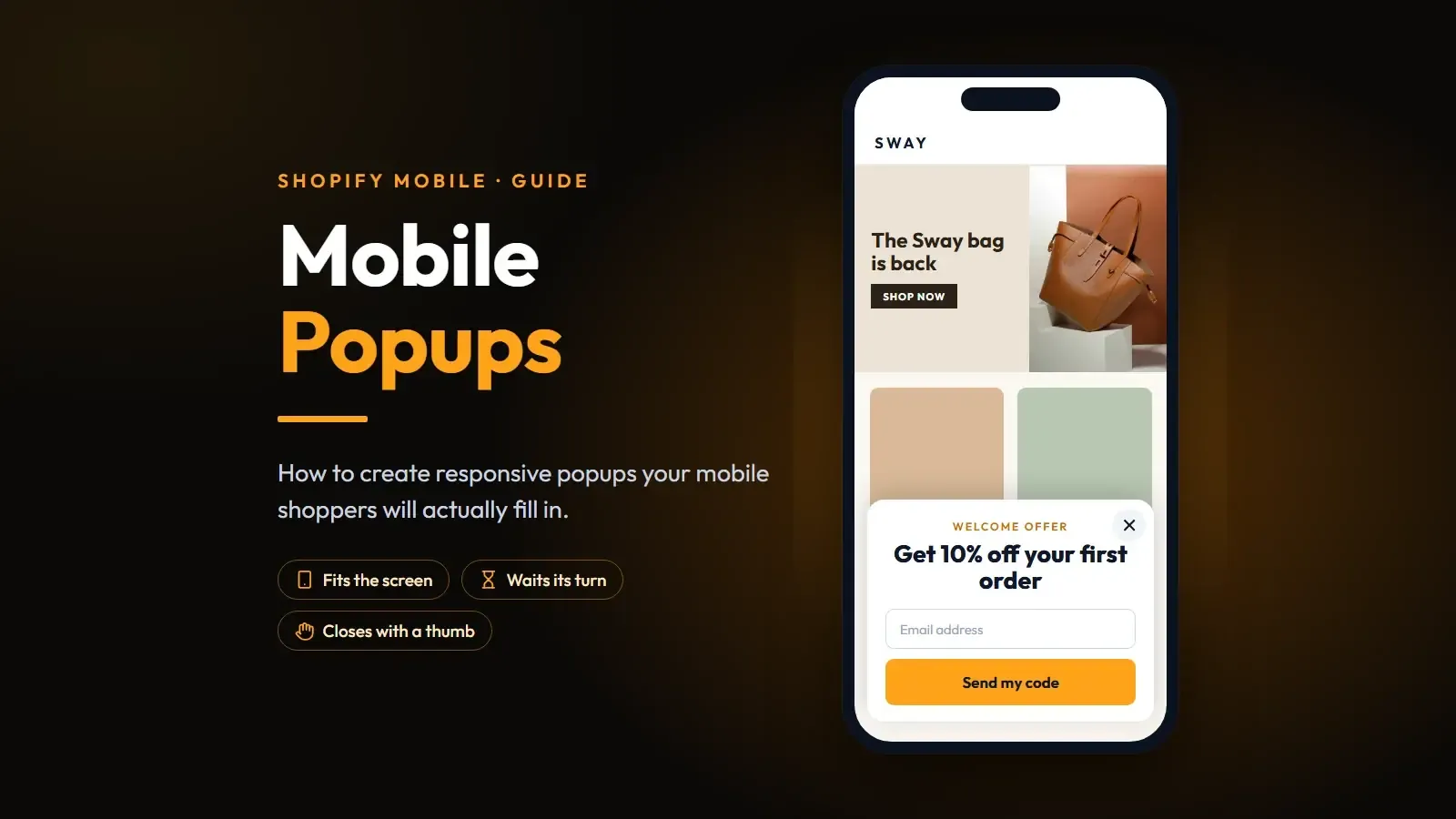
Mobile Popups: How to Create Responsive Popups for Mobile Shoppers
About 60% of your visitors land on your site from a phone. Here's how to create a mobile popup following the best practices.
Read Article