
Gamified Popup Guide: Types, Examples & Best Practices
Learn how gamified popup help Shopify stores grow leads and sales. Compare game types, prize ideas, targeting tips, and best practices.
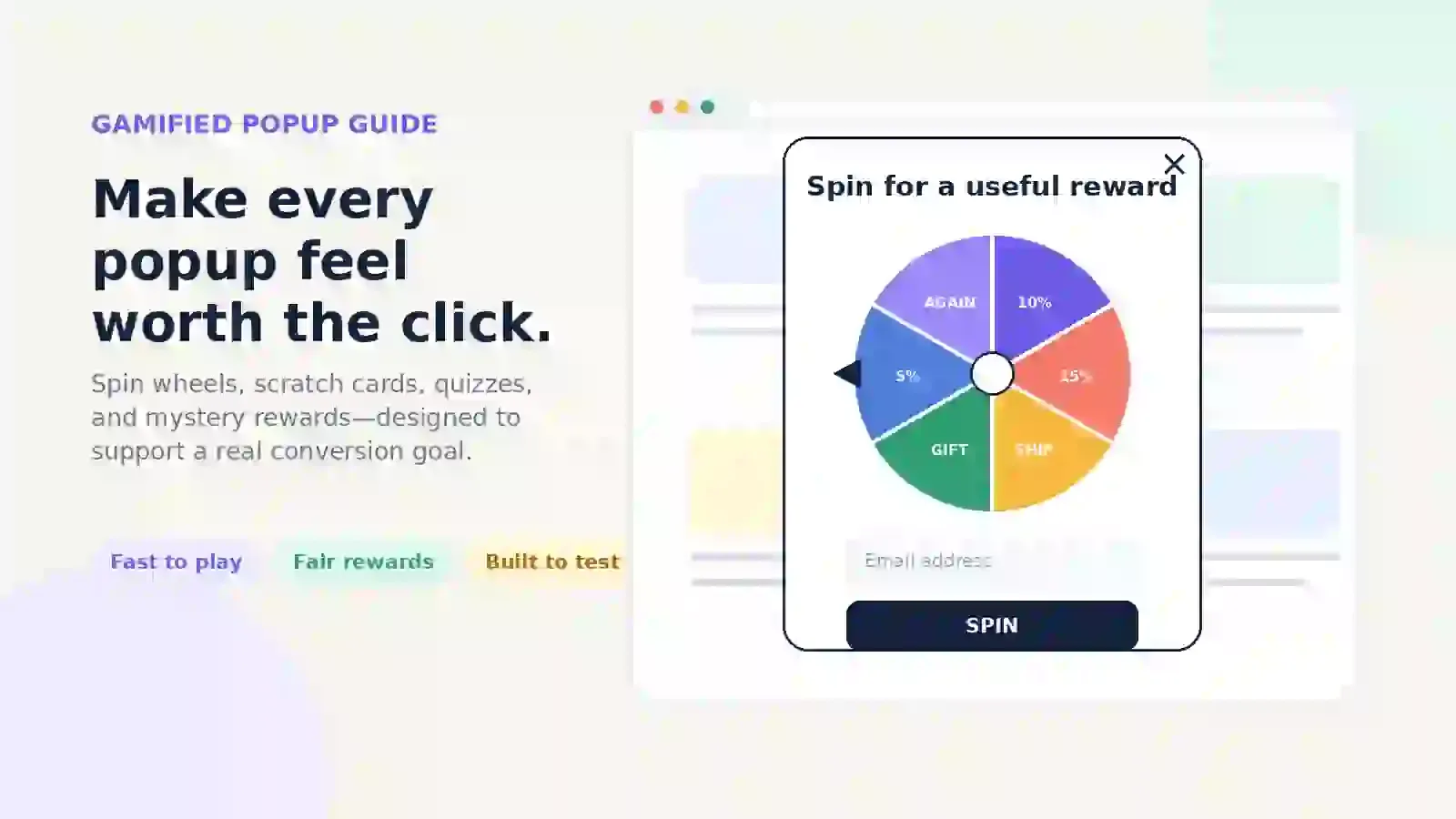
Want to add a gamified popup to your store?
That is a great idea. Gamified popups can help you improve your lead generation and grow faster.
Key Takeaways
What Is a Gamified Popup?
A gamified popup is a website popup that includes a simple game. It asks the shopper to play before they get an offer.
If you are new to this, check what a popup is and how popup triggers work.
The interaction should take only a few seconds. Its purpose is to help the shopper move forward, not distract them.
How Does a Gamified Popup Work?
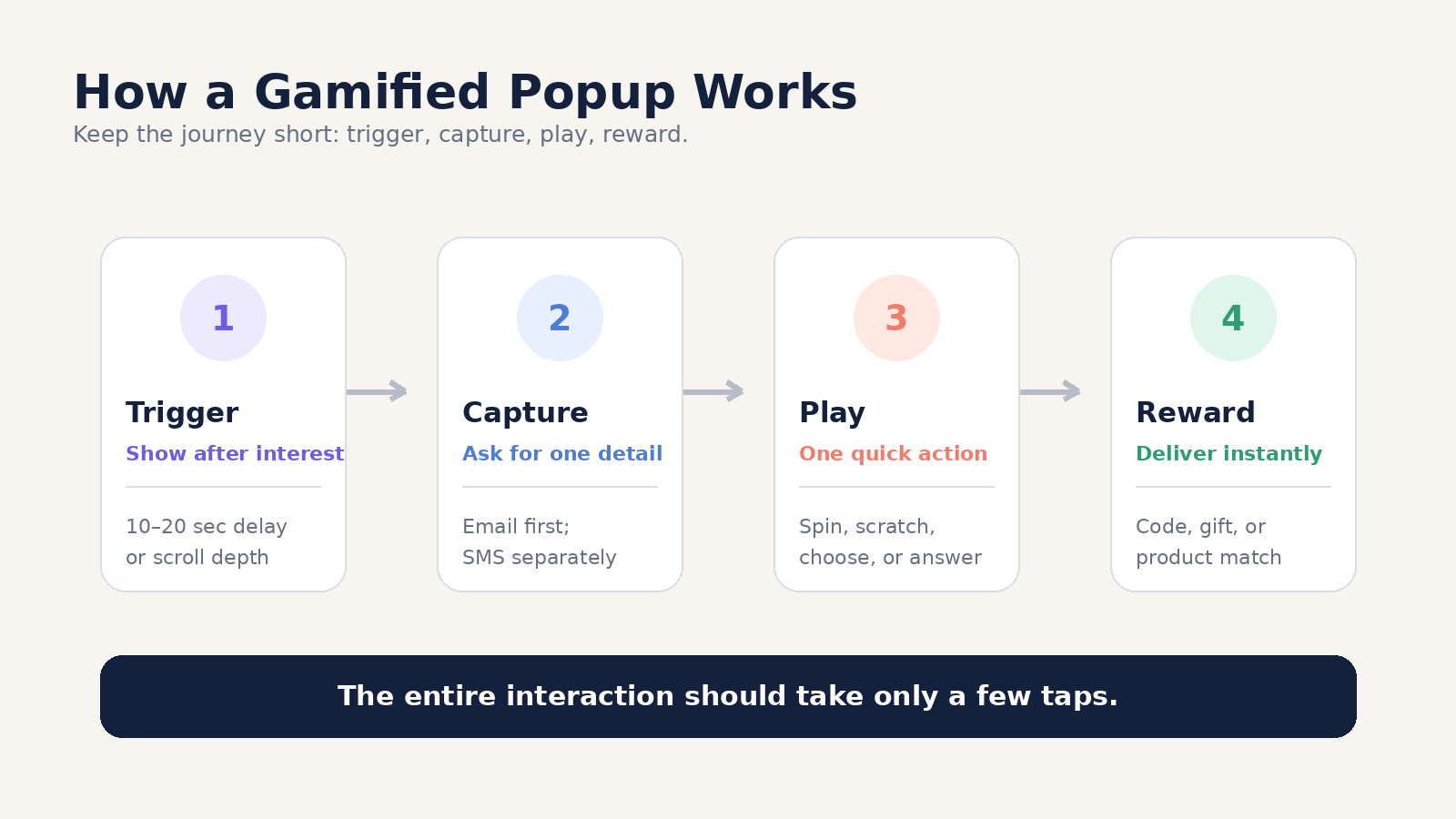
Most gamified popups use four steps:
- The popup appears after a set action.
- The shopper enters an email or phone number.
- The shopper plays a short game.
- The popup shows a code, gift, or product tip.
The process should be quick and only take a few taps. If the game is too long, it can feel like extra work and might reduce sales.
Gamified Popup vs. Regular Popup
Sometimes, a game is not the right option. For a luxury brand or a store selling expensive items, a simple and clean form might work better.
Merchants should look at the main types of popups before choosing one. Each option, like a lightbox, floating bar, mini-quiz, or wheel, can help achieve a different goal.
Are Gamified Popups Effective?
Gamified popups can improve engagement and lead collection when the game, offer, audience, and timing work together.
A game encourages shoppers to take a simple action, which can keep their attention for a little longer.
Games can also make rewards feel earned. When shoppers choose a gift, they may appreciate it more than if they just saw a deal right away.
Best Types of Gamified Popups
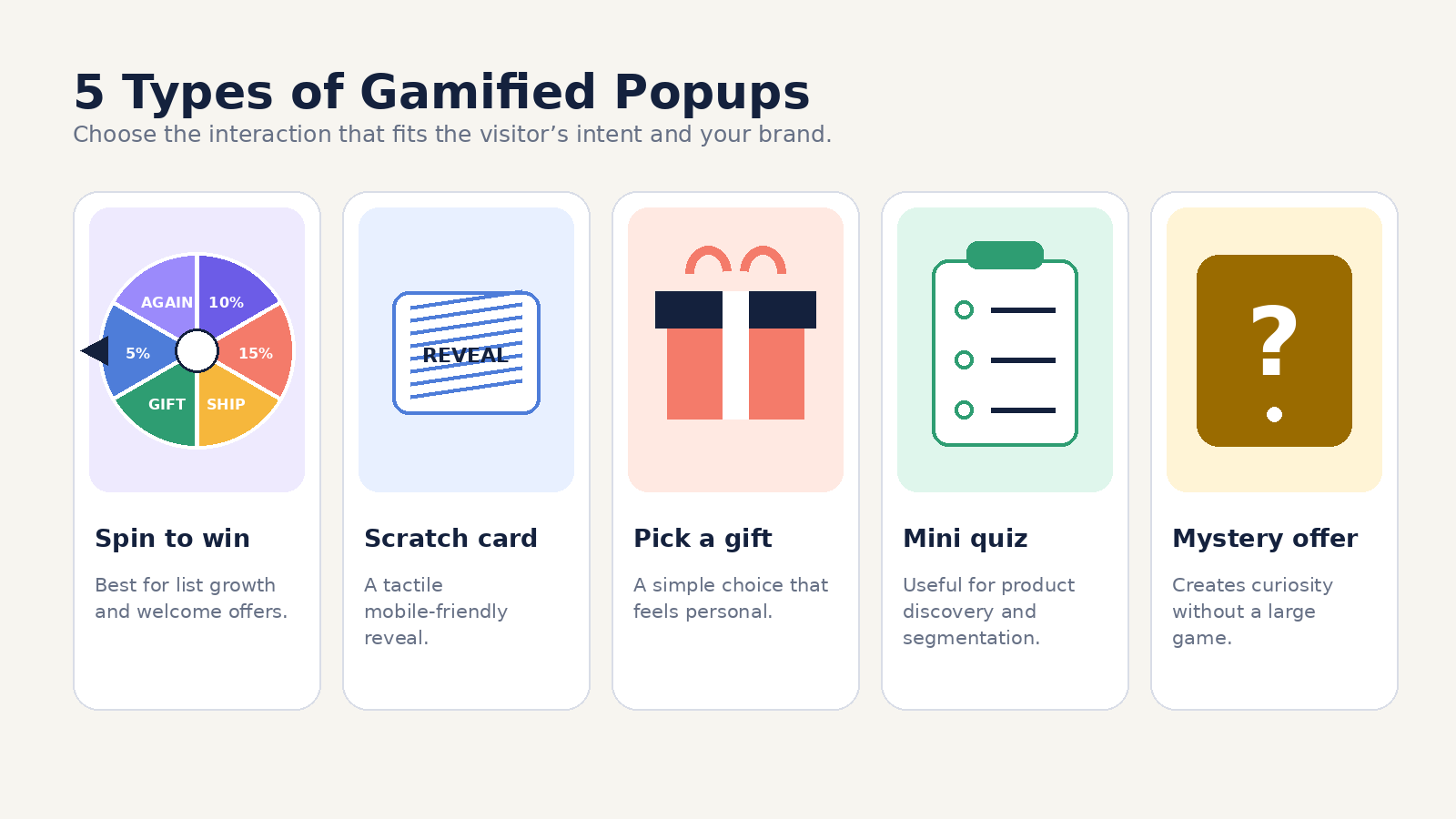
Spin-to-Win Popup
A spin-to-win popup displays a wheel with different prizes. Shoppers enter their email or phone number, then spin the wheel to see what they win.
Best for:
- Fashion, beauty, pet, food, and home stores.
- Make sure the prize names are clear. Avoid using fake options that all give the same reward.
Scratch Card Popup
A scratch card hides the offer until the shopper swipes or drags over it. This works well on mobile devices.
Best for:
- Product launches and short sales.
- Design the scratch area so it’s big enough for a thumb. Also, make sure the close button is easy to tap.
Pick-a-Gift Popup
A pick-a-gift popup shows two or more boxes. Shoppers pick one to reveal their prize.
Best for:
- Brands that want a clean and simple game.
- Make sure the gifts are real. Options like free shipping, a sample, a small discount, or early access all work well.
Mini Quiz Popup
A mini-quiz popup asks two to four short questions. It then gives a product match, tip, or offer.
Best for:
- Beauty, food, gifts, fashion, and tech stores.
- For example, a skincare store can tag shoppers based on their skin type and main concern.
Mystery Offer Popup
A mystery offer hides the prize behind a card, box, or button. Shoppers tap to reveal what they get.
Best for:
- Exit offers and short sales.
- Make sure the offer is clearly valuable.
The Shopify Gamified Popup Guide
A welcome popup can use a game when the store wants to greet new visitors.
An exit intent popup appears when a shopper shows signs of leaving.
A free shipping popup can work well when delivery cost blocks the sale.
A cart abandonment popup should only target shoppers who have items in the cart.
Merchants can also review other sales promotion examples before choosing a reward.
These discount popup examples can also help stores plan their copy and offer.
Do not show the same game on every page. Do not show it at once to every new visitor.
How to Create a Gamified Popup on Shopify
Here’s how you can set up a gamified popup:
- Pick a template that fits your needs
- Customize the design to reflect your brand
- Choose the game type and prize structure
- Set up smart targeting rules
- Connect your preferred marketing tool
- Publish your popup.
Step 1: Choose a Template
Pick a template you like from the popup template gallery.
Step 2: Customize the Design to Reflect Your Brand
Adjust the colors, typography, images, and logo so the popup feels consistent with your Shopify store. The design should look like part of your website rather than a separate advertisement.
Step 3: Choose the Game Type and Prize Structure
Select the type of game visitors will play. Then add your rewards, discount codes, and winning probabilities.
Review Shopify’s guidance on creating and managing discounts before configuring your reward.
Step 4: Set Smart Targeting Rules
Choose where, when, and to whom the popup will appear. You can target visitors based on factors such as page, device, location, traffic source, visitor type, cart value, browsing behavior or Shopify markets.
Step 5: Connect Your Preferred Marketing Tool
Connect the email or SMS platform used by your team. New leads and consent data should be transferred automatically to the correct audience or workflow.
Step 6: Publish your popup
Publish the popup and test it on both desktop and mobile devices.
Check the design, form fields, game behavior, discount code, targeting rules, close button, and confirmation message before sending traffic to the campaign.
Gamified Popup Best Practices
- Make sure the popup fits the style and content of the page.
- Display the popup only after the shopper has shown some interest.
- Include a single, easy-to-find close button.
- Write brief and simple text for the popup.
- Make sure the game is quick to play.
- Offer real, valuable prizes.
- Set fair chances for winning.
- Clearly explain all the rules for the offer.
- Require a minimum purchase only if necessary.
- Turn off the popup once a sale is made.
- Deliver the reward to the customer right away.
- Monitor both sales and profits from the popup.
- Test the popup on both mobile devices and desktop computers.
- Compare your gamified popup to a standard popup as a control.
Optinify Pro Tip
Avoid covering the main page content with an intrusive full-screen experience, particularly as soon as a visitor arrives from search.
How to Test a Gamified Popup
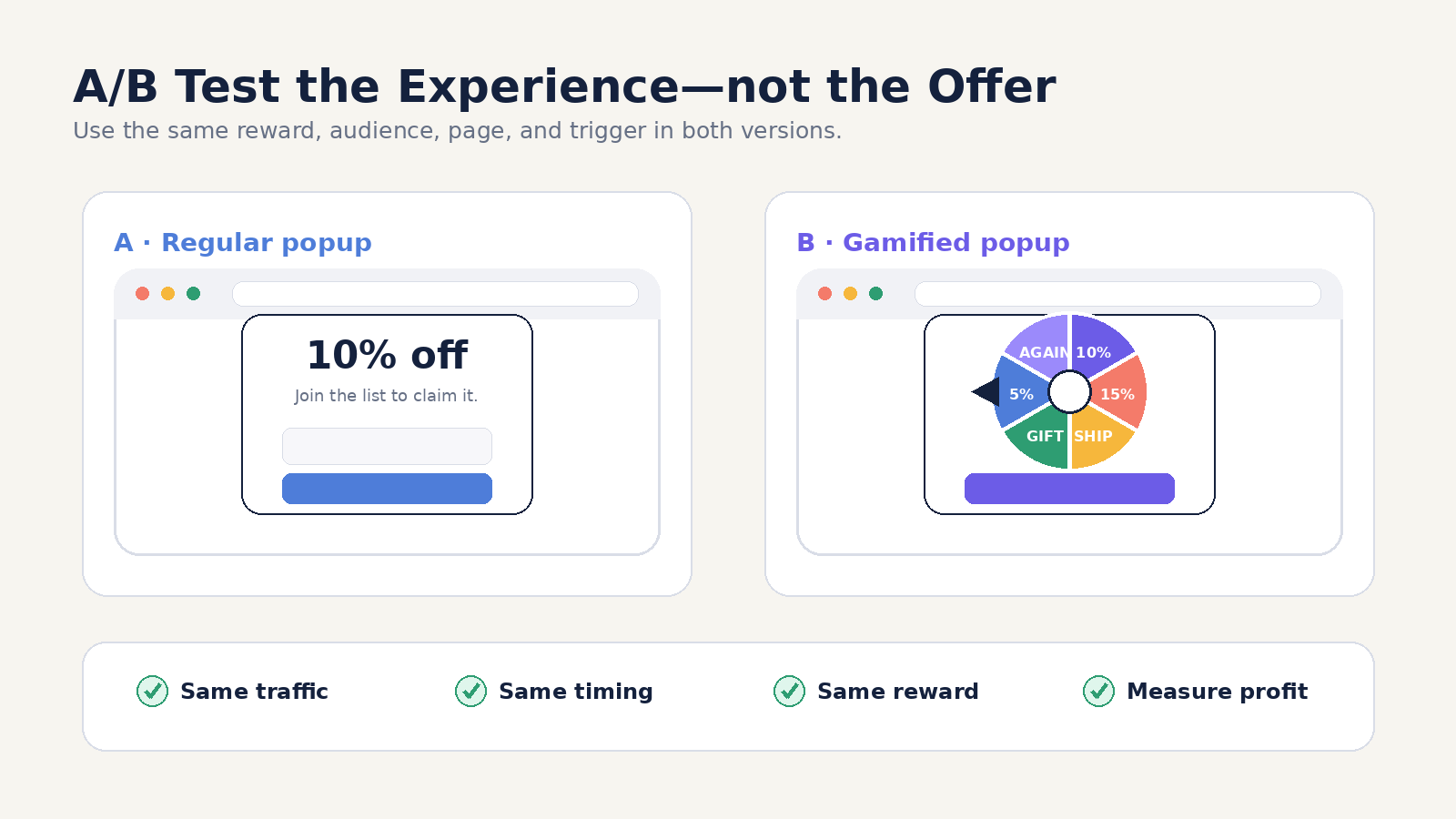
Days 1 to 3
Set up both the control popup and the gamified popup. Make sure you use the same offer, page, and group of visitors for both.
Run an A/B test with the two popups. Check each discount code in Shopify to track results.
Days 4 to 10
Do not make any changes to the test while it is running.
Keep an eye out for errors, but wait before choosing a winner. If your site has low traffic, you may need to run the test longer.
Days 11 to 14
Compare the results for opt-ins, code usage, sales, revenue, and profit. Also look for fake emails, quick unsubscribes, and low-value orders.
Only keep the winning popup if it supports your main goal. If neither version works, try testing a new offer before creating a new design.
Common Gamified Popup Mistakes
- Showing the popup too soon
- Offering a discount that is too large
- Displaying fake or misleading prizes
- Asking visitors for too much information
- Measuring signups without tracking sales
- Showing the same popup to every visitor
- Making the game too long or complicated
- Hiding or shrinking the close button
- Continuing to show the popup after conversion
- Failing to test the campaign on mobile devices
Gamified Popup Ideas by Store Type
Any store looking to engage its visitors can use a gamified popup.
- Fashion Stores
- Beauty Stores
- Food and Beverage Stores
- Home Goods Stores
- Technology Stores
- Pet Stores
- Coaches and Course Creators
Frequently Asked Questions
Creating a Gamified Popup With Optinify
Optinify is a Shopify popup app that supports targeted popup campaigns, including games and quizzes.
Merchants can use targeting rules to show different campaigns to specific groups of visitors. This makes it possible to match each gamified popup to a more specific audience instead of showing the same offer to every visitor.
Optinify works alongside other Shopify marketing tools supports your overall Shopify marketing strategy. It supports reporting, integrations, and A/B testing. Merchants can use these tools to compare a gamified popup with a standard popup and review how each version affects leads, sales, revenue, and other campaign results.
Thoughts on Gamified Popup
A gamified popup should support a clear business goal rather than exist only as entertainment.
Start with one audience, one game format, and one valuable reward. Make the interaction quick, explain the conditions clearly, and stop showing the campaign after the visitor converts.
Most importantly, measure sales, revenue, lead quality, and profit. Continue using the campaign only when it creates a better experience for shoppers and delivers meaningful results for your store.
Ready to test a gamified popup on your Shopify store?
Create a targeted campaign with Optinify and compare it with a standard popup to see which version generates better results.
Free 14-day trial • Setup in 60 seconds • Human support
What to read next
Ecommerce Popups: 14 Types, Examples & Best Practices
Learn how ecommerce popups work and discover 14 high-converting types. Grow sales without hurting user experience.
Read Article
21 Website Popup Examples for Shopify Stores and Why They Work
Explore 21 website popup examples for Shopify stores. See popup ideas for email capture, cart recovery, discounts, free shipping, SMS, and more.
Read Article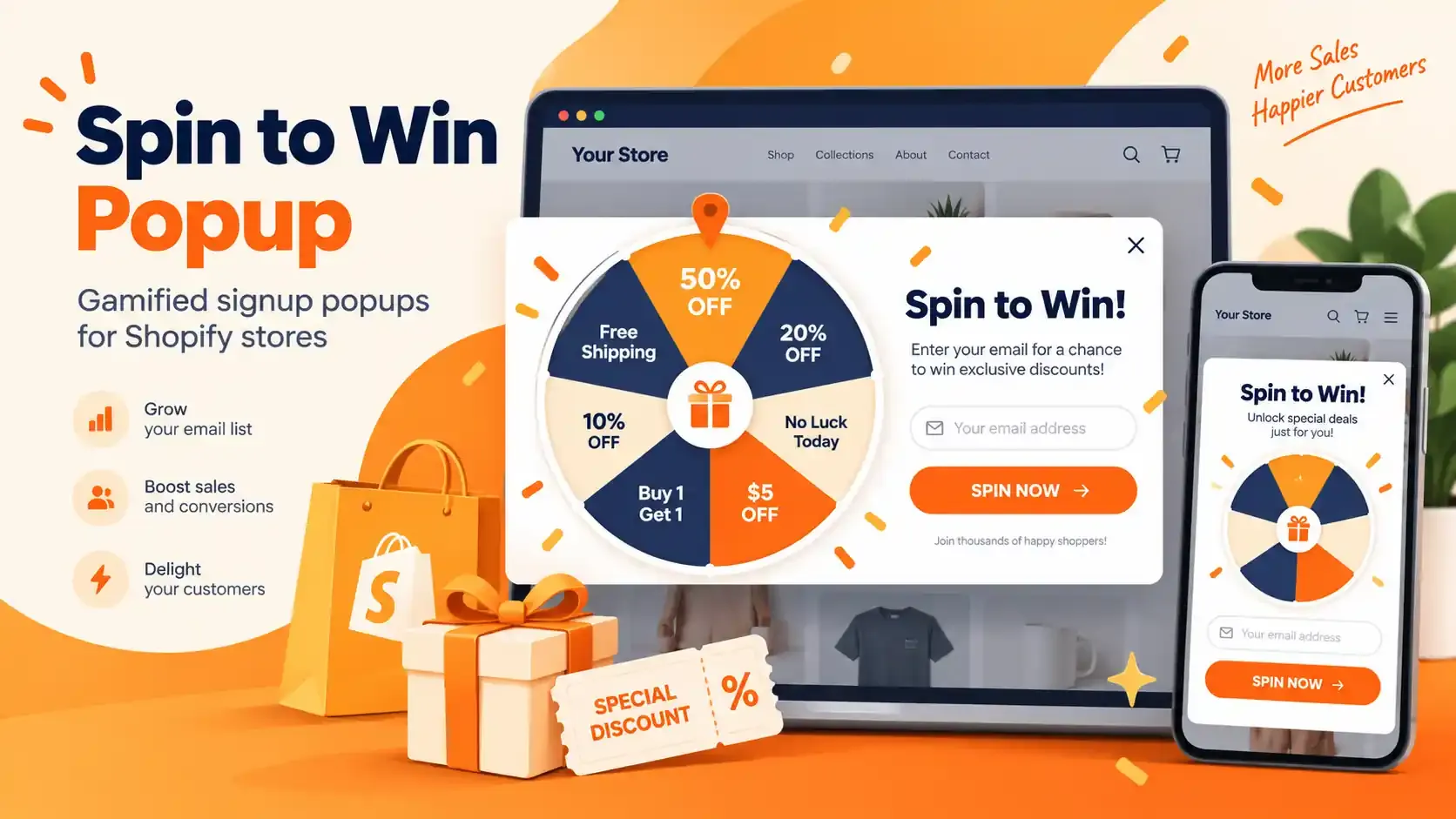
Spin to Win Popup: How Shopify Stores Can Grow Email Signups and Sales
Learn how spin to win popup actually work! Discover the best prizes and perfect timing strategies to boost conversions and grow Shopify sales.
Read Article