
Exit Intent Popup Examples, Tips & Strategies [Guide 2026]
An exit intent popup catches visitors before they leave. Learn how it works, see real examples, and set one up on your Shopify store in under 5 minutes.

If you are losing most of your visitors before they buy, an exit intent popup is probably the fastest fix you are not using yet.
Most stores see shoppers leave without buying. That is not a traffic problem.
That's a conversion problem. And exit popups solve it without touching your ad budget.
Exit-intent popups are so effective that they can increase your rate of conversion without disrupting your visitors' user experience. This gives you an extra chance to turn your abandoning visitors into paying customers.
In this guide, we’re going to share:
- What is an exit-intent popup?
- How does an exit intent popup work?
- 6 great exit-intent popup examples.
- 6 exit popup strategies that can boost the conversion rate of your campaigns, and
- A step-by-step guide to create an exit intent popup.
What is an exit intent popup?

An exit-intent popup is a type of popup that is triggered when you are about to leave a website.
An exit pop-up is one of the vital tools that converts potential visitors into valuable interactions, offering benefits like more visited pages per visitor, feedback, and higher conversions.
With this exit-intent technology, an exit-intent popup appears at the exact moment when a visitor attempts to bounce.
Businesses utilize exit intent popups for a variety of purposes, including displaying targeted content to each and every user on each page they visit.
For example, you can use exit popups to:
- share discounts
- ask to give feedback
- offer to check out new or similar products
- remind about a product in the shopping cart
- offer to participate in a giveaway in a gamified spin-to-win campaign
You can also target exit popups to mobile.
There are a few exit intent signals that trigger campaigns, including pressing of the "back" button, switching browser pages, scrolling up the page, or staying on the page for X seconds.
Exit-intent popup playbook
The Exit Intent Popup Playbook is your repeatable game plan for every campaign you launch.
It helps you avoid making any guesses. You set a goal, pick the trigger, target the right people, and match the offer to why they leave. Then you test.
Follow these six steps in order:
- Set one clear goal. Recover carts, build your email and SMS list, or collect feedback. One goal per popup.
- Pick the trigger and page. Decide where it fires. A cart page popup is not the same as a blog popup.
- Target the right visitor. Split new and returning shoppers. You can also target by cart value or traffic source.
- Match the offer to the reason. Use the abandonment data. Free shipping is better than a specific discount. An email-only form fights sign-up friction.
- Keep the design clean. Put the offer in the headline. Use a short form and an easy close button.
- Launch, track, and test. Watch the results, then A/B test offers, headlines, and timing.
Run this loop again and again. Each time you will learn new ways to make your shoppers respond.
One app worth checking out is Optinify. It has a 5.0-star rating on the Shopify App Store and handles exit detection on both desktop and mobile reliably.
How does an exit popup work, exactly?
An exit intent popup works by tracking single details that tell it a visitor is about to leave. When it spots the signal, it fires the popup.
The trigger is different on desktop and mobile.
On desktop, the popup watches your mouse. When your cursor moves up toward the top of the browser, the system reads that as "this person is leaving."
That's where the close button and address bar live. So it triggers the popup right then.
On mobile, there's no mouse to track. So it watches other things instead:
- A fast scroll back up the page
- A tap on the back button
- Switching to another tab
- Sitting still for too long
Once it sees one of these, the popup appears.
You are in "leave the site" mode, and the popup breaks that pattern. It makes you stop and think for a second. It is called pattern interruption.
That pause is often enough to change your mind.
I have seen this play out in my own testing. A plain popup that shows the second you land feels pushy.
However, one that waits until you are leaving for real seems more like a reasonable final offer. The intent matters.
Why Exit Intent Popups Are Worth Using
An exit intent popup is worth it because it turns lost visitors into saved sales and new subscribers. Most of your traffic leaves without buying. This is the tool that fights back.
Here is the math that makes it click. If 70% of carts get abandoned, you are losing most of your potential revenue at the finish line. An exit intent popup gives you a second chance at that lost group.
A few real reasons to use one:
- Save sales you would lose anyway: The visitor is leaving. A small offer might bring them back.
- Grow your email and SMS list: A captured email is a customer you can reach again and again.
- Lift your average order value: Show a free shipping bar like "You're $15 away from free shipping."
- Learn why people leave: A quick one-question survey gives you real answers.
6 Exit Intent Popup Examples That Convert
The best exit intent popup examples all share one thing. The offer fits the shopper. Here are six that work well for Shopify stores and when to use each.
- Welcome discount: Greet first-time visitors with a small code. It works best for the new traffic from ads.
- Cart abandonment popup: Show a 'complete your order' nudge to shoppers with items in their cart.
- Free shipping bar: Tell them how close they are to free shipping. This fights the number one reason people leave.
- Email capture popup: Trade a discount for an email. This grows your list for future campaigns.
- Spin to win: Add a game element. The fun lifts opt-ins for many stores.
- Quick feedback: Ask why they are leaving. The answers help you fix the real problems.
Pick one or two to start. You do not need all six on day one.
Exit Intent Popup on Mobile
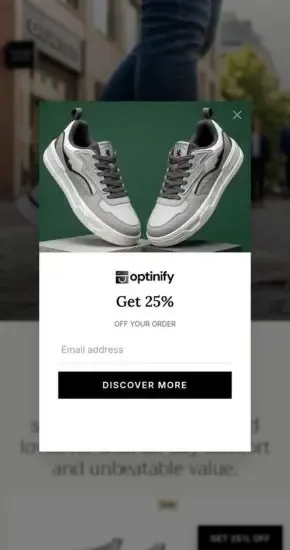
Mobile exit intent works differently because there's no mouse to track. Instead, the popup watches for a fast scroll up, a back-button tap, a tab switch, or a long pause.
This matters more than ever. Mobile drives most e-commerce traffic now.
A few mobile-specific tips from my own testing:
- Keep it small: A full-screen popup on a phone feels like a wall. Use a card that leaves room to breathe.
- Make the close button big: Tiny X buttons frustrate visitors. Give people an easy way out.
- Cut the typing: Ask for an email or phone number only. Long forms on mobile kill conversions fast.
- Test the trigger: Check the back button and scroll up. See which fires at the right moment.
If you get mobile popup right, you can unlock the bigger half of your traffic. And if you skip it, you will only catch desktop leavers.
Exit Intent Popup Best Practices (6 exit popup strategies)
The best exit intent popup feels helpful, not annoying. A few simple rules keep it that way and lift your results at the same time.
- Show it once per visit: Show one popup to one user, only once. Nobody likes the same popup three times.
- Lead with the offer: Put the value in the headline. "Get 10% off" beats "Subscribe."
- Keep the form short: Ask for an email or phone number only. Extra fields drop your opt-in rate.
- Make it easy to close: A clear X button keeps trust high. People who feel trapped just leave.
- Match the offer to the page: A cart popup should speak to cart shoppers. Relevancy is a must.
- Test and track: Try different headlines, offers, and timing. Keep what wins.
Follow all six. They guide shoppers instead of blocking them.
How to Create an Exit Intent Popup on Shopify
You can create an exit intent popup in under five minutes with a Shopify popup app. Here are the exact steps I follow.
I will walk you through it with Optinify, since it is built for this and starts at $5 a month.
- Install the app: Add Optinify from the Shopify App Store. It is a one-click install.
- Pick a template: Choose a ready-made design and start customizing.
- Set the exit trigger: Turn on the exit intent rule so the popup fires when visitors try to leave.
- Add your offer: Write a short headline, drop in your discount, and add one email or SMS field.
- Match your brand: Change the colors, font, and image so it fits your store.
- Set the rules: Add a trigger rule and choose on which page or which product you want your popup to trigger.
- Turn it on: Hit publish and watch your popup go to work.
That's it. The whole thing is faster.
Do Exit Intent Popups Hurt SEO?
No, exit intent popups do not hurt your SEO when set up right. This is a common worry, so let's clear it up.
Google does penalize one thing: intrusive popups that block content the moment a mobile visitor arrives. Google calls these intrusive interstitials, and you can read their guidance on the Google Search Central blog.
An exit intent popup is different by design. It only shows when someone is leaving. It does not block the content they came to read. So it sits outside the rule.
The trick is simple. Don't show a giant popup the instant a mobile user lands. Use the exit trigger and an easy close button. If you do like this, you are safe.
Why Optinify Is a Smart Choice for Exit Intent Popups
Optinify is a Shopify popup app built to capture leaving visitors without slowing your store or hurting your brand. It has exit intent technology built in, so you can start catching abandoning shoppers right away.
Here's what I like about it for high-end stores:
- Exit intent built in: It catches visitors the moment they try to leave, on both desktop and mobile.
- Fully customizable: Match your brand with full control over colors, fonts, and images. It ends up looking like part of your store, not something pasted on top.
- Fast loading: Popups load in the background, so your store stays quick.
- Real analytics: You can track views, conversions, and revenue in one place. That makes the smart call.
- Fair pricing: Plans start at $5 a month with a 14-day free trial.
Optinify lets you build something that feels like your store, not an ad pasted on top.
Frequently Asked Questions
Wrapping Up
An exit intent popup is one of the simplest ways to win back visitors who are about to leave. It catches them at the door, makes a fair offer, and turns a lost click into a sale or a subscriber.
You've seen what it is, how it works, how it beats timed and scroll popups, real examples, and the best practices that matter. The last step is just doing it.
If you run a Shopify store and you're not catching your leavers, you're losing sales every single day. Pick a clean popup builder, set your exit trigger, and make your offer count.
What to read next
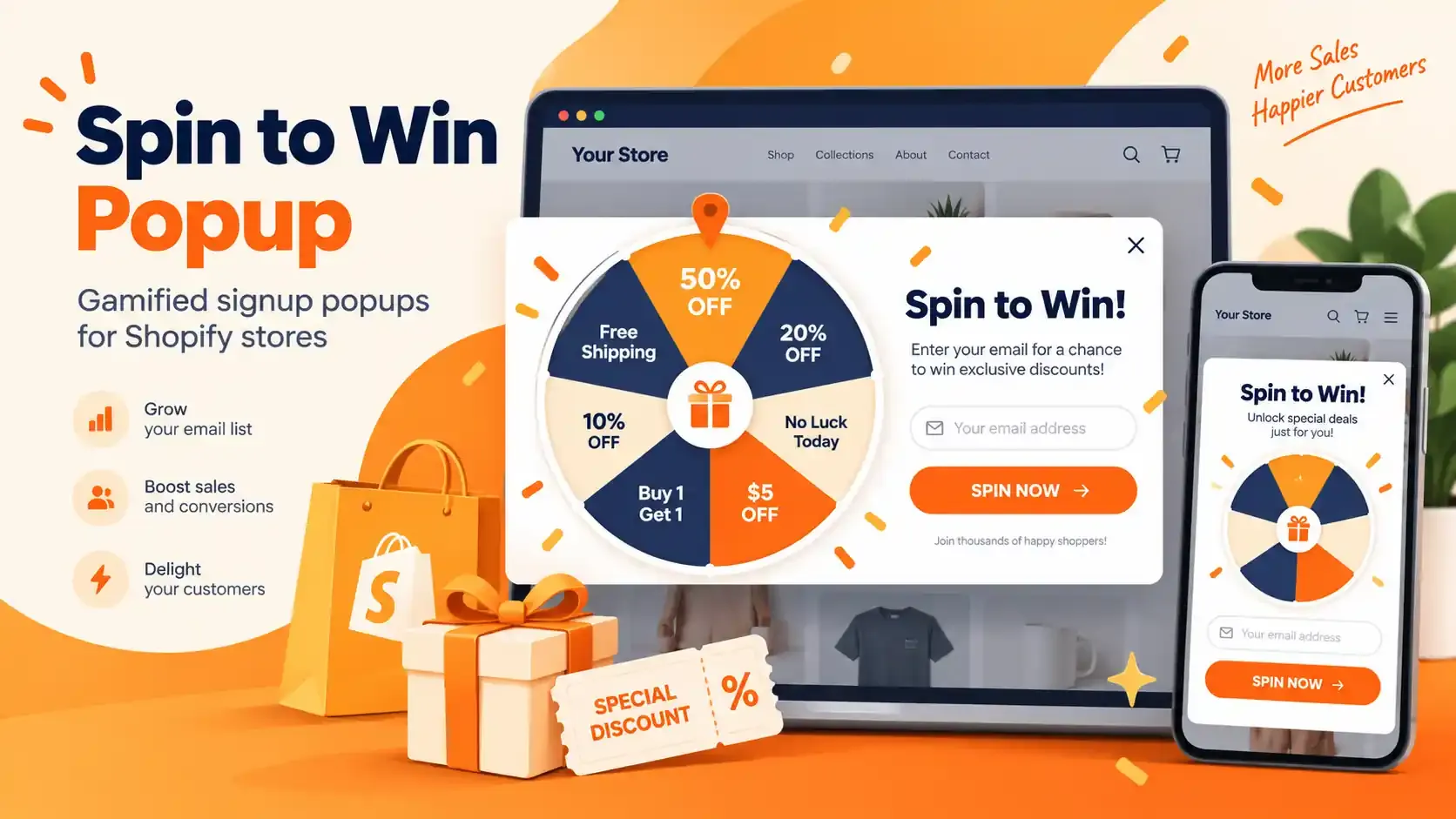
Spin to Win Popup: How Shopify Stores Can Grow Email Signups and Sales
Learn how spin to win popup actually work! Discover the best prizes and perfect timing strategies to boost conversions and grow Shopify sales.
Read Article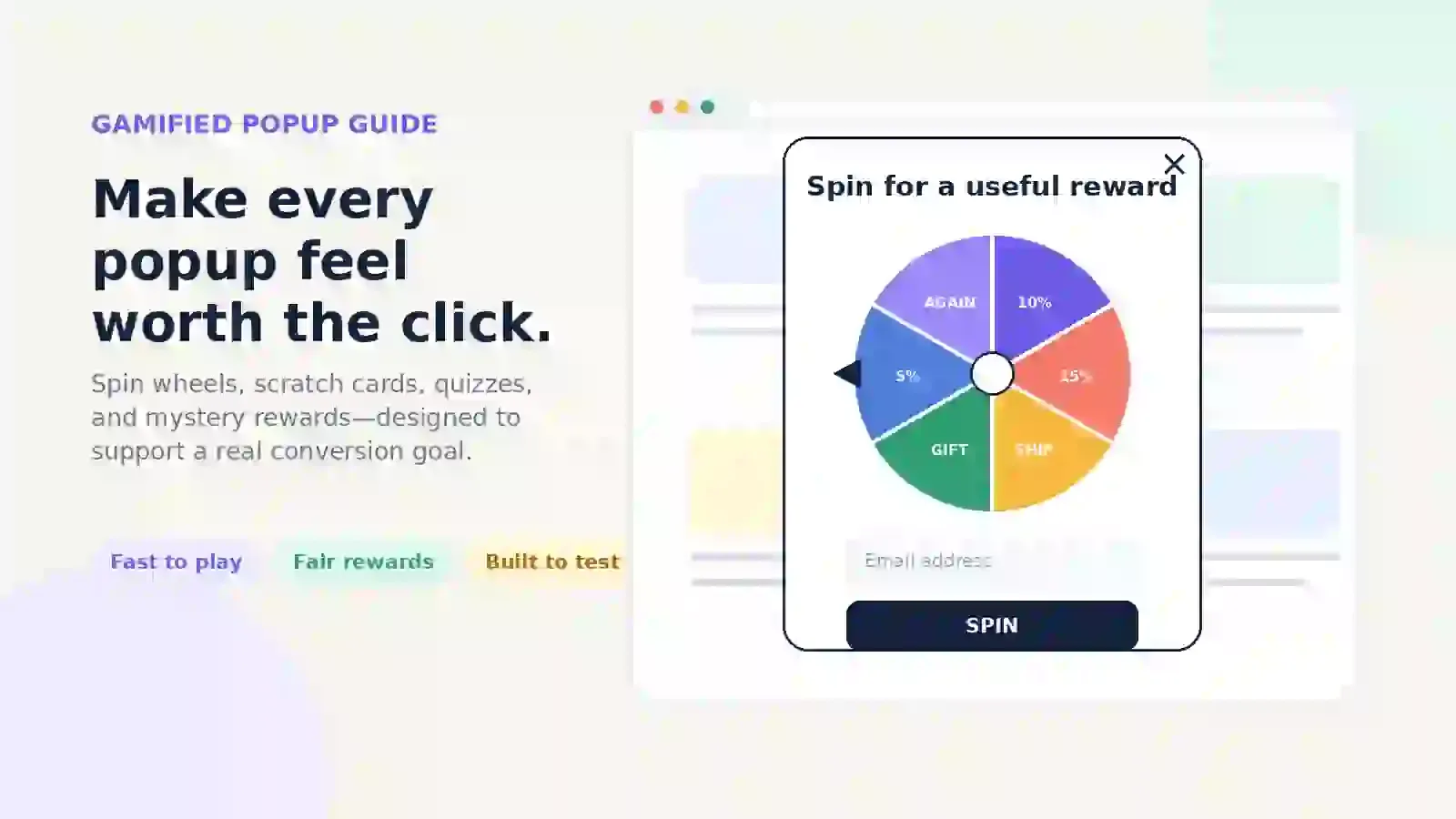
Gamified Popup Guide: Types, Examples & Best Practices
Learn how gamified popup help Shopify stores grow leads and sales. Compare game types, prize ideas, targeting tips, and best practices.
Read Article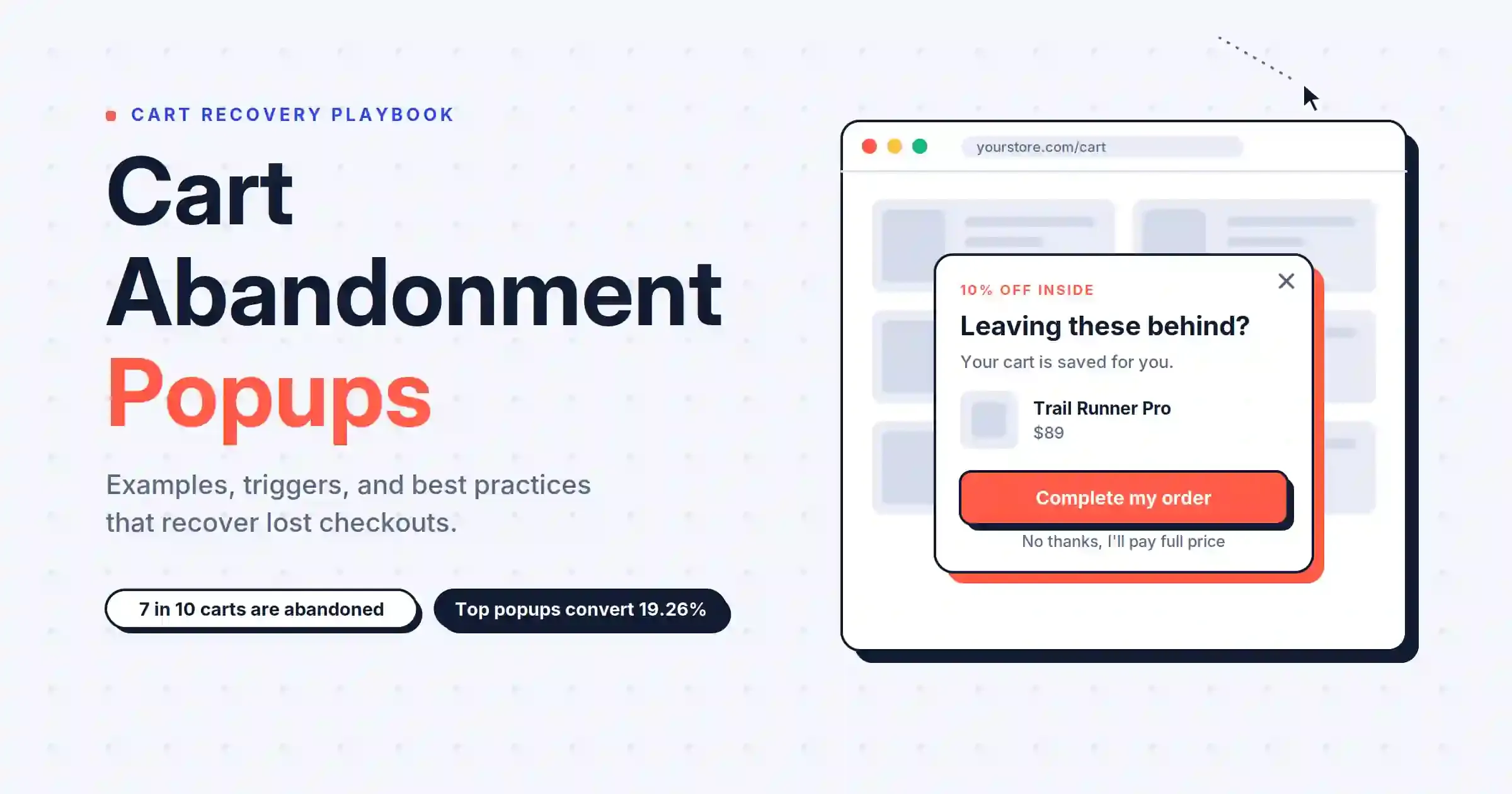
Cart Abandonment Popup: 7 Examples & Best Practices (2026)
Cart abandonment popups catch shoppers before they leave. Get 7 examples, trigger types, discount rules, and copy formulas that convert.
Read Article