

At first install Optinify from Shopify app store. Once done, you will land in the dashboard.
Steps to configure Optinify with Brevo
1. Tap on the Option “Integration” and find “Brevo.”
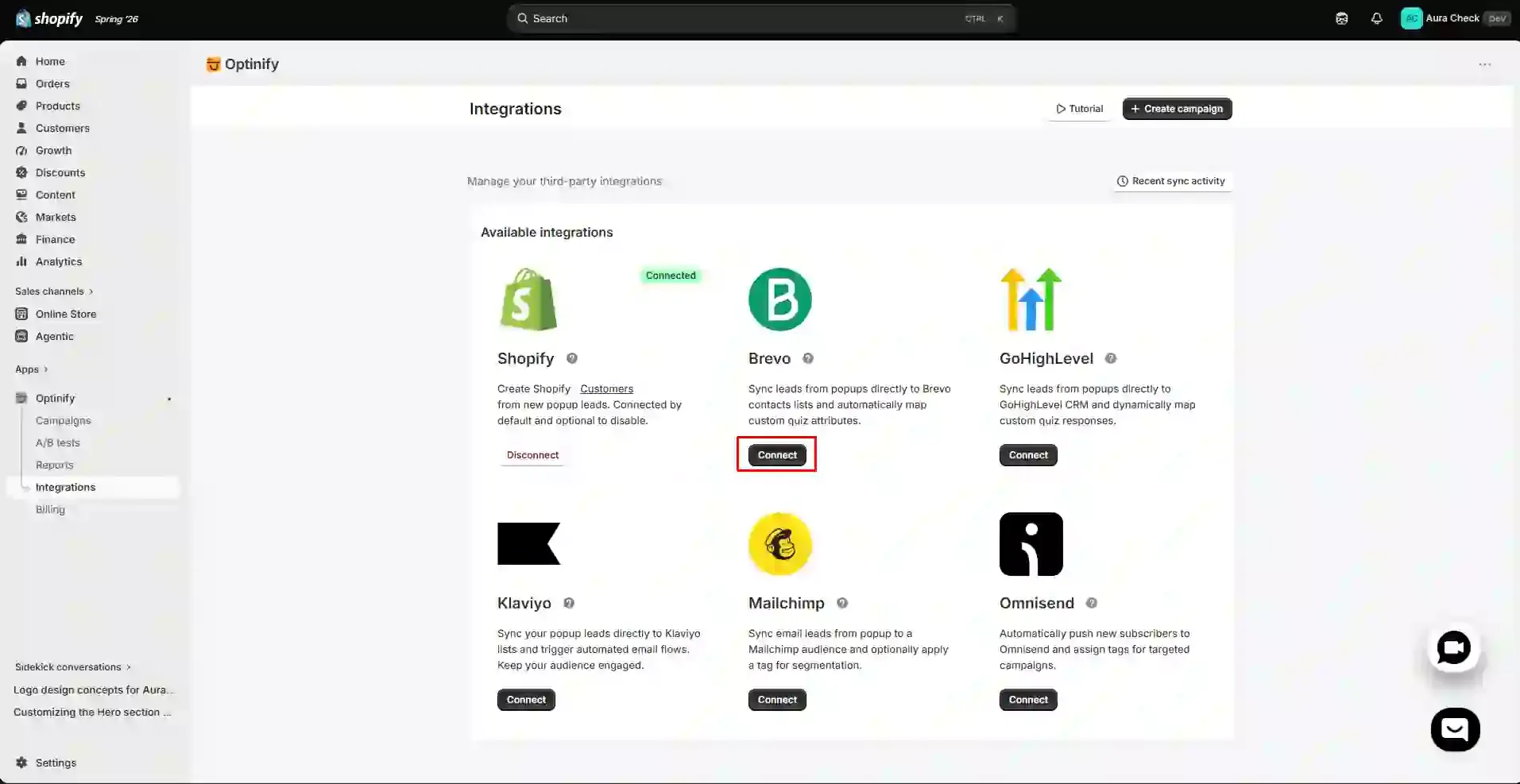
2. Click on “Connect.”
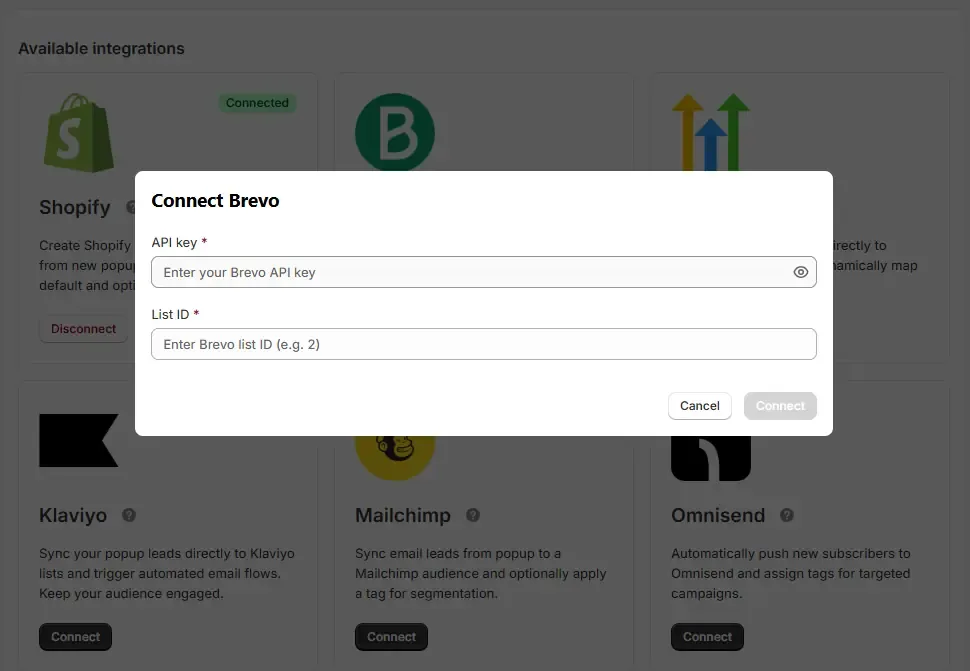
3. You need the “API Key” and the “List ID” to get connected. To get all of those, sign in to your Brevo account.
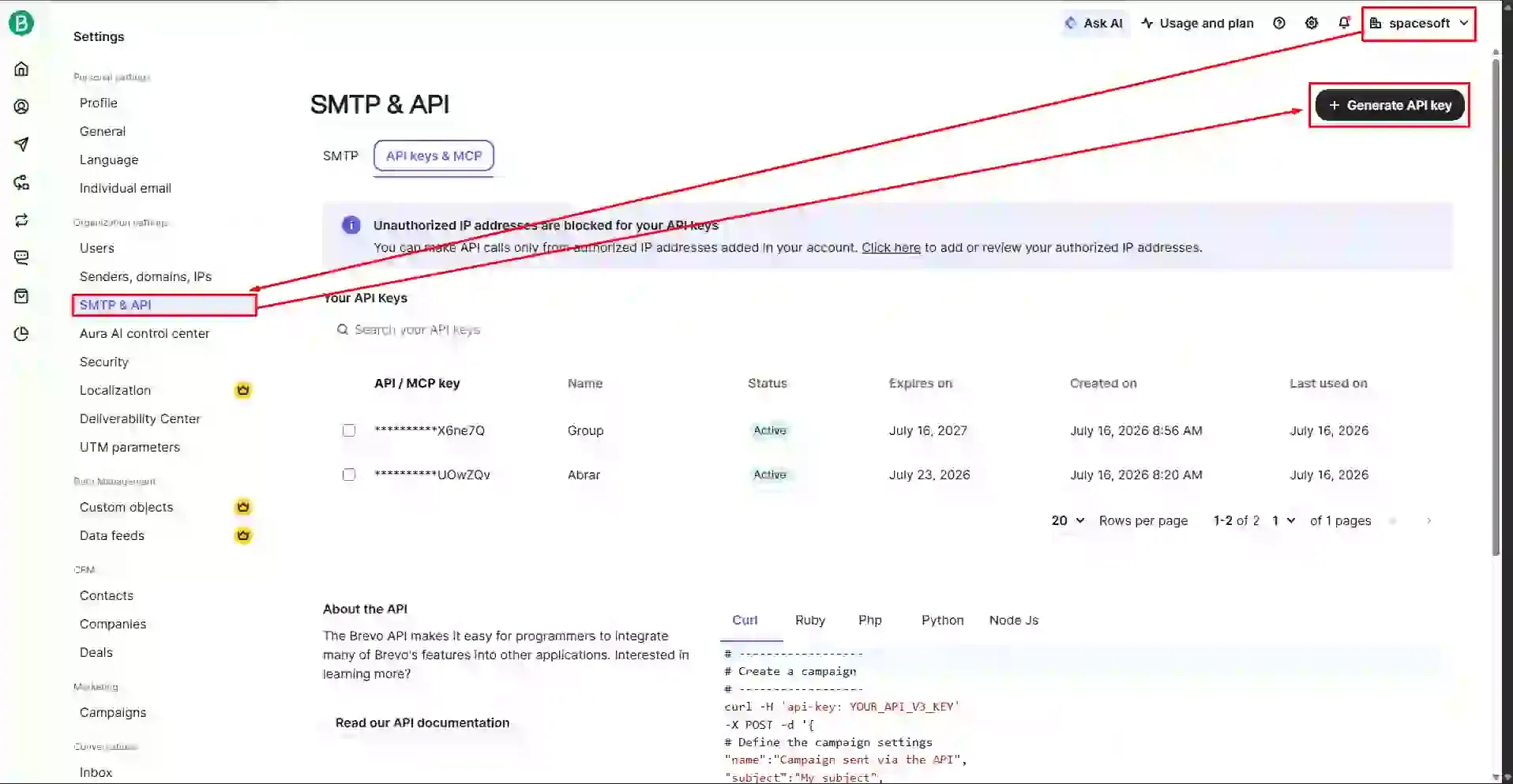
4. Now click on your manage profile button, You will see “SMTP & API” button. Click on that and “API keys & MCP” button too. Then tap on the button “Generate API key.” Copy the key & paste into Optinify.
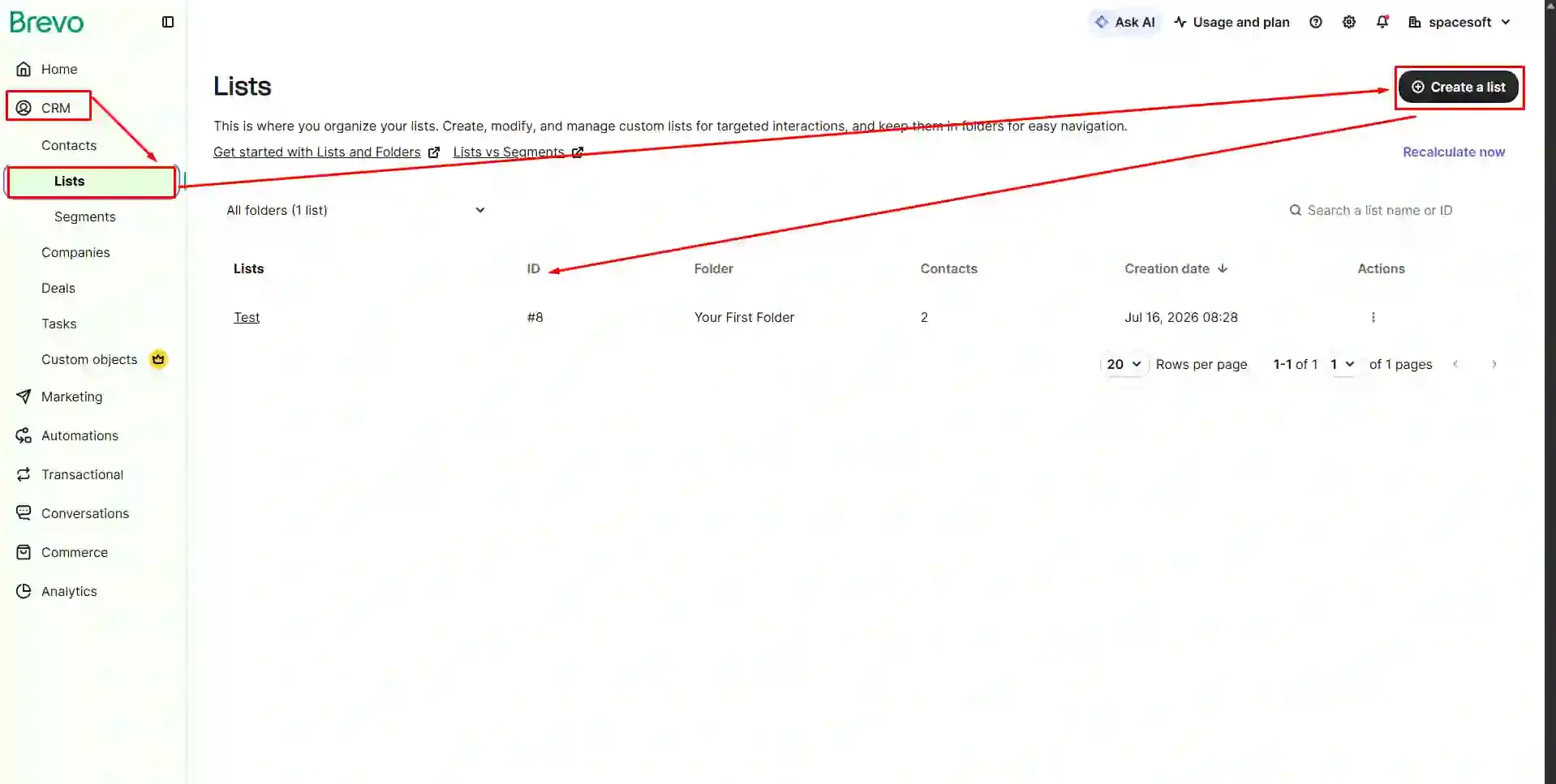
5. To get the “List ID” tap on “CRM” then “Lists.” Now tap on “Create a List.” Copy the List ID and paste into Optinify. Click “connect.”
6. That’s it. You are done with the integration of Optinify with Brevo.
Need help to connect Brevo?
Schedule a call. We are just a call away.
Human Support • Setup in 60 seconds • Free 14-day trial
What to read next

Spin to Win Popup: How Shopify Stores Can Grow Email Signups and Sales
Learn how spin to win popup actually work! Discover the best prizes and perfect timing strategies to boost conversions and grow Shopify sales.
Read Article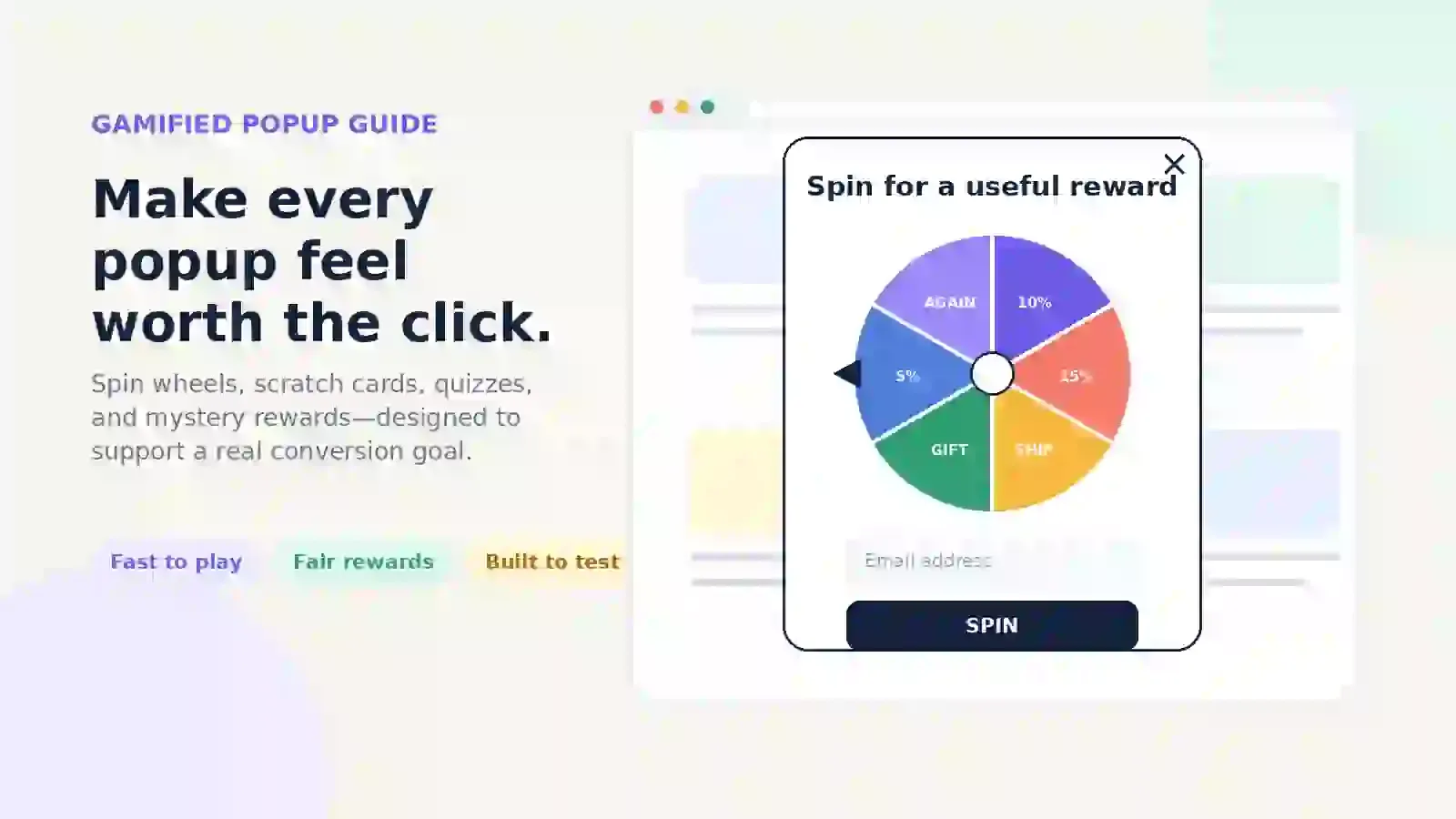
Gamified Popup Guide: Types, Examples & Best Practices
Learn how gamified popup help Shopify stores grow leads and sales. Compare game types, prize ideas, targeting tips, and best practices.
Read Article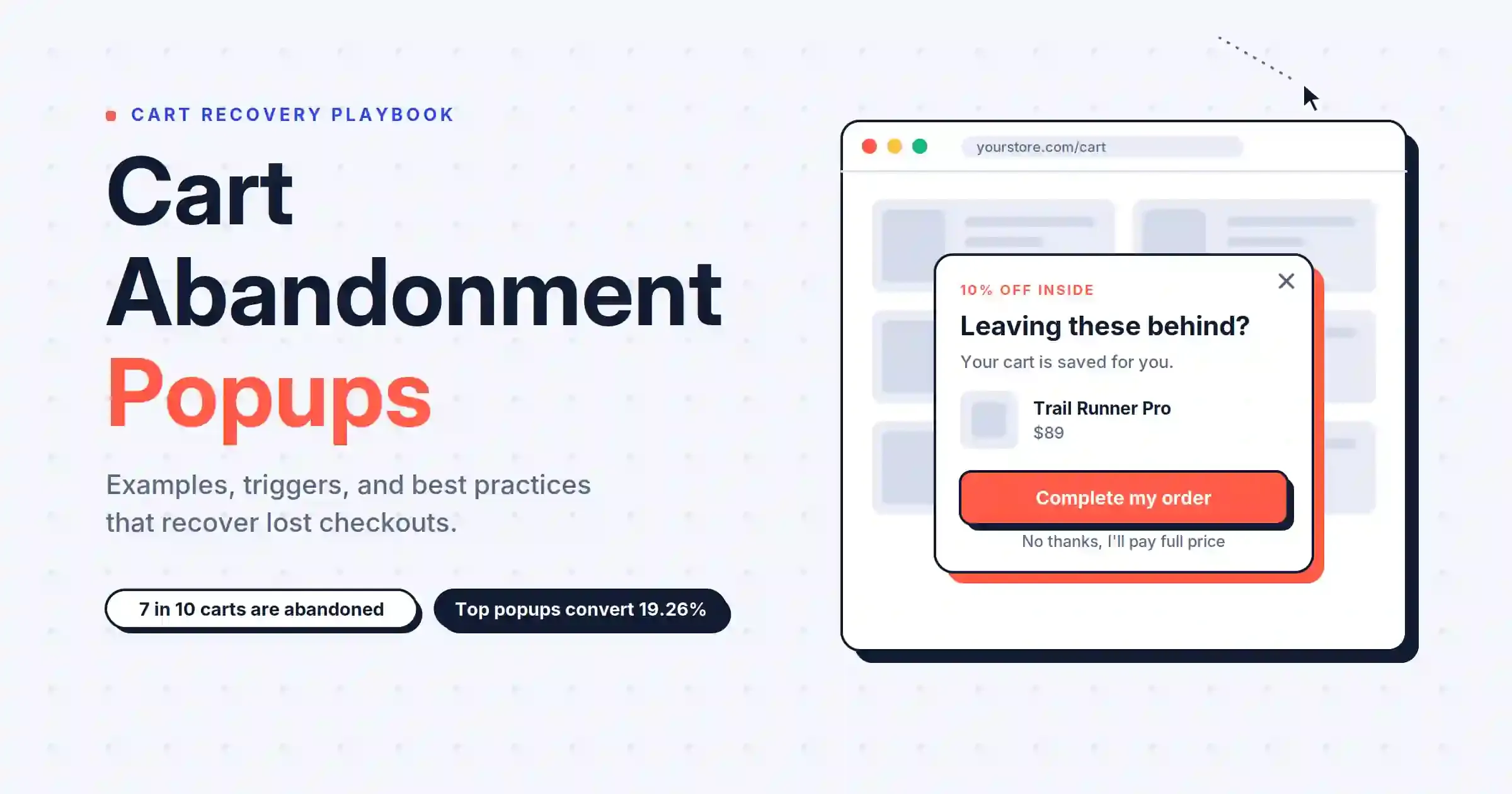
Cart Abandonment Popup: 7 Examples & Best Practices (2026)
Cart abandonment popups catch shoppers before they leave. Get 7 examples, trigger types, discount rules, and copy formulas that convert.
Read Article