
Welcome Popup: Examples, Best Practices & How to Create One
A welcome popup turns new visitors into subscribers. See welcome popup examples, design ideas, and how to lift your conversion rate.
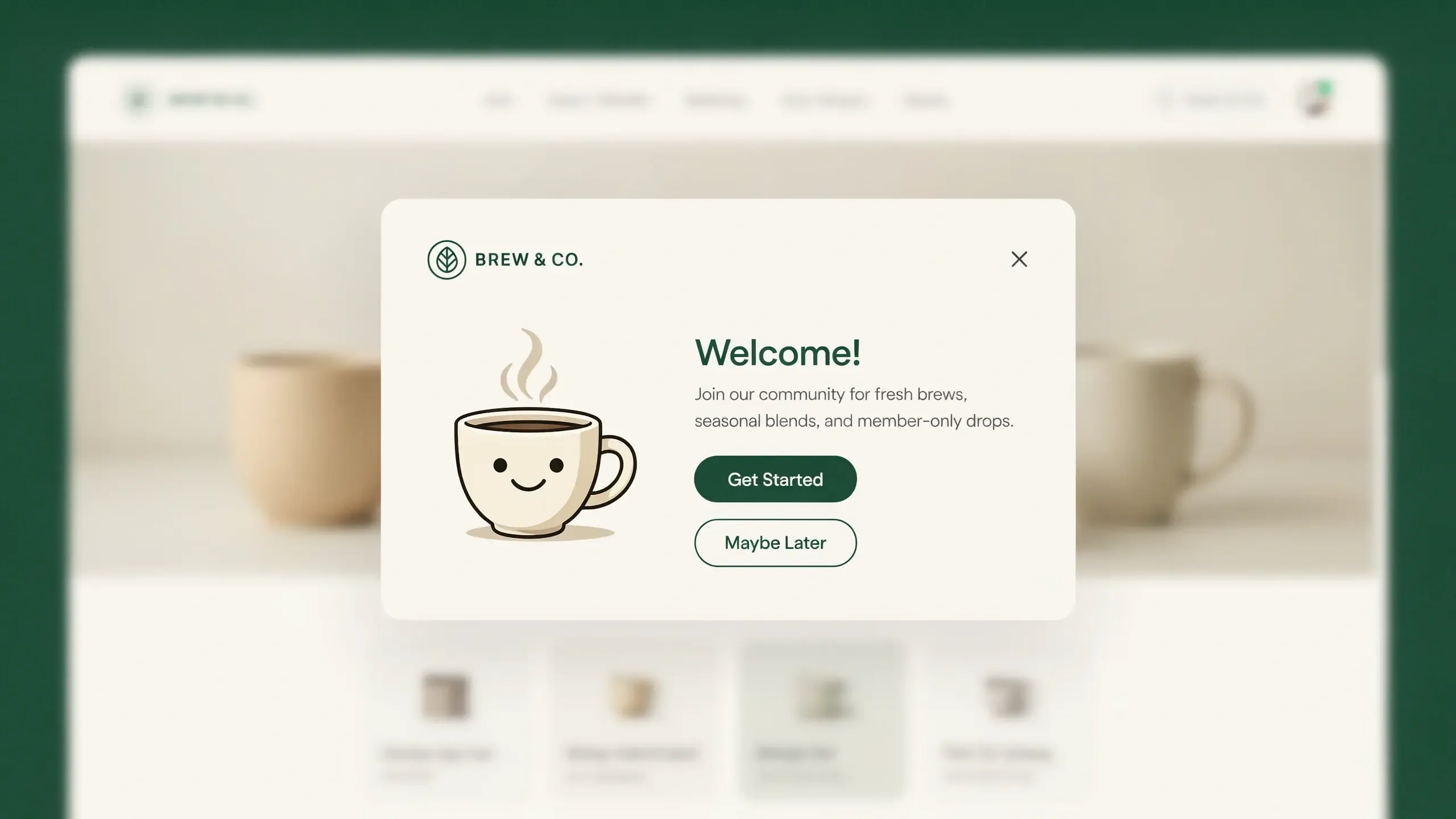
Welcome popups hook visitors instantly. They turn random traffic into paying customers.
What Is a Welcome Popup?
A welcome popup is a marketing message that greets new visitors when they arrive on your website. It usually asks for an email address in return for an offer. You can think of it as a friendly hello with a small gift attached.
It is the first popup most people see on your site. It can show up on your homepage, a landing page, or a product page.
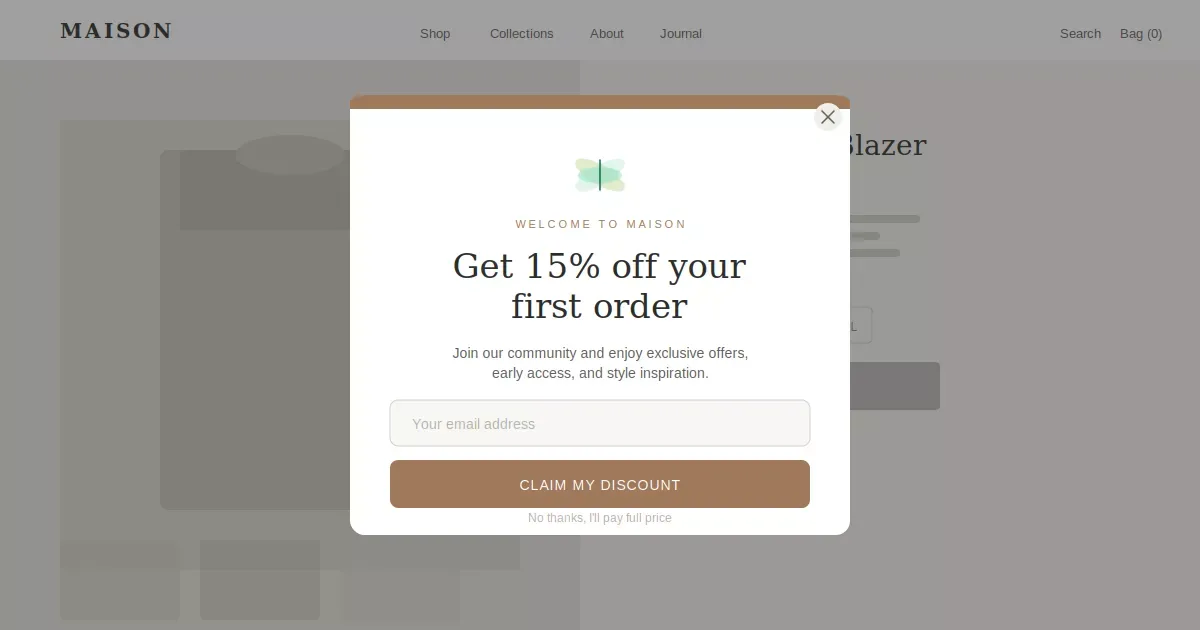
Most welcome popups do one of these jobs:
Welcome popup format, goal & incentive
The goal is email capture. You want a name and an email address you can use later. Once you have that, you can send offers and bring people back to buy.
A Shopify welcome popup does the same thing, but it lives inside your Shopify store. It connects to your theme and your email marketing tool. That way, every new email flows straight into your list.
Here is a simple popup welcome message you could use:
"Hey there! Get 10% off your first order. Just drop your email below."
Easy and a clear one.
Why Welcome Popups Work So Well
Welcome popups work because they catch people at the right moment. New visitors are curious. They are forming a first impression of your brand right then.
A welcome popup uses that moment. It says hello and hands over a reason to stay.
Here is why store owners love them:
- They grow your email list fast.
- They lift your conversion rate.
- They build a list you own.
- They cost very little.
That last point matters. Email marketing brings repeat sales for months. A welcome popup is where that whole chain starts.
7 Welcome Popup Examples That Work
Not sure what to put in yours? Here are seven welcome popup ideas you can copy today. Each one gives the visitor a clear reason to share their email address.
1. The first-order discount
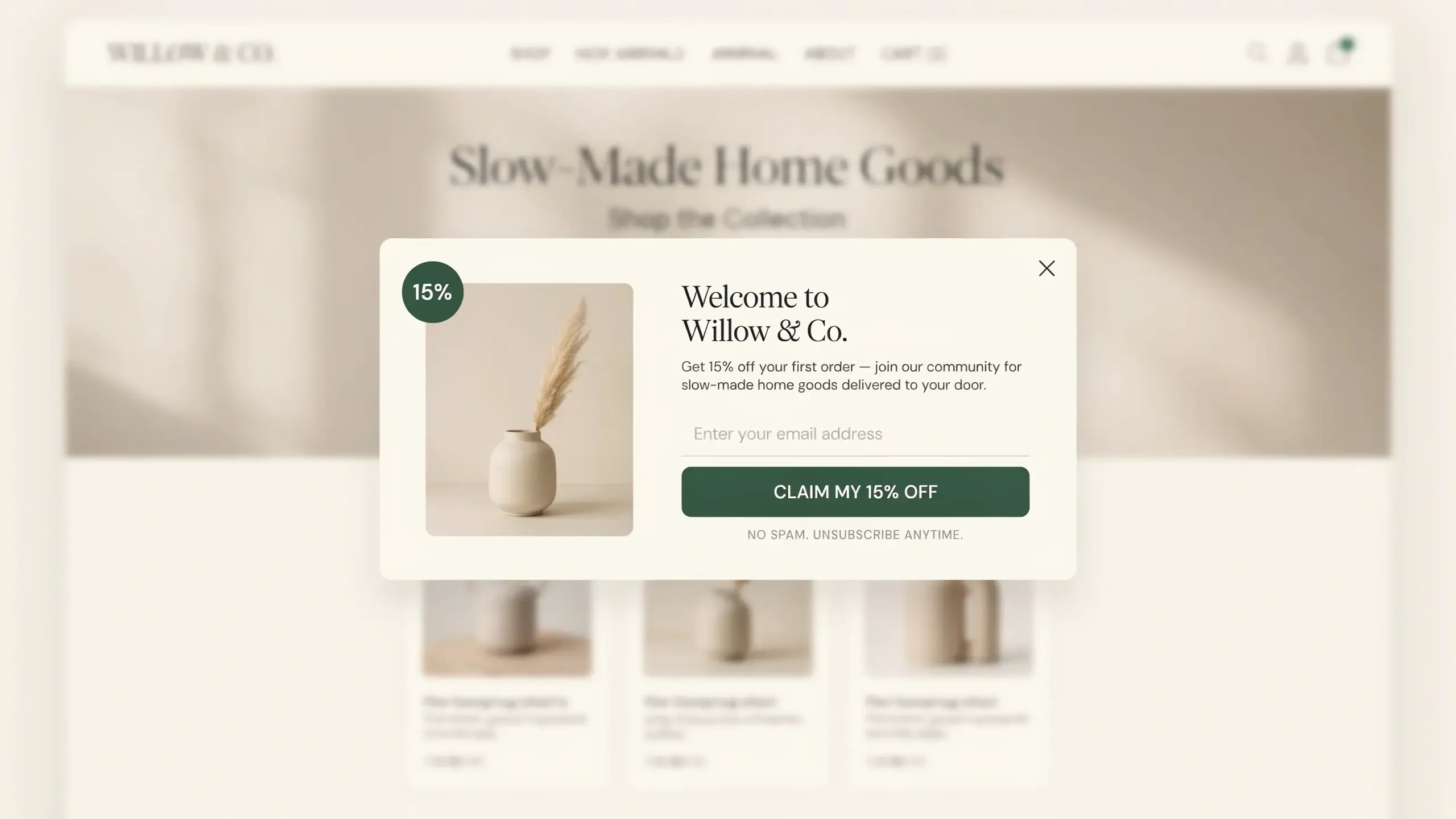
Offer 10% or 15% off the first order. This is the most common welcome offer popup, and for good reason. It works.
2. The free shipping offer
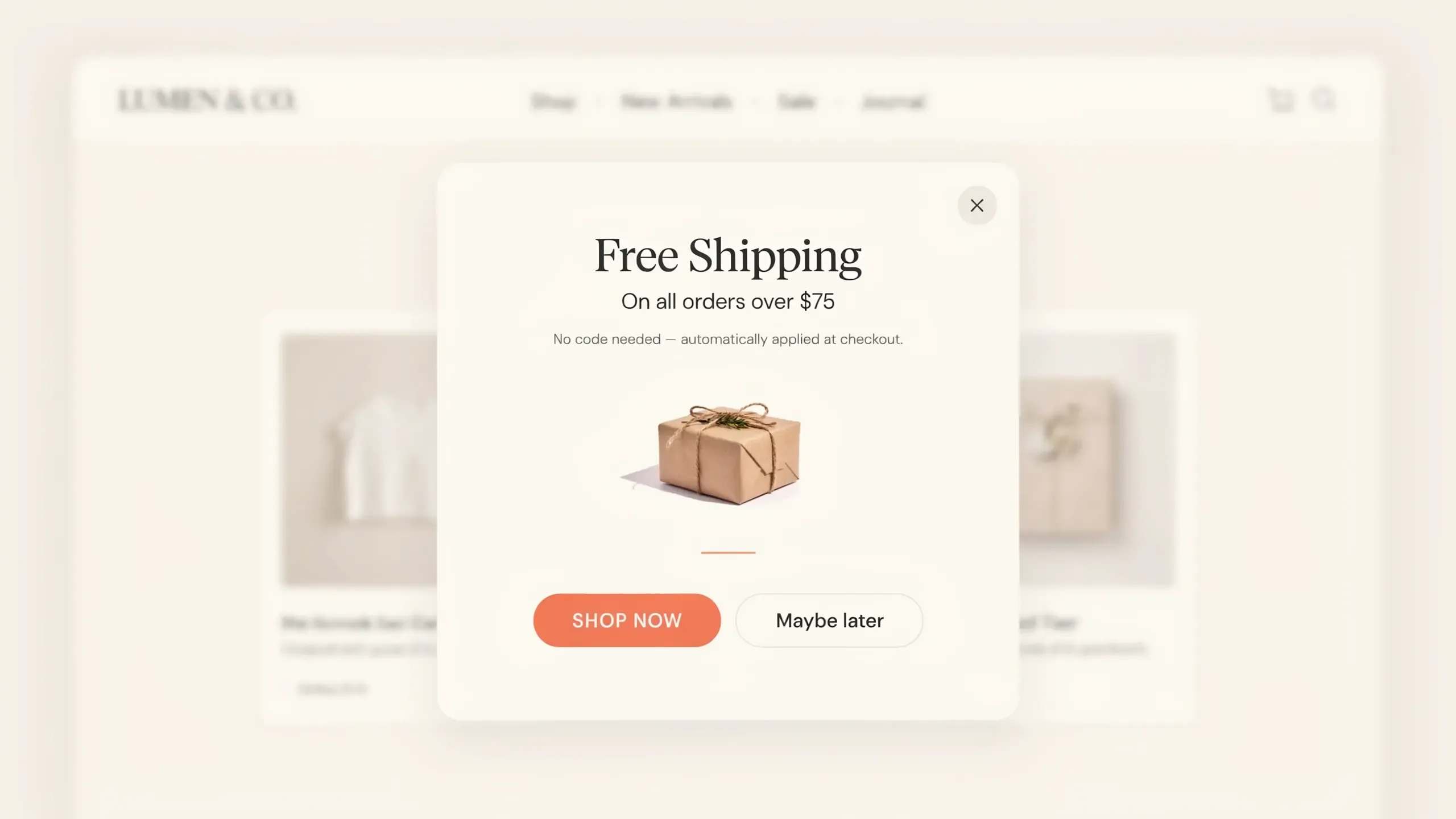
Some shoppers care more about shipping than a discount. Free shipping on the first order is a strong hook.
3. The simple email signup
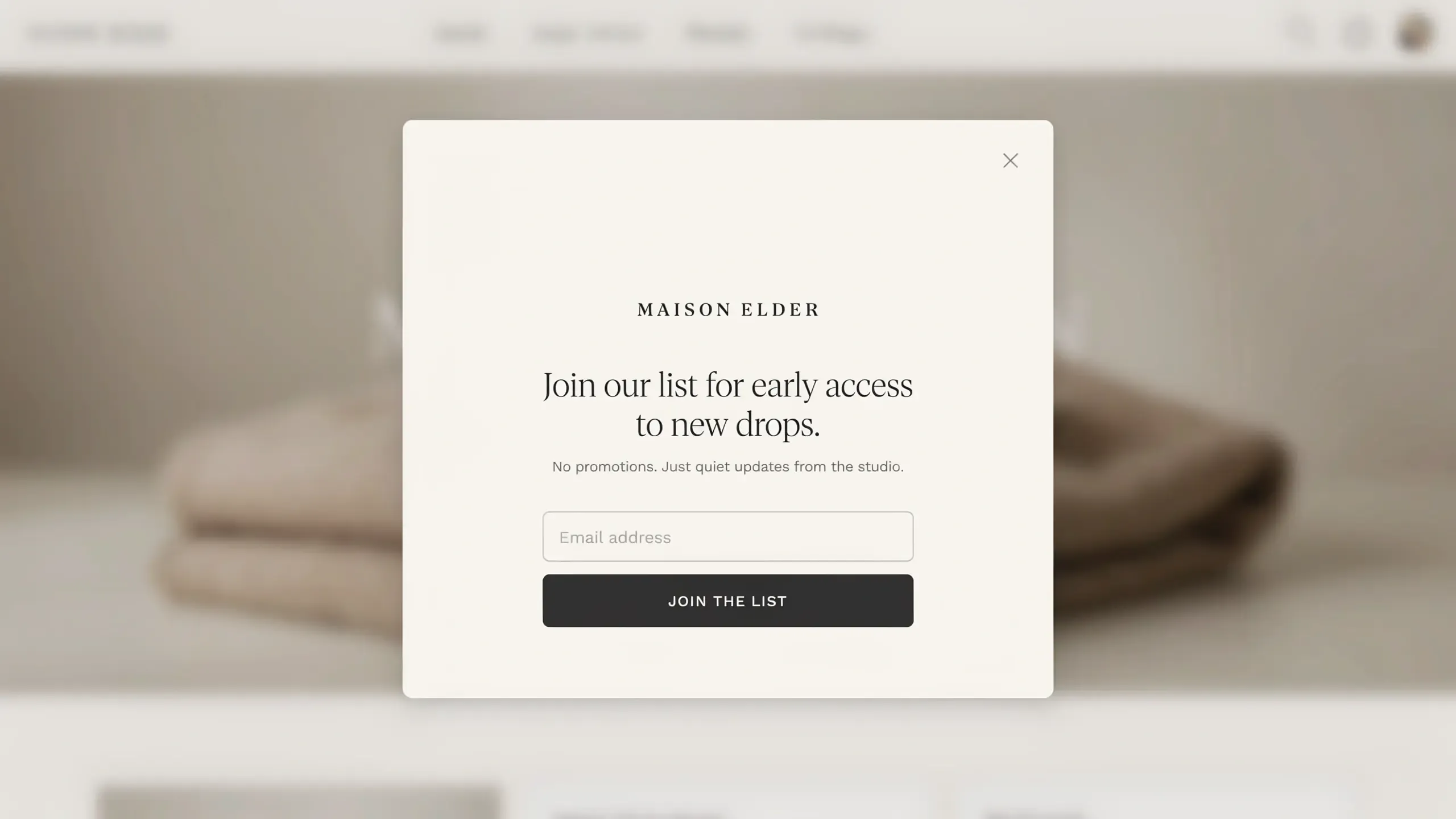
No discount, just value. "Join our list for early access to new drops." Great for premium brands that protect their pricing.
5. The two-step popup
Ask a simple yes or no first. Then show the email field. Multi-step popups beat single-step ones.
5. The Gamified Spin-to-Win
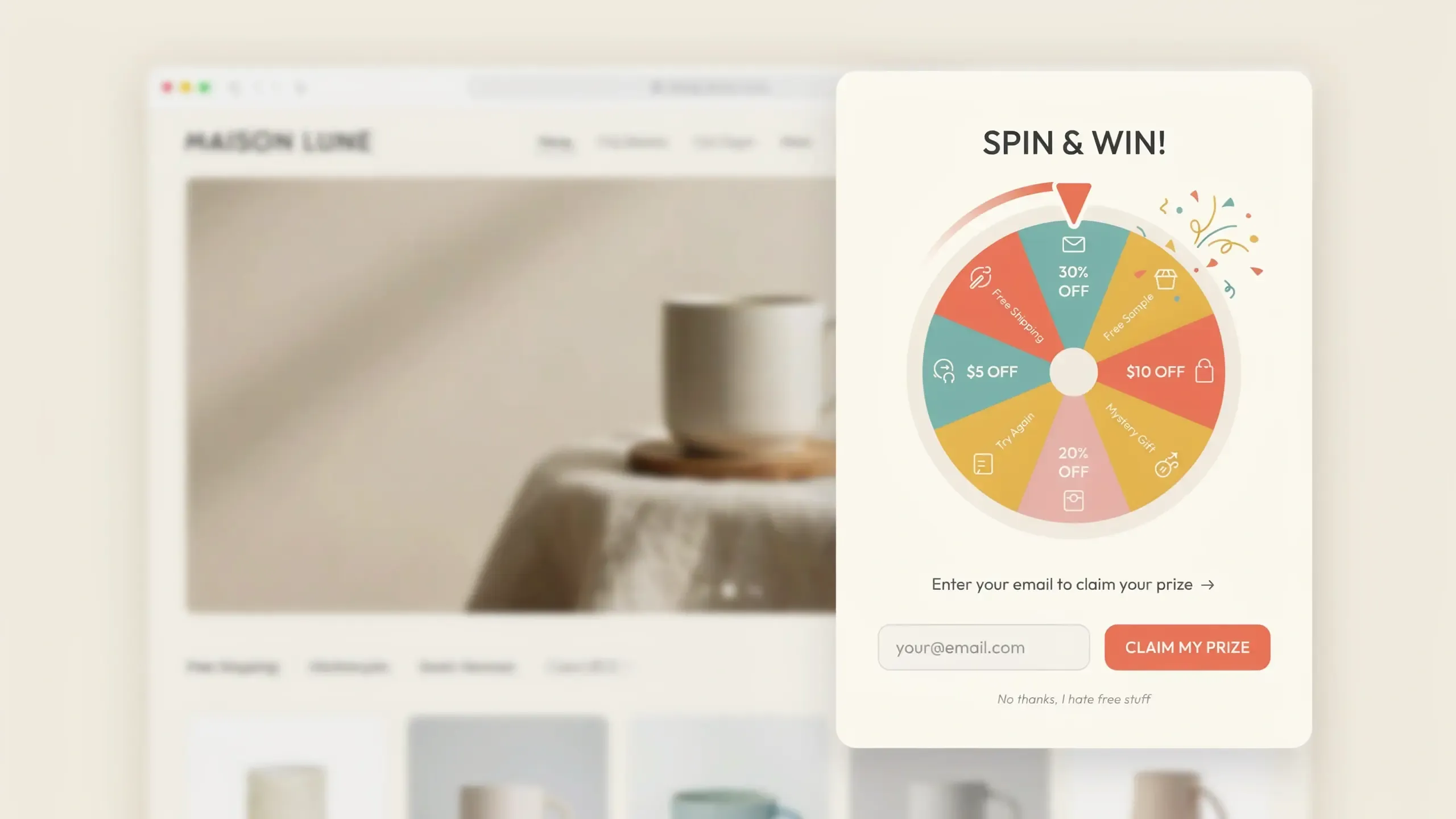
A fun game where visitors spin for a prize. This kind of gamified popup can lift email capture because people enjoy playing.
6. The pick-your-interest popup
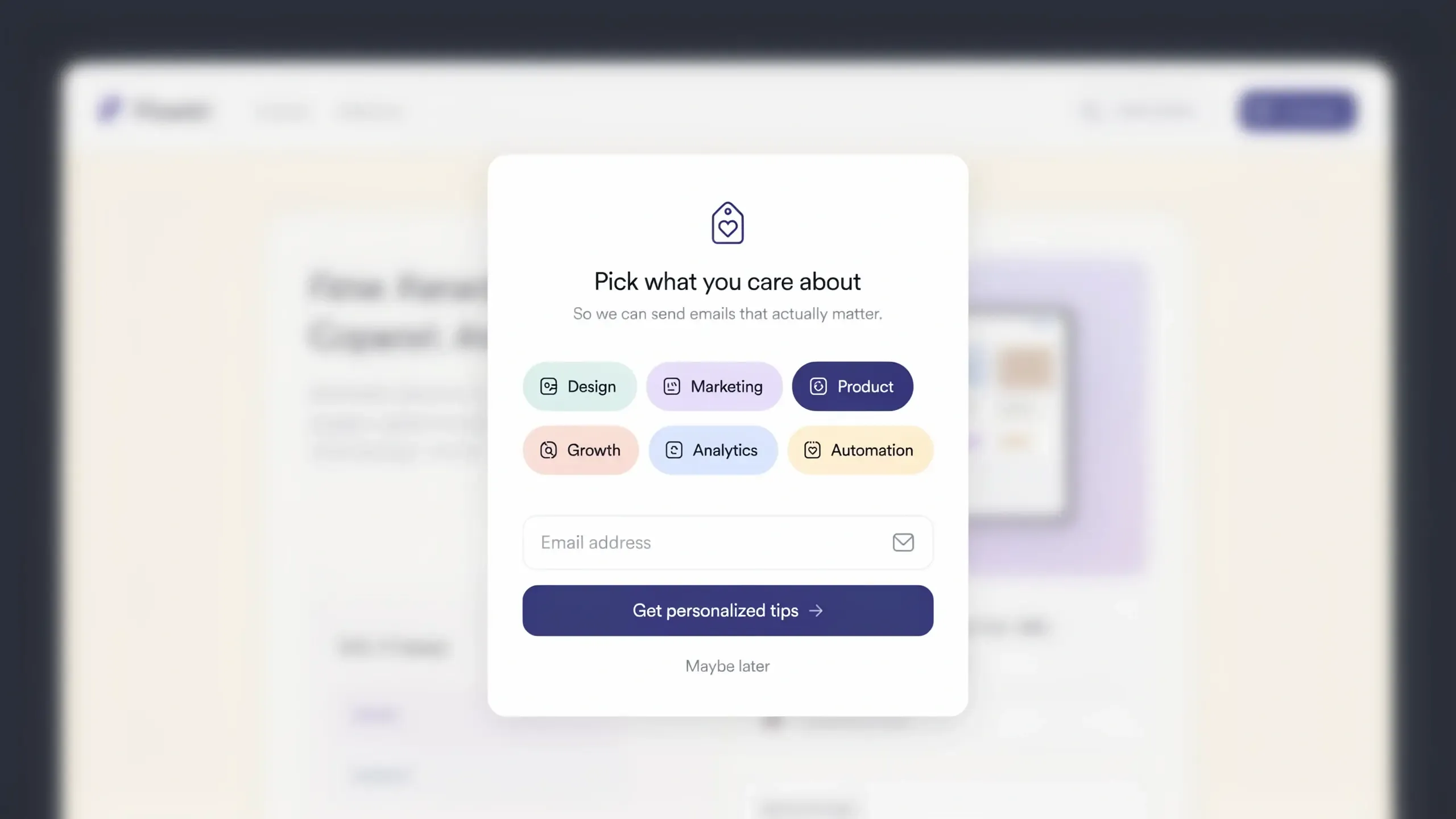
Ask new visitors what they like before the email field. Now you can send them more useful emails later.
7. The social follow popup
Want more than email? Add a small link to follow you on social media. It is a low-pressure ask that still builds your audience.
Want more ideas to swipe? Read more in our guide to email popup examples and our discount popup examples and best practices.
Welcome Popup Design Tips That Convert
Good welcome popup design is simple. It does not crowd the screen or ask for too much. The best ones feel like a helpful nudge, not a wall.
Here are the design rules that matter most:
- Ask for one thing only: Just ask for the email address.
- Write a short, clear message: One line of value. One button. That is enough.
- Make the offer the star: "10% off" should be the biggest thing on the popup.
- Use a clear close button: Let people leave easily. A trapped visitor leaves the whole site.
- Match your brand: Use your colors and fonts. The popup should feel like part of your store.
- Fix it for mobile: Most of your visitors are on a phone. Keep the popup small, the text short, and the button easy to tap.
One more thing. Keep your tone warm. You are saying hello, so sound like a real person.
Timing also shapes design. We will cover that next.
How to Add a Welcome Popup on Shopify (Step by Step)
Adding a welcome popup to Shopify takes about five minutes. You do not need to code. The easiest way is with a popup app like Optinify.
Here is how to add a welcome popup with Optinify:
- Install the app: Get Optinify from the Shopify App Store. It installs in one click.
- Pick a welcome template: Choose a ready-made popup design.
- Write your message and offer: Add your hello line and your offer, like "10% off your first order."
- Set your timing and targeting: Show the popup after a few seconds. Show it only to new visitors, not repeat buyers.
- Connect your email tool. Link Klaviyo or Omnisend so every new email address syncs to your list.
- Turn it on and test it: Visit your own store and check that it looks right on phones and desktops.
That is it. Your welcome popup is live and capturing emails.
How to Increase Your Welcome Popup Conversion Rate
Want more emails from the same traffic? Then you need to raise your welcome popup conversion rate. Small changes can make a big difference here.
Start with these proven moves:
- Fix your timing: Do not show the popup the second someone lands. Wait 6 to 10 seconds. That window converts best, and onload popups can raise bounces, and also it is not SEO-friendly. Google flags that.
- Make a better offer: A weak offer gets a weak result. Test 10% off against 15% off, or against free shipping.
- Cut your form down: Ask for the email address only. Add other fields later, not now.
- Use exit intent: Show a popup when someone is about to leave. It feels like a last helpful nudge, not an interruption. Learn more about exit intent popups.
- Pre-segment your visitors. Ask what they like before the email field. This is a smart form of zero-party data collection, and it makes every later email more useful.
- A/B test everything: Test your headline, your offer, and your button. Keep the winner. Repeat.
Track your results in your popup analytics. Watch your conversion rate each week. Then change one thing at a time and see what moves the number.
Small tests add up. A jump from 3% to 6% can double your new emails from the same visitors.
Best Welcome Popup Tool for Shopify
The best welcome popup tool for Shopify is one that is easy to use, looks great, and connects to your email marketing. For most high-growth stores, Optinify checks every box.
Here is why store owners pick it:
- Variational popups: Optinify is famous for variational popups. It has light box popups, floating bar popups, full-page popups, and many others in the pipeline.
- Beautiful templates: Start with a welcome popup design that already converts.
- Smart targeting: Show the right popup to the right visitor at the right time.
- Exit intent built in: Catch people before they leave.
- Real analytics: See views, conversions, and revenue in one place.
- Mobile ready: Every popup looks clean on a phone.
- Email integrations: Connects with Klaviyo and Omnisend so emails sync fast.
- Free trial: Offers a 14-day free trial.
Welcome Popup Best Practices
Timing
Six to eight seconds is the starting point, not a fixed rule. Your ideal timing depends on how long visitors typically stay on your page. Use Google Analytics to find your average session duration for the pages where the popup will appear. Set the popup to fire at roughly 60 to 70% of that average time.
For mobile visitors, always add extra seconds to your desktop delay. Mobile users are often mid-scroll when popups fire, which creates more friction.
Design
Keep it simple. One image, one headline, one CTA button. A split layout (50% product image, 50% form) tends to work better than a full-screen takeover for standard welcome popups. Use your brand colors so the popup feels like part of the store, not an ad placement.
Always include a clear, visible close button. Making the popup hard to dismiss does not lift conversions. It increases bounce rate.
Copy Formulas
Quantified offers outperform vague ones in A/B tests most of the time. "Get 15% off" beats "Get a special welcome discount." Specific beats general.
For your CTA button, use action verbs: "Claim my discount," "Get 15% off," or "Join the list." Avoid generic button text like "Submit" or "Subscribe."
Mobile-Specific Tips
- Keep the headline under 40 characters (longer headlines wrap and lose impact on small screens)
- Limit body copy to one or two short sentences
- Use a minimum font size of 16px to prevent iOS auto-zoom
- Use full-screen format on mobile for top-of-funnel campaigns
- Remove or minimize images on mobile to protect readability and CTA visibility
5 Welcome Popup Mistakes That Kill Conversions
Most guides tell you what to do. These are the things that quietly destroy results.
Mistake 1: Firing the popup the moment the page loads
This is still the most common error. Visitors have not seen anything yet when the popup appears. They have no reason to subscribe because they do not know what the store is about. Delaying your popup by more than 5 seconds generates more conversions than showing it within the first 2 to 5 seconds.
Mistake 2: Showing it to existing subscribers
If someone on your list visits and sees a "10% off your first order" welcome popup, it creates a confusing and slightly insulting experience. Always exclude current subscribers from welcome campaigns. Most popup tools handle this with a single checkbox, but you have to enable it manually.
Mistake 3: Firing on every page, including checkout
A generic welcome popup that fires on checkout pages, cart pages, and confirmation pages disrupts the buying process at the worst possible moment. Limit welcome popups to product pages and content pages where the visitor is still in discovery mode.
Mistake 4: Collecting data you will never use
Adding extra form fields does not improve what happens after. Multiple studies consistently show conversion rate drops as field count rises. If you are not actively segmenting your emails by gender, birthday, or preferences, do not ask for them. Keep it to email and optionally a first name.
Mistake 5: Setting it up once and forgetting it
A welcome popup built 12 months ago is likely underperforming. Offers go stale. Seasonal relevance fades. What worked during a launch period may not work during a slow traffic month. Review your welcome popup quarterly and run a fresh A/B test on either the headline or the offer.
What to Do After the Popup Fires
This is the section most guides skip entirely. It is also where most stores lose the value they just captured.
Collecting an email through a welcome popup is not the end goal. It is the start of a welcome email sequence.
The moment someone subscribes, they should receive an automated welcome email within 60 minutes. That email should do three things: confirm the discount code, remind them why they signed up, and link to two or three products worth considering.
The window of intent is short. A subscriber who receives a welcome email within an hour of signing up is significantly more likely to open, click, and buy than one who receives it hours later.
If your popup collected preference data (like "I'm shopping for mattresses"), use it. Route that subscriber into a mattress-focused email flow, not a generic "welcome to our store" message. The popup collected the lead. The email sequence closes the sale.
This is also why connecting your popup to your email platform at setup time, not as an afterthought, matters so much. If leads are collecting in a spreadsheet somewhere, the follow-up is already broken.
Frequently Asked Questions
Build Your Welcome Popup Today
A welcome popup is one of the simplest ways to grow your store. It greets new visitors, captures their email address, and starts a relationship that leads to sales. The best welcome popup loads at the right time, asks for one thing, and makes a clear offer.
You do not need code or a big budget to start. You just need the right tool and a good offer. Test your timing, watch your conversion rate, and keep what works.
Ready to turn more visitors into subscribers? Optinify makes it easy.
What to read next

21 Website Popup Examples for Shopify Stores and Why They Work
Explore 21 website popup examples for Shopify stores. See popup ideas for email capture, cart recovery, discounts, free shipping, SMS, and more.
Read Article
Spin to Win Popup: How Shopify Stores Can Grow Email Signups and Sales
Learn how spin to win popup actually work! Discover the best prizes and perfect timing strategies to boost conversions and grow Shopify sales.
Read Article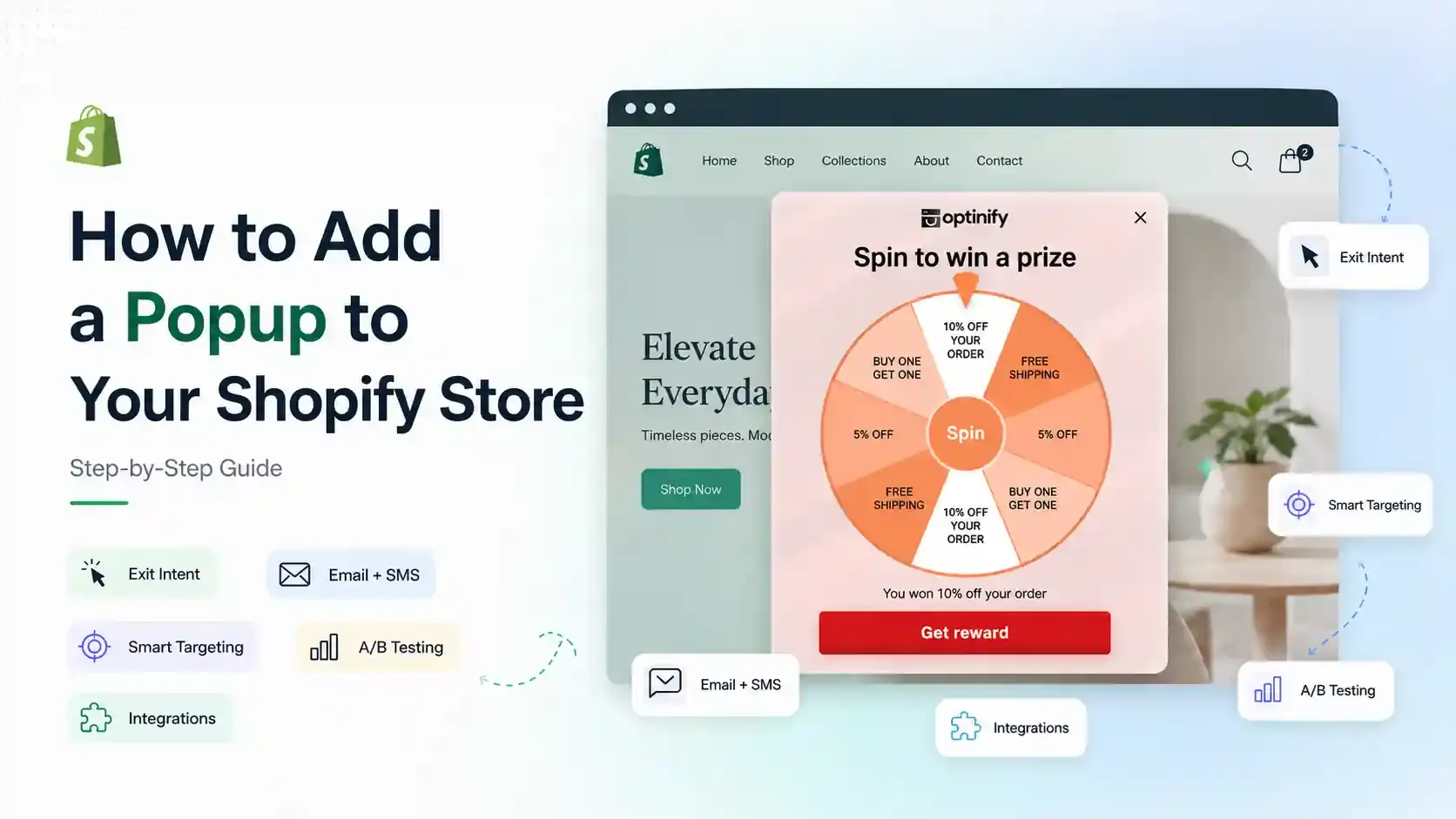
How to Add a Popup to Shopify Store: Step-by-Step Guide
Learn how to add a popup to your Shopify store with Optinify. Follow this step-by-step guide to create, customize, test and publish Shopify popups.
Read Article