
Ecommerce Popups: 14 Types, Examples & Best Practices
Ecommerce popups can collect leads, guide product choice, recover carts, and drive sales. This guide covers 14 popup types, smart triggers, offers, testing tips, and best practices for ecommerce stores.
Ecommerce popups can do much more than collect emails. Stores use them to share offers, help shoppers pick products, recover carts, collect feedback, and drive sales.
This guide covers 14 types of ecommerce popups, when to show them, what to offer, and how to use them without hurting the shopping experience.
What Are Ecommerce Popups?
An ecommerce popup is a message, form, quiz, game, or offer that appears while someone shops on an online store.
Stores use popups to collect email and SMS leads, share deals, suggest products, save carts, announce sales, and collect feedback.
Common ecommerce popup goals include:
- Email lead capture
- SMS lead capture
- First-order sales
- Cart recovery
- Product upsells
- Product recommendations
- Free shipping offers
- Back-in-stock alerts
- Seasonal promotions
- Customer feedback
- Sale announcements
For Shopify merchants, these same popup types works.
Do Ecommerce Popups Work?
Yes. Ecommerce popups can work well when the offer, timing, and audience match.
A popup can collect many emails and bring few sales. Another popup may collect fewer leads but bring more buyers.
That is why ecommerce stores should track the full path:
Popup view → Pre-hook → Lead → Order → Revenue
Sales matter more than form fills.
Which Ecommerce Popup Should You Use?
The right popup depends on what the shopper is doing.
Someone visiting your homepage for the first time is less likely to buy than a shopper with three items in their cart. These two groups should see different messages.
Which Ecommerce Popup Should You Use?
The rule is simple: Match the popup to the shopper's next problem.
Optinify Pro Tip
Do not start with a popup template. Start with the shopper.
14 Types of Ecommerce Popups
Here is a quick view before we break down each type.
1. Welcome Popup
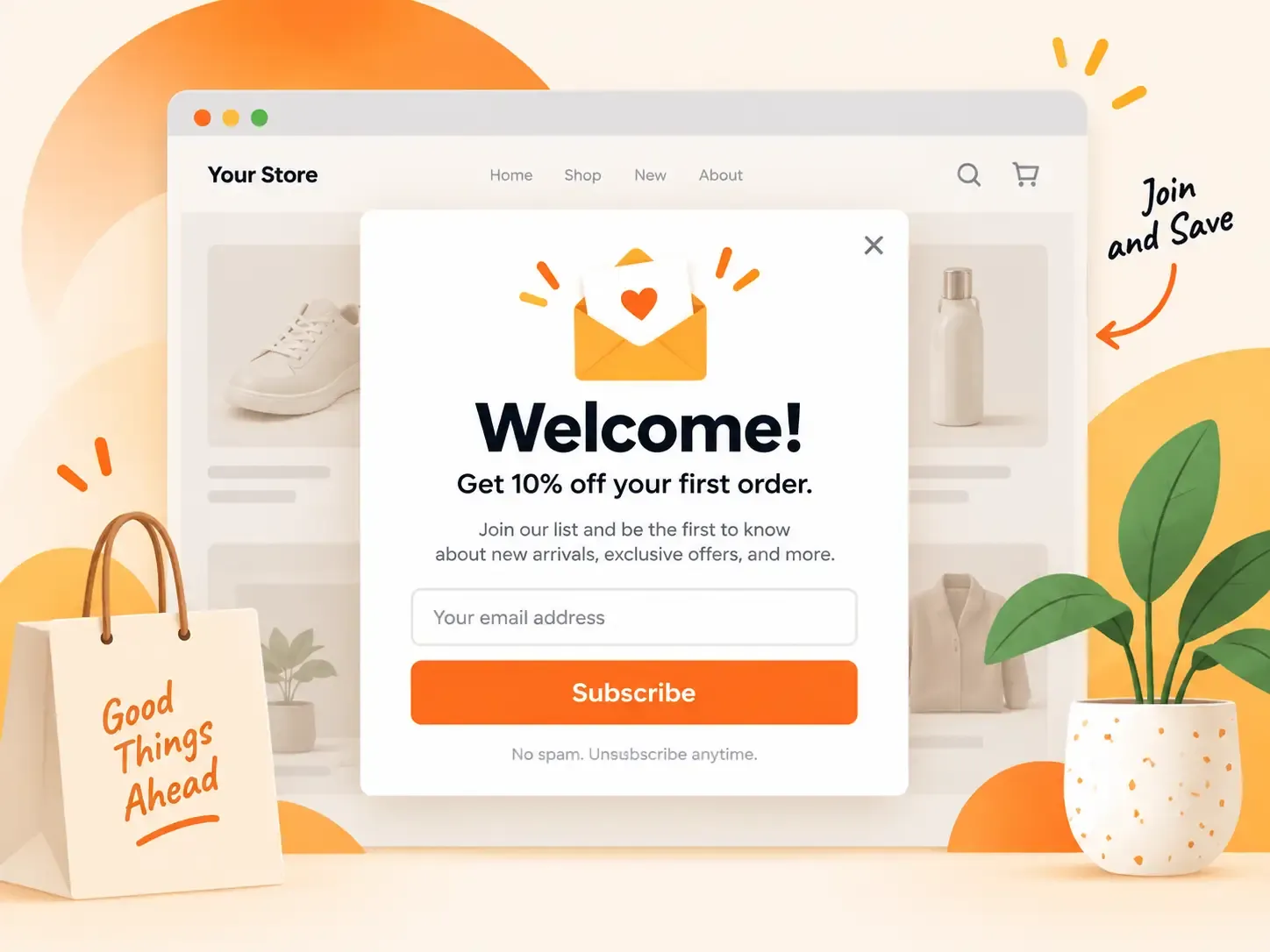
A welcome popup targets new visitors.
The main goal is to turn first-time visitors into email or SMS leads.
Best for: First-time visitors
Good trigger: Time, scroll, or second page view
Main mistake: Showing the popup the second the page loads
2. Email Signup Popup
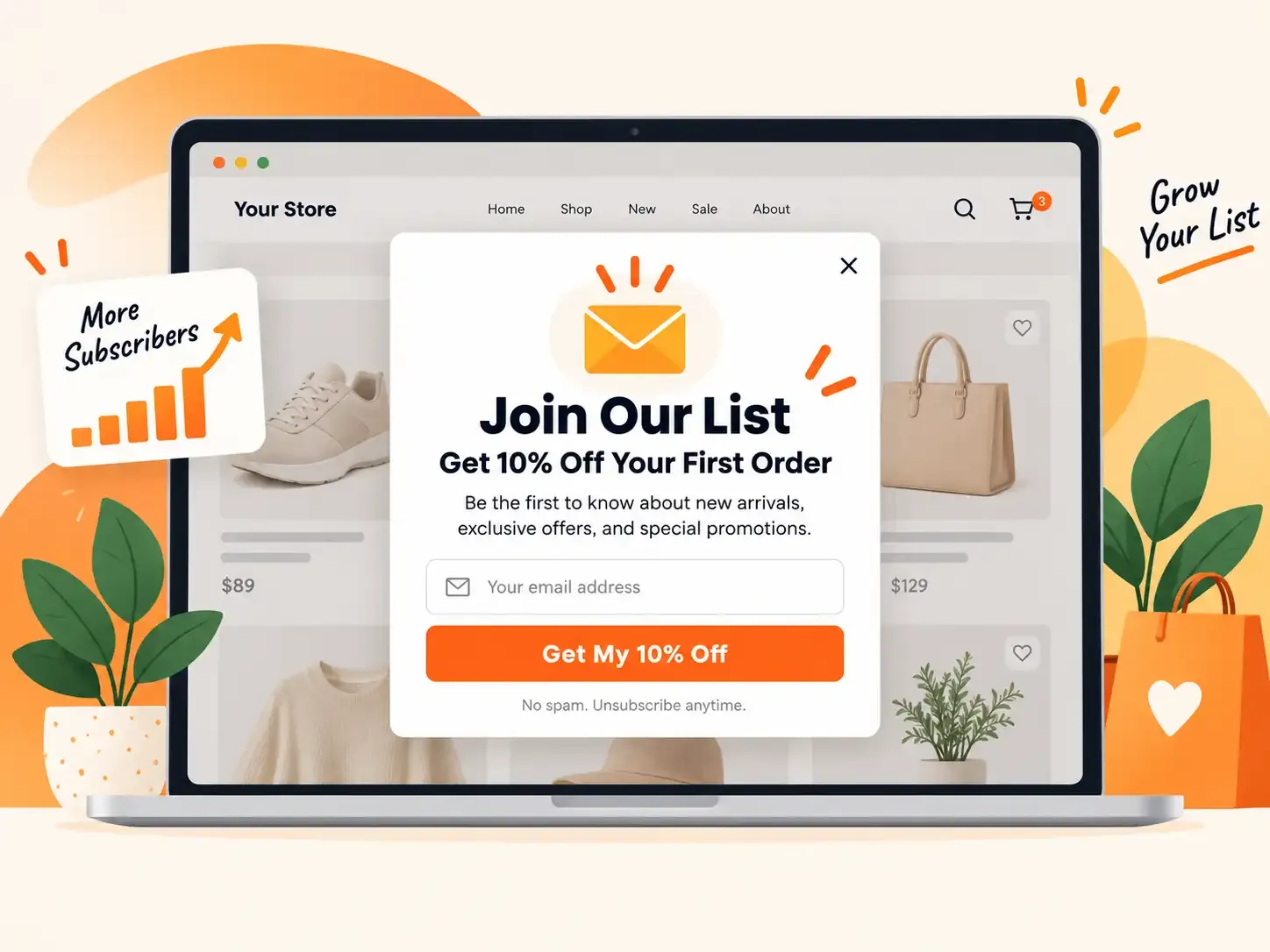
An email signup popup asks visitors to join your email list.
It is one of the most common popup types in ecommerce. The value should be clear.
Instead of: "Subscribe to our newsletter."
Try: "Get 10% off your first order."
The second message tells shoppers what they get.
For a Shopify store, an email popup can turn first-time traffic into an audience you can reach again.
Best for: New visitors
Good trigger: After some page activity
Main mistake: Asking for too much data
Optinify Pro Tip
You can check the email popup examples.
3. Discount Popup
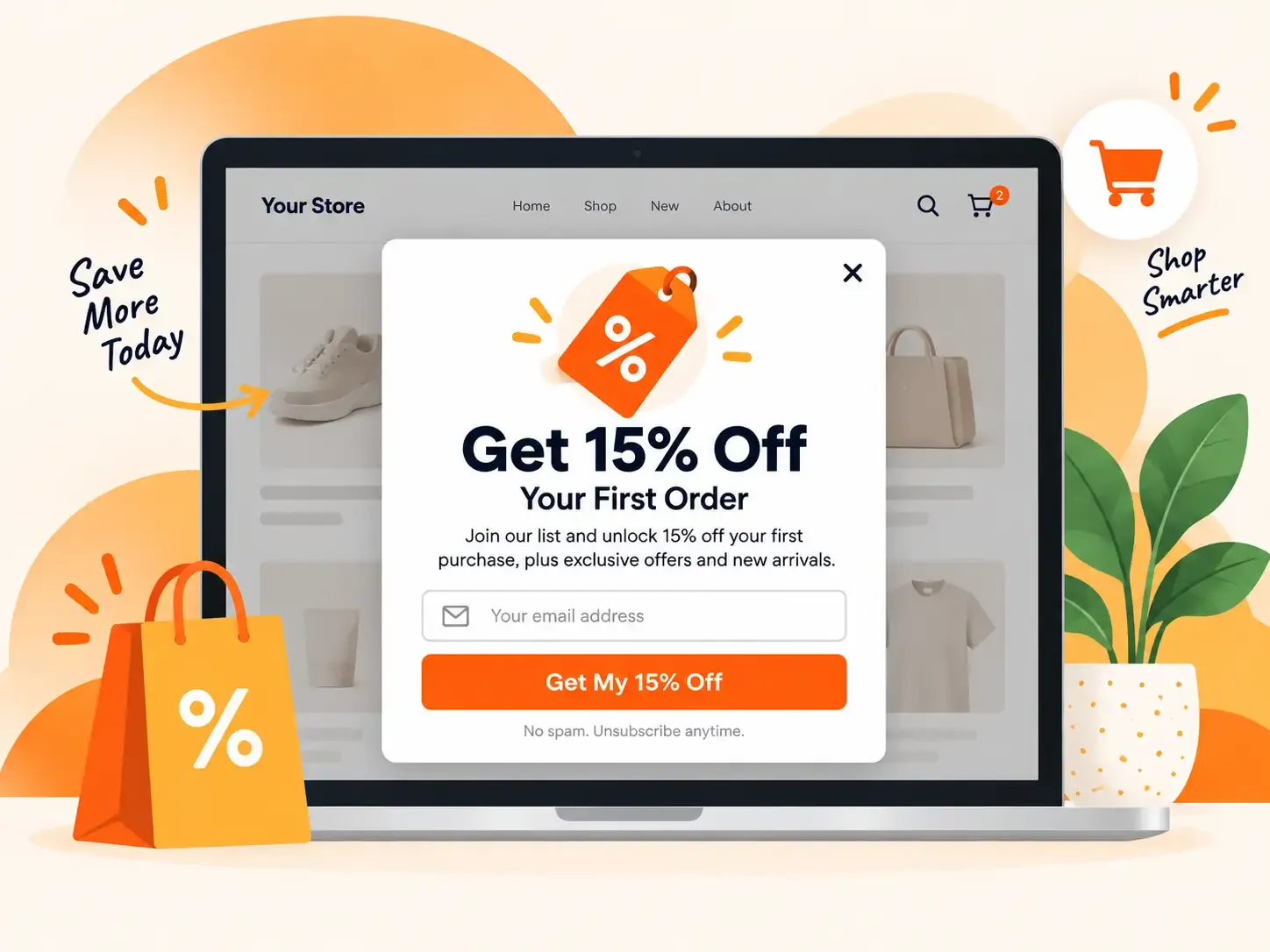
A discount popup offers money off an order.
It works because the reward is easy to understand.
Good options include:
- Free shipping
- Loyalty points
- Free gift
- Early access
- Free sample
Best for: New and high-intent shoppers
Good trigger: After product interest
Main mistake: Giving a large discount too early
Optinify Pro Tip
Check this guide on discount popup.
4. Exit Intent Popup
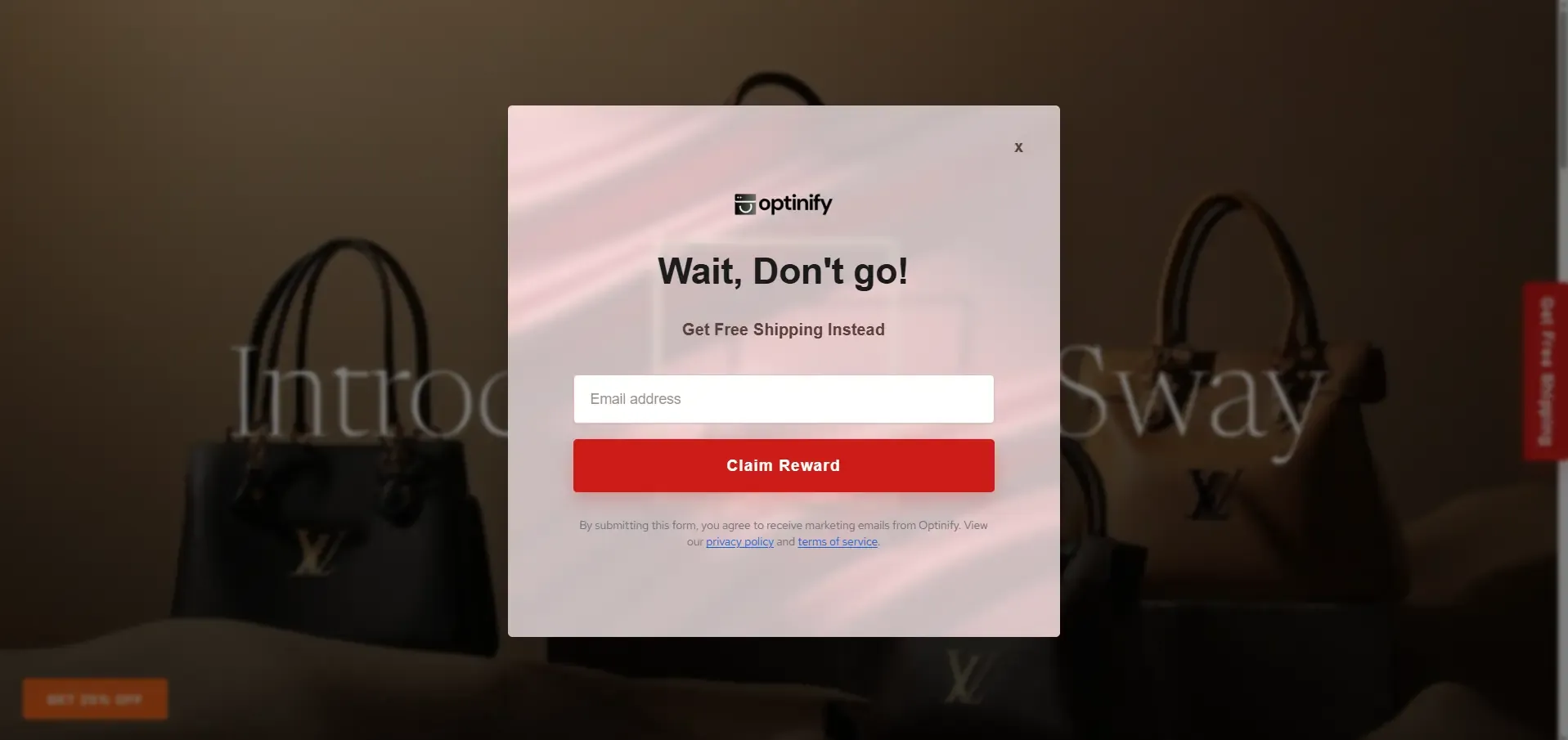
An exit intent popup appears when a shopper seems ready to leave.
On desktop, this may happen when the cursor moves toward the browser controls.
Mobile exit intent is harder to spot. You can use scroll up quickly as a mobile exit intent.
Best for: Product and cart visitors
Good trigger: Exit behavior
Main mistake: Showing it right after another popup
Optinify Pro Tip
Check this guide on exit intent popup.
5. Cart Abandonment Popup
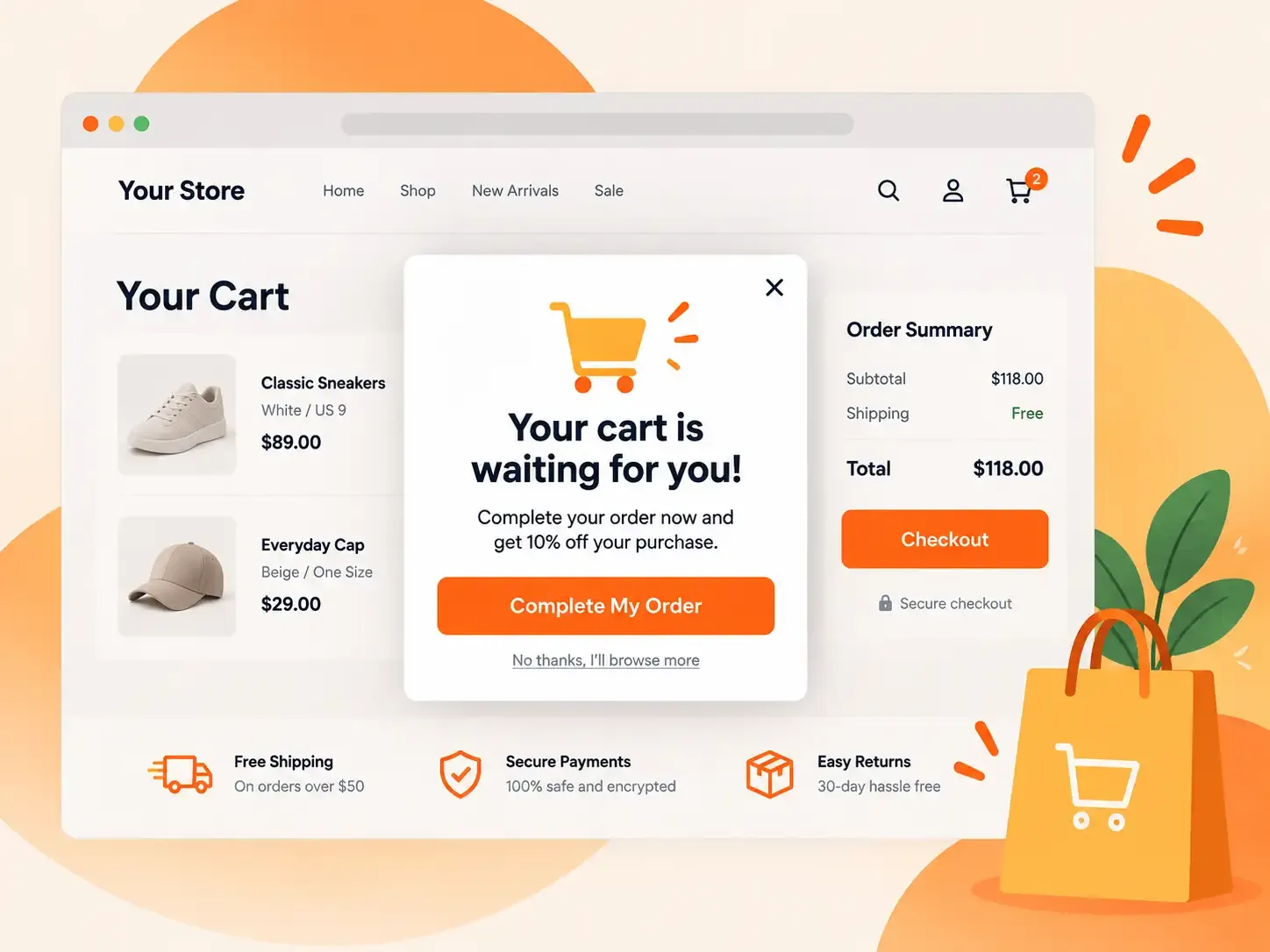
A cart abandonment popup targets shoppers who added a product but may leave without buying.
These shoppers already have strong buying intent.
The popup should solve the user's problem instead of trying to sell them something new.
Best for: High-intent cart visitors
Good trigger: Exit with products in cart
Main mistake: Showing an unrelated offer
Optinify Pro Tip
Check this guide on cart abandonment popup.
6. Free Shipping Popup
Displaying a free shipping popup can help reduce a common concern shoppers feel when making online purchases.
Best for: Product and cart pages
Good trigger: Cart value
Main mistake: Showing the offer after the shopper already qualifies
Optinify Pro Tip
Check this guide on free shipping popup.
7. Spin to Win Popup
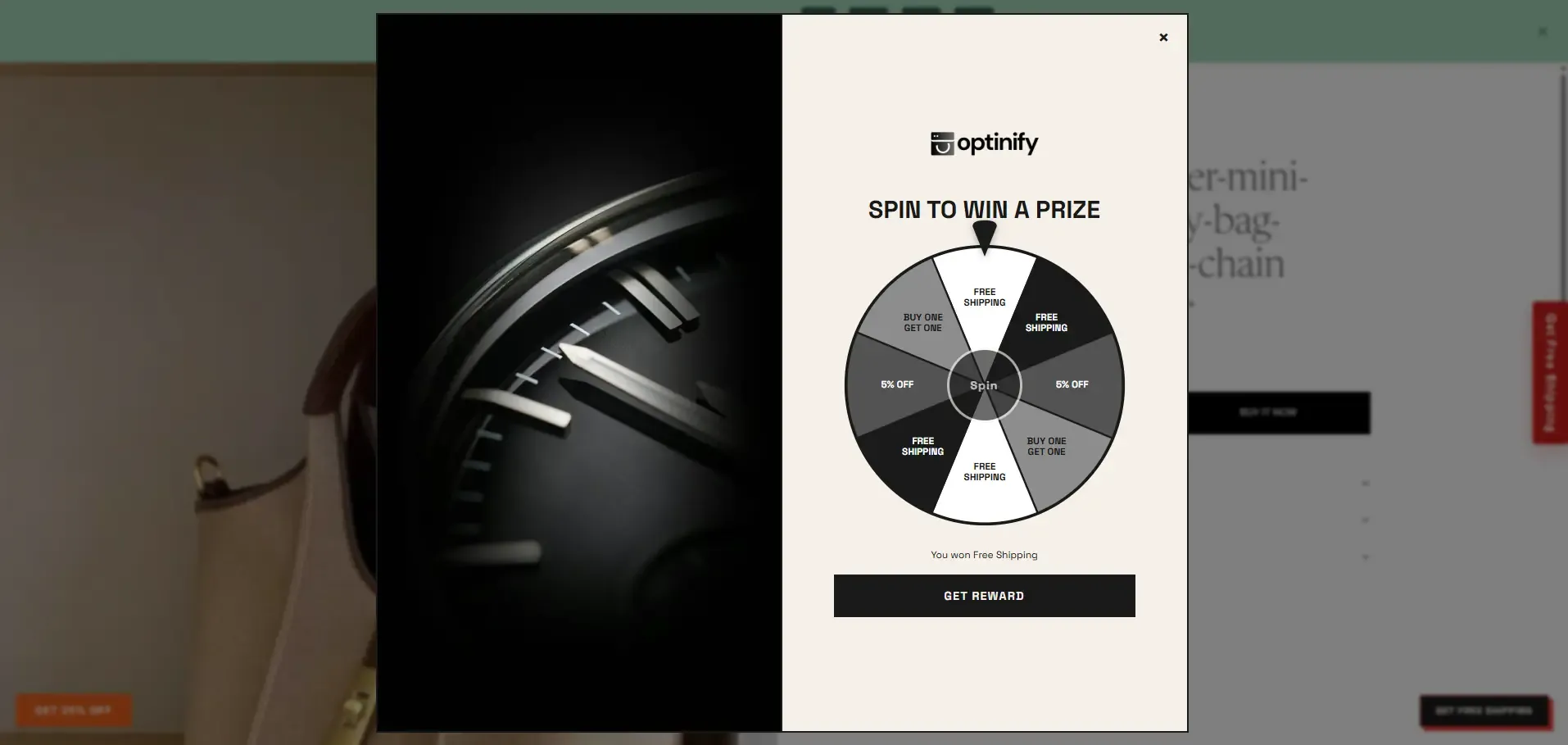
A spin the wheel popup turns lead capture into a small game.
The shopper enters an email or phone number and gets a chance to win an offer. Gamified popups can get attention fast.
Best for: Offer-led and playful brands
Good trigger: Campaign or first visit
Main mistake: Running the same wheel all year
Optinify Pro Tip
Check this guide on Spin to win popup.
8. Mini-quiz Popup
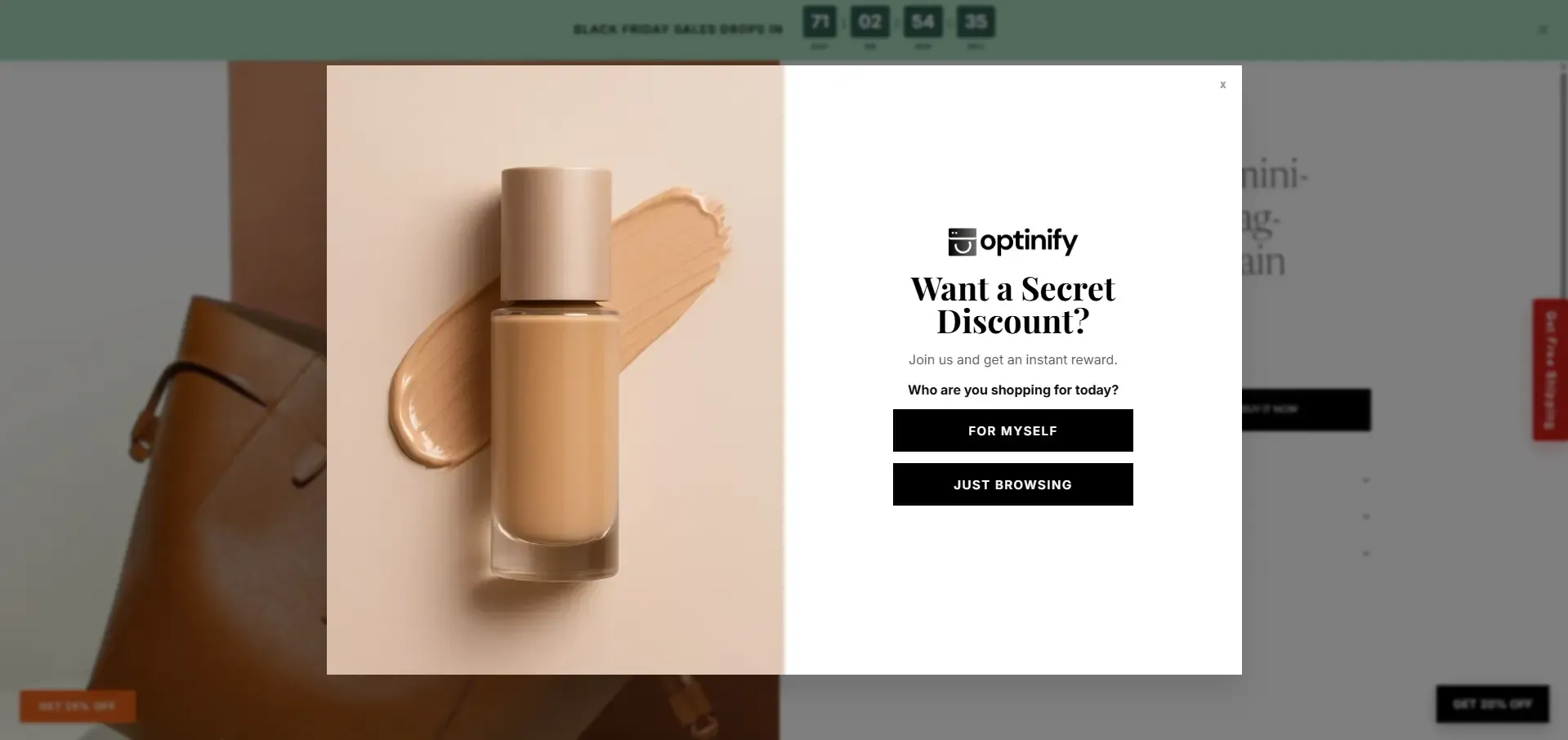
A mini-quiz popup starts with a simple question.
That first question can work as a prehook before asking for an email or phone number.
A skincare store may ask: "What's your main skin goal?"
A pet store may ask: "Who are you shopping for?"
Best for: Stores with many product choices
Good trigger: After product browsing
Main mistake: Asking too many questions
9. SMS Popup
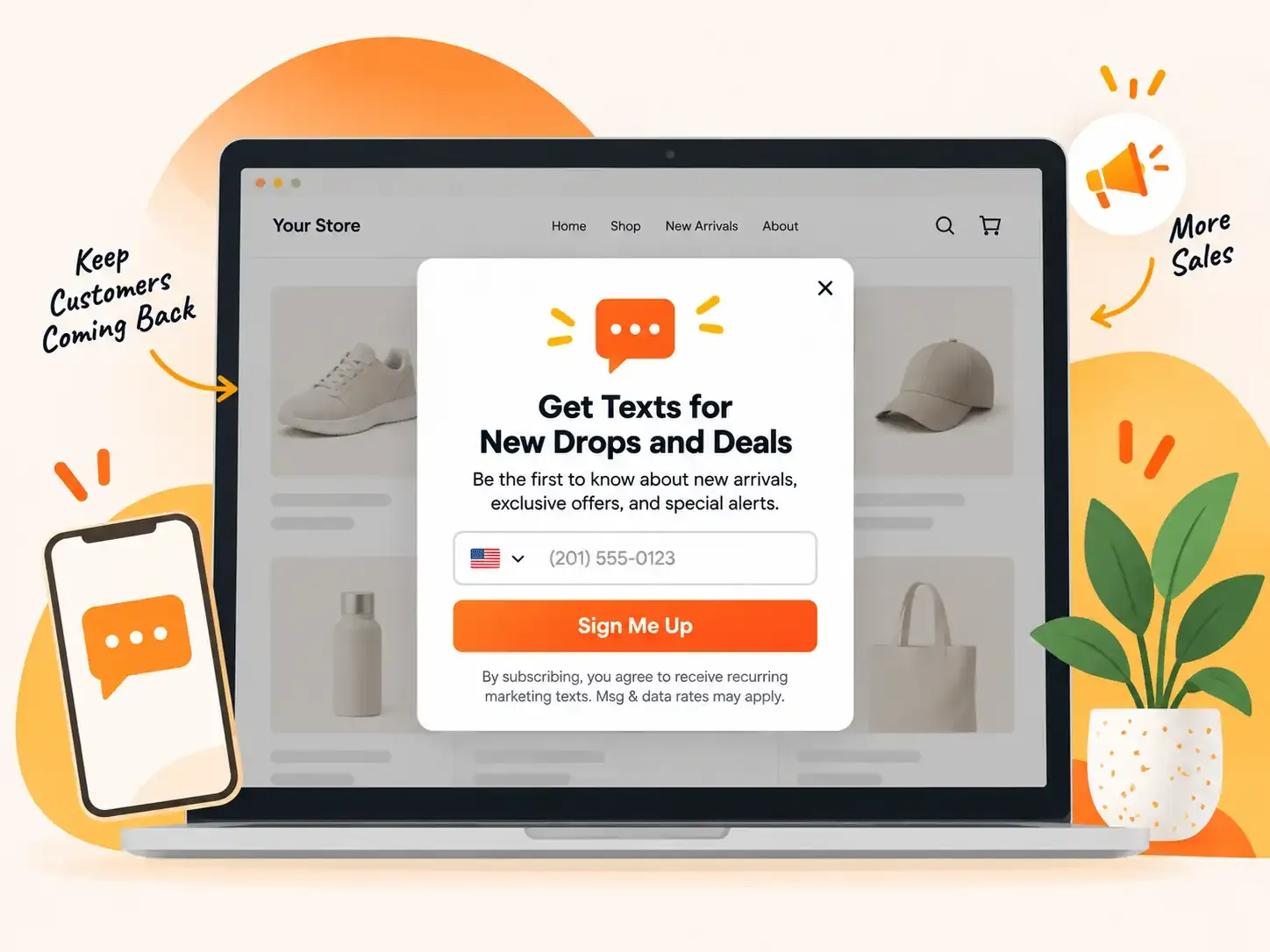
An SMS popup asks for a shopper's phone number.
Stores often use SMS for sales, new drops, restock alerts, and short-term offers.
Best for: Drops, alerts, and repeat offers
Good trigger: High shopper intent
Main mistake: Treating SMS consent like a normal form field
Optinify Pro Tip
Check this guide on SMS popup.
10. Upsell and Product Recommendation Popup
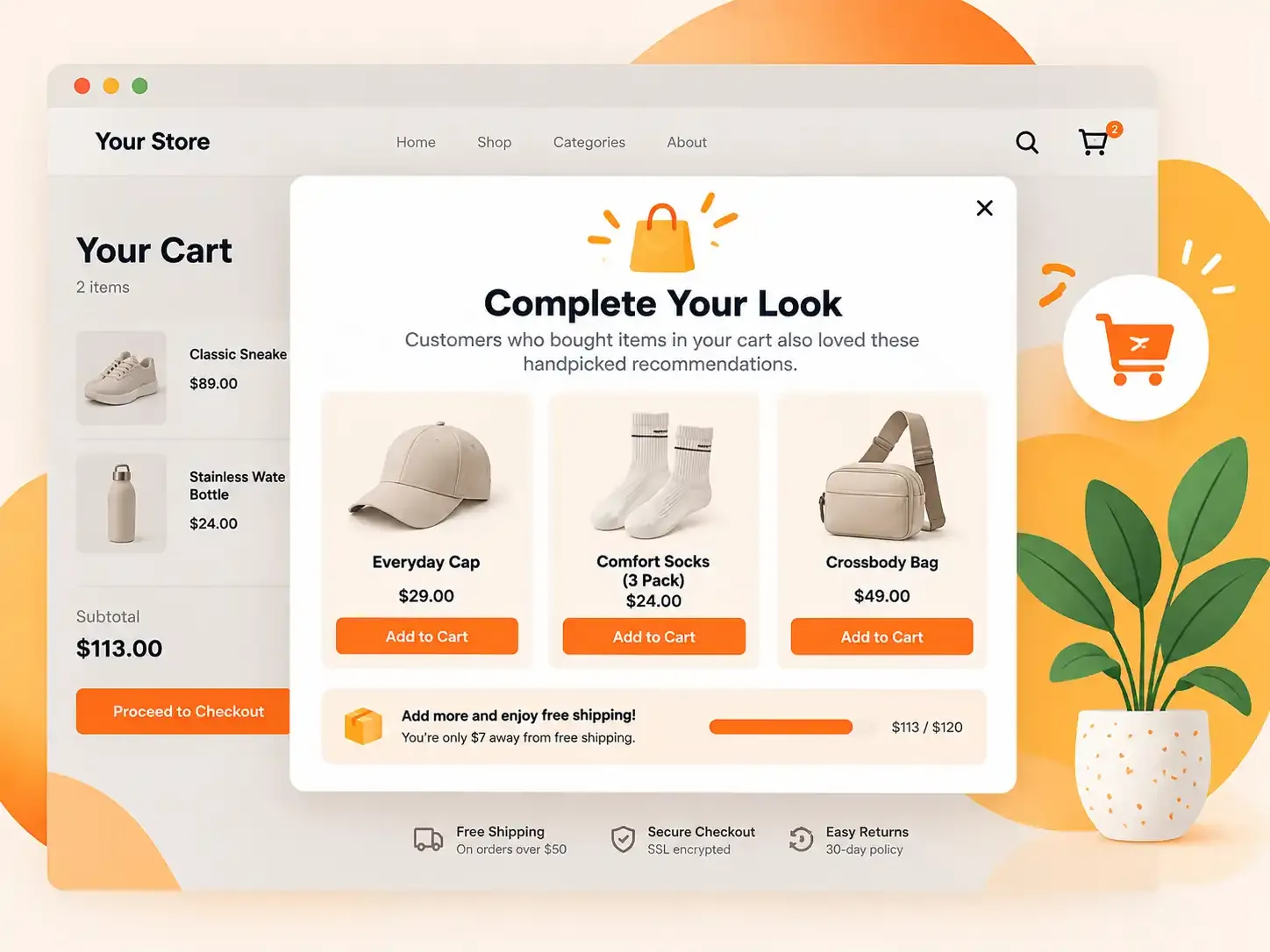
An upsell popup suggests another item or a better choice.
A shopper buying coffee may need filters.
Best for: Product and cart pages
Good trigger: Product view or add to cart
Main mistake: Suggesting products with no clear link
11. Back-in-Stock Popup
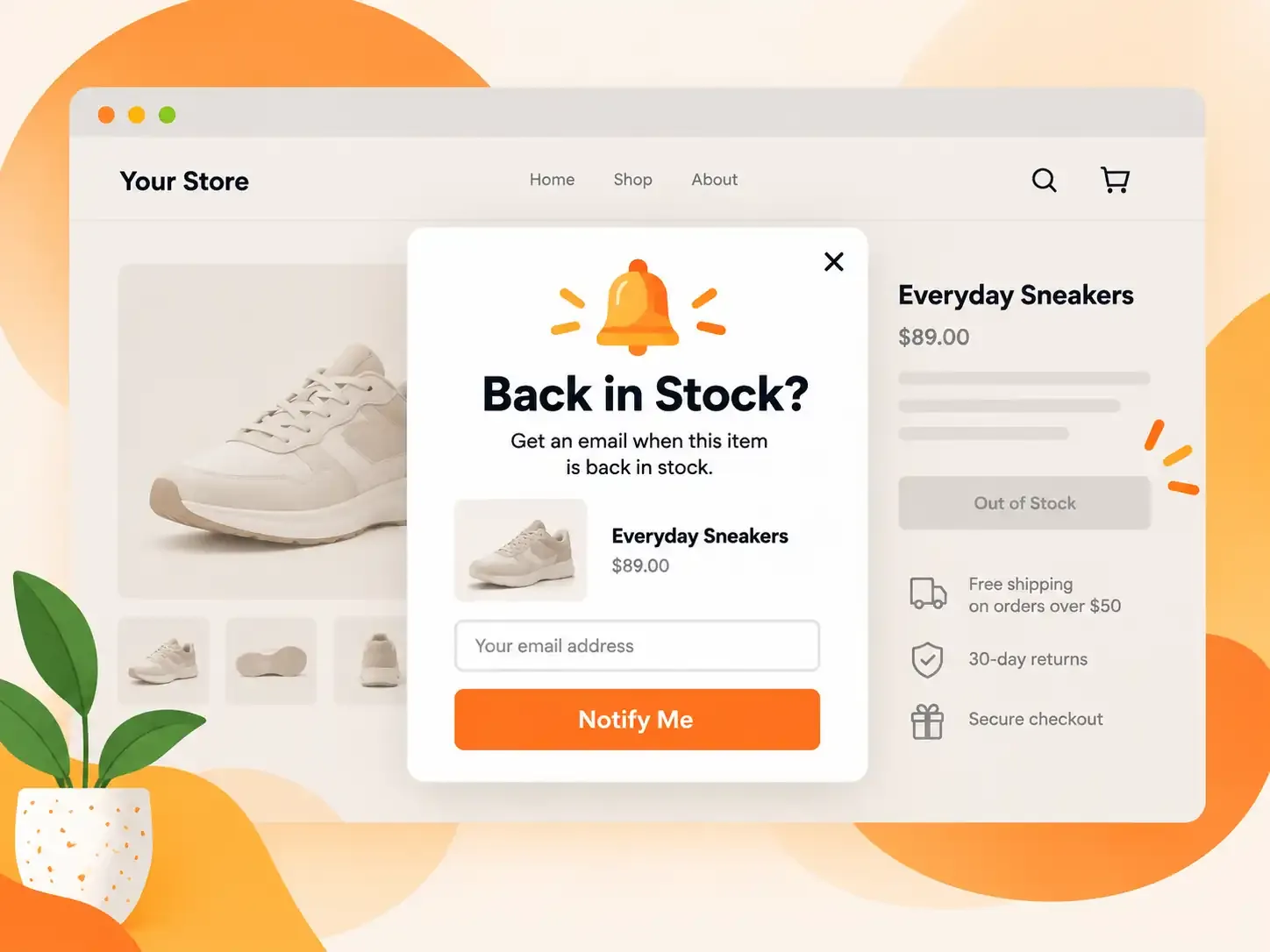
A back-in-stock popup collects contact details when an item is sold out.
This is one of the cleanest forms of lead capture. The shopper already wants the product. The store only needs to ask where to send the alert.
For example: "Want this in Medium? Get an email when it's back."
Best for: Sold-out product pages
Good trigger: Product stock state
Main mistake: Asking for more data than needed
12. Survey and Feedback Popup
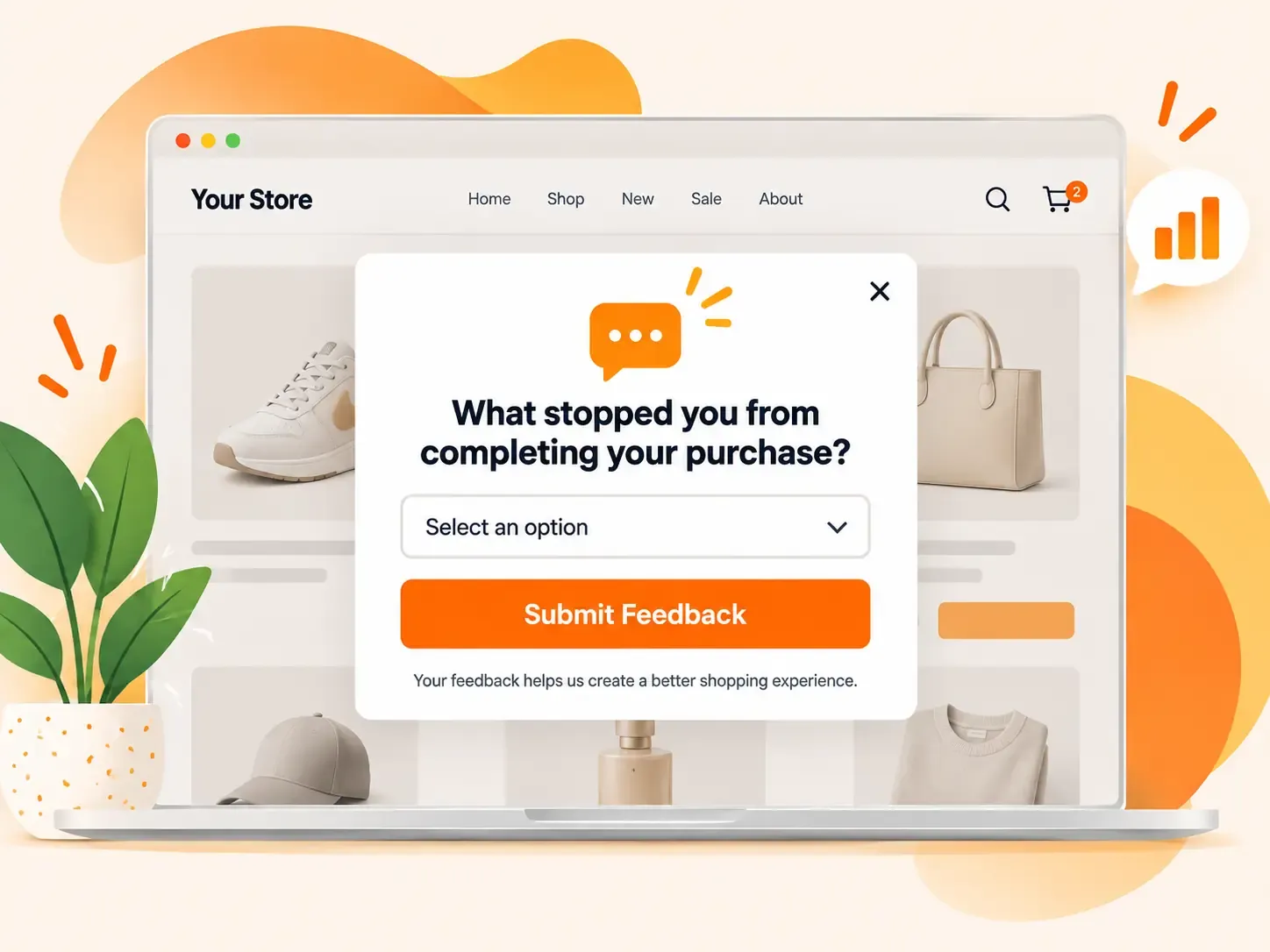
A survey popup asks the shopper a short question.
It can help a store learn why people buy, leave, or get stuck.
Best for: Exit, post-purchase, and returning visitors
Good trigger: The action you want to study
Main mistake: Asking at the wrong time
13. Black Friday Popup
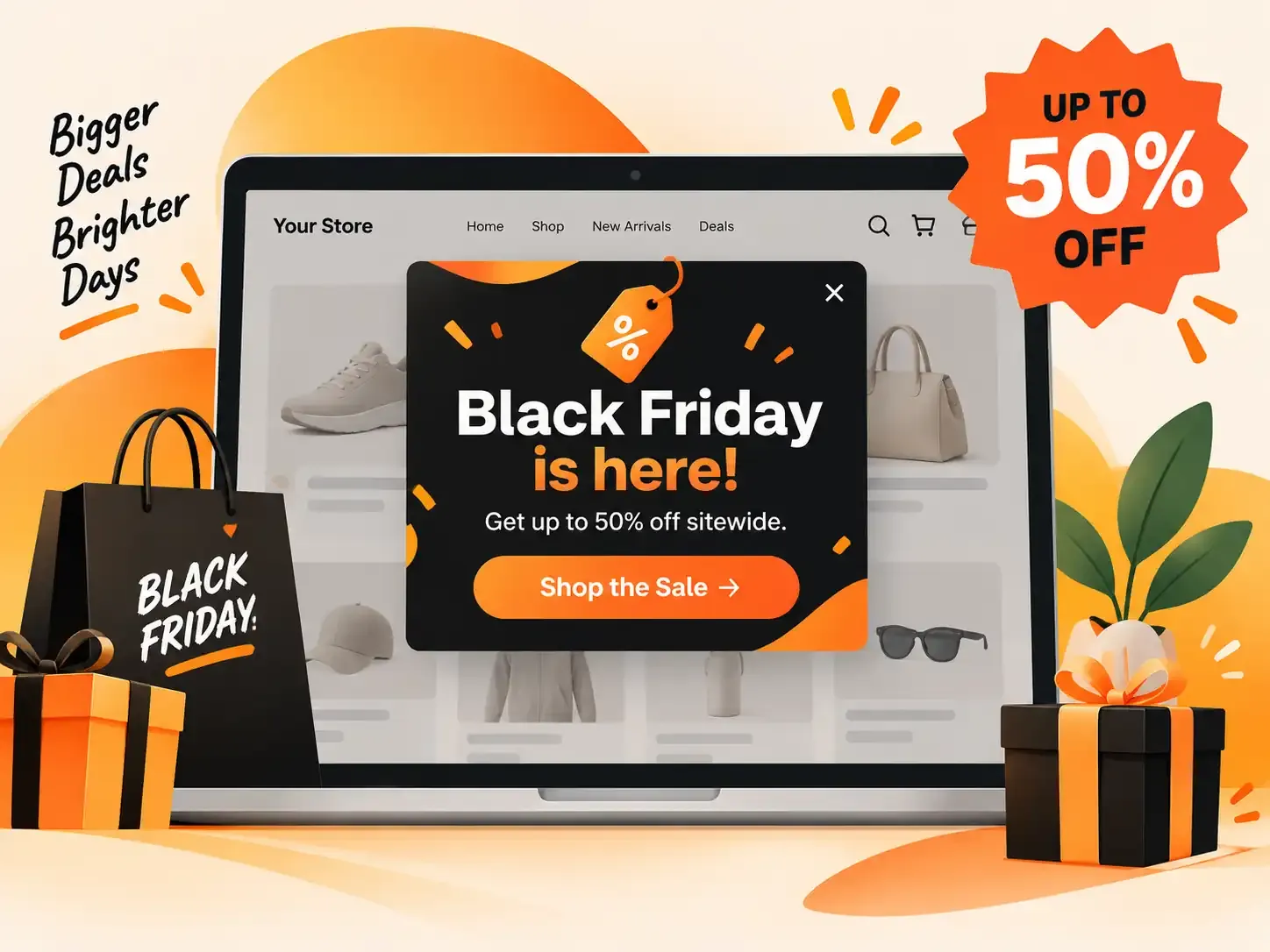
A Black Friday popup promotes a time-limited offer during the Black Friday sales period.
It can help a store turn high seasonal traffic into leads and sales.
For example: "Black Friday is live. Get 25% off before the sale ends."
Best for: Black Friday promotions
Good trigger: Campaign date, page type, visitor intent, or cart activity
Main mistake: Showing the same sale popup everywhere
14. Cyber Monday Popup
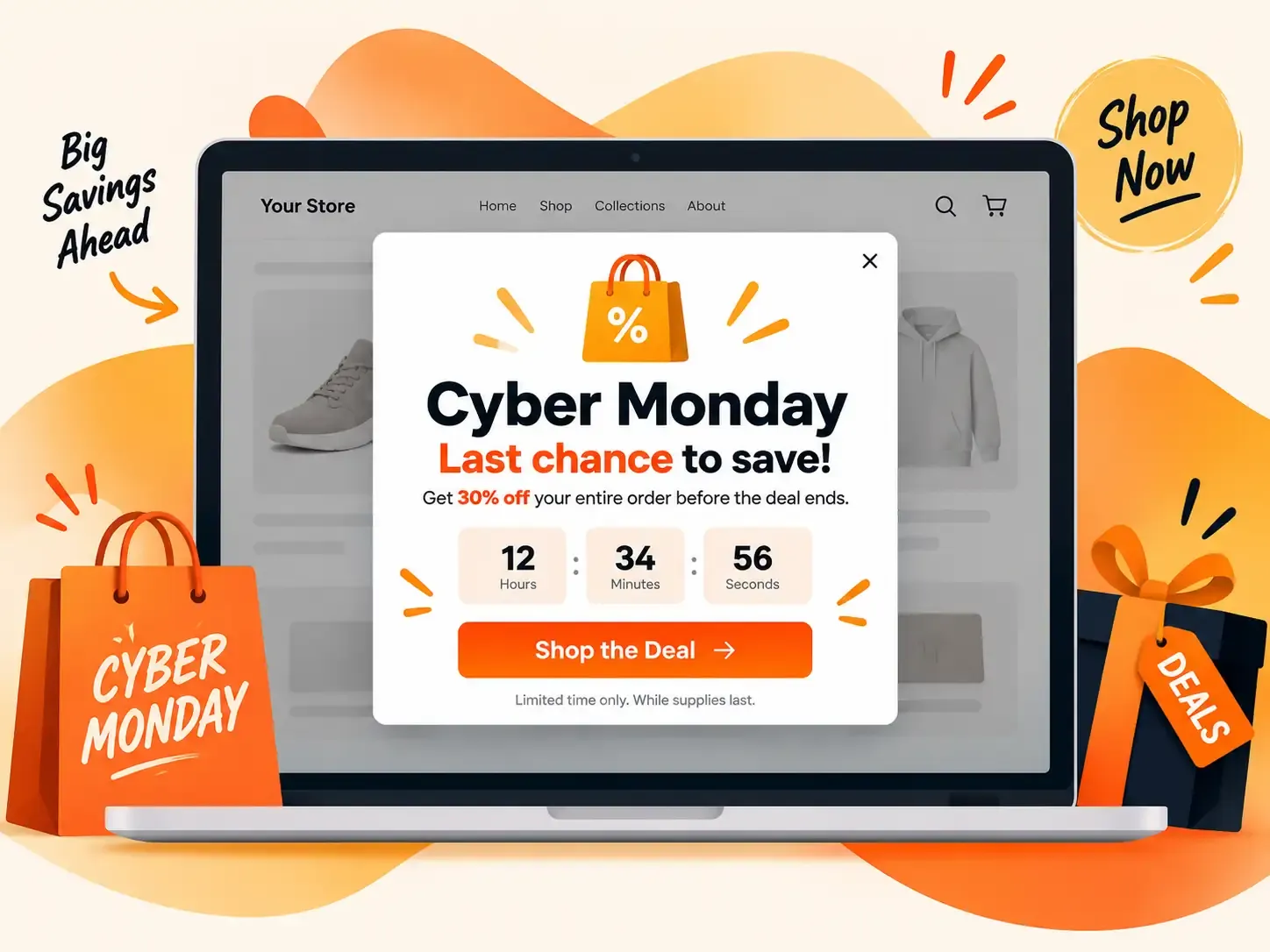
A Cyber Monday popup promotes a time-limited online deal around Cyber Monday.
It can work as its own campaign or as the final part of a Black Friday weekend offer.
Best for: Cyber Monday and last-chance campaigns
Good trigger: Return visit, product interest, cart activity, or campaign time
Main mistake: Reusing the Black Friday campaign without changing the audience or message
Best Popup for Each Ecommerce Store Page
The popup should match the page the shopper is viewing.
Someone reading a blog post needs a different message from someone looking at a cart.
What Should You Offer in an Ecommerce Popup?
A good popup offer gives the shopper clear value. It should also make sense for your margin.
Low-Cost Offers
These can collect leads without cutting product price:
- Early access
- Product guide
- Buying guide
- Quiz result
- Back-in-stock alert
- VIP access
Value-Add Offers
These give shoppers something extra:
- Free shipping
- Loyalty points
- Free sample
- Giveaway entry
- Free gift
Direct Discounts
These give clear savings:
- 10% off
- $10 off
- First-order discount
- Bundle savings
- Seasonal coupon
Start with the lowest-cost offer that still gives shoppers a good reason to act. For example, free shipping may convert almost as well as 15% off. If so, free shipping may be the better offer for your store.
When Should an Ecommerce Popup Appear?
There is no perfect popup delay for every store. The best trigger depends on what the shopper is doing.
Time Trigger
Show the popup after the shopper spends some time on the page. This can work well for welcome offers.
Scroll Trigger
Show the popup after the shopper moves down part of a page. This works well on blog posts and long collection pages.
Page-View Trigger
Wait until the shopper visits more than one page. This helps target people who show some interest.
Exit Trigger
Show the popup when the shopper seems ready to leave. This works well on product and cart pages.
Click Trigger
Let shoppers open the popup themselves.
For example:
"Get 10% Off"
Cart Trigger
Show a popup after a product enters the cart or the cart reaches a set value.
This works well for:
- Upsells
- Cross-sells
- Free shipping
- Cart offers
- Black Friday reminders
- Cyber Monday offers
Return-Visit Trigger
Show a different message to someone who has visited before. Do not keep giving returning shoppers the same welcome offer.
How Often Should You Show a Popup?
One useful popup is enough for many store visits. Do not show one popup after another.
If someone closes an offer, give them some space.
A simple starting point is:
- Show one main popup per visit
- Do not repeat it right after a close
- Hide lead forms from existing subscribers
- Stop first-time offers after signup
- Change seasonal messages as the campaign moves forward
- Use a small floating button if shoppers want to reopen an offer
How to Write Ecommerce Popup Copy
Good popup copy answers three questions fast:
What do I get?, Why should I care?, What should I do next?
A simple formula is: Value + reason + one action
Email Capture Example
Get 10% off your first order.
Join the list and we'll send your code.
CTA: Get My 10%
Free Shipping Example
Want free shipping?
Join now and use it on your first order.
CTA: Unlock Free Shipping
Product Quiz Example
Not sure which one fits?
Answer three quick questions and find your best match.
CTA: Find My Match
Back-in-Stock Example
Your size is sold out.
Get an alert when it comes back.
CTA: Tell Me
Exit Popup Example
Want to save your cart?
We'll send you a link so you can return later.
CTA: Save My Cart
Black Friday Example
Black Friday starts early for you.
Join now and get first access to the sale.
CTA: Get Early Access
Cyber Monday Example
Last chance to save 20%.
Cyber Monday ends tonight.
CTA: Shop the Deal
How to Design Ecommerce Popups for Mobile
Mobile popup design needs extra care. A large popup can cover most of a phone screen.
Google warns that intrusive dialogs can make the main content hard to access. It also says this can make pages harder for search engines to understand and may lead to poor search performance.
For mobile popups:
- Keep the message short
- Use a clear close button
- Use large tap areas
- Keep forms small
- Use readable text
- Avoid instant full-screen offers
- Use one main CTA
- Test on a real phone
Do not just shrink the desktop design. Build the mobile version for a small screen.
Optinify Pro Tip
Check this guide on Mobile popup.
Email and SMS Consent for Ecommerce Popups
A lead is useful only when the shopper knows what they joined.
For email, that may include:
- Offers
- Store news
- Product updates
- New drops
- Guides
- Seasonal campaigns
SMS needs even more care because it reaches a personal phone.
A smaller, clean list is often worth more than a large list of people who never wanted your messages.
How to A/B Test Ecommerce Popups
A/B testing compares two popup versions.
For example:
Version A: 10% off
Version B: Free shipping
Show each version to a similar group of shoppers. Then compare the result.
5 Ecommerce Popup Playbooks You Can Copy
A popup template gives you a design. A playbook tells you who should see it, when it should appear, and what it should do.
Playbook 1: New Visitor
Shopper: First-time visitor
Page: Homepage or collection page
Trigger: Time or scroll
Popup: Welcome offer
Offer: Free shipping or first-order deal
Goal: Email capture
Rule
Stop showing it after signup.
This is a good first campaign for many stores.
Playbook 2: Shopper Who Needs Help Choosing
Shopper: Has viewed several products
Page: Collection or product page
Trigger: Product browsing
Popup: Mini-quiz
Prehook: Find your best match
Lead step: Ask for email after the first question
Reward: Product result or offer
Goal: Capture a lead and learn shopper intent
This can work well for:
- Beauty
- Fashion
- Food
- Gifts
- Pet products
- Supplements
- Large product catalogs
Playbook 3: Cart Abandoner
Shopper: Has items in the cart
Page: Cart
Trigger: Exit behavior
Popup: Cart save or free shipping offer
Goal: Complete or recover the order
Optinify Pro Tip
Avoid showing a basic newsletter popup here. This shopper is already much closer to buying.
Playbook 4: Returning Shopper
Shopper: Has visited before
Page: Product or collection page
Trigger: Return visit
Popup: New product, product offer, or personal message
Goal: Move the shopper closer to an order
Optinify Pro Tip
Do not welcome a returning shopper like a first-time visitor. Use what you know from the visit.
Playbook 5: Black Friday to Cyber Monday Campaign
Shopper: New and returning visitors
Pages: Homepage, collection, product, and cart
Black Friday message: Main sale or early access
Cyber Monday message: Final chance or online-only offer
Trigger: Campaign time plus shopper intent
Goal: Leads and sales
Rule
Change the message as the sale moves from Black Friday to Cyber Monday. This is important.
Common Ecommerce Popup Mistakes
- Showing the Popup Too Soon
- Showing the Same Popup to Everyone
- Offering Too Much Discount
- Asking for Too Much Data
- Hiding the Close Button
- Showing Too Many Popups
- Ignoring Mobile
- Tracking Only Leads
- Never A/B Testing
- Repeating the Same Holiday Offer
Ecommerce Popups FAQs
Final Takeaway
The best ecommerce popups help shoppers take the next useful step.
Match the popup to the shopper, show it at the right time, test the offer, and track what happens after the signup.
That is how a popup becomes part of the shopping journey instead of an interruption.