
How to Add a Popup to Shopify Store: Step-by-Step Guide
Learn how to add a popup to your Shopify store with Optinify. Follow this step-by-step guide to create, customize, test and publish Shopify popups.
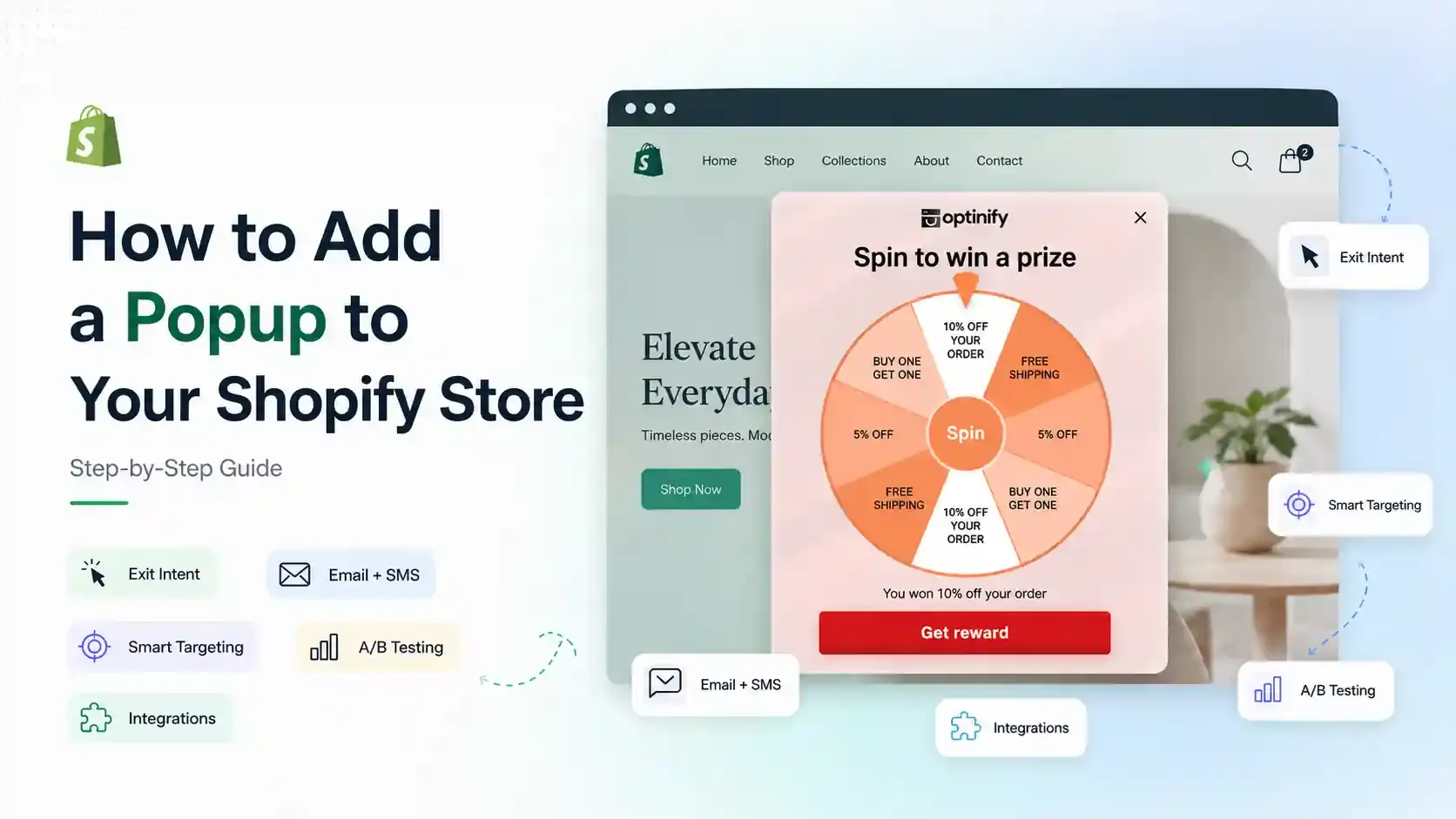
Why add a popup to your Shopify store?
Because,
- They grow your list
- Promote an offer
- Collect Email & SMS subscribers
- Bring abandoning shoppers back.
- Increase Shopify sales
In this blog, you will see all the steps you need to follow to create popups for your Shopify store using Optinify.
Let’s get started.
What popups are popular on Shopify websites?
Not sure which popups your store needs? The answer is “There is no single popup type that works best for every store. Test different formats, offers, and triggers to see what converts best for your audience.
The most popular popups are:
- Welcome popup: Hook visitors instantly.
- Exit intent popup: Displays an offer when a visitor appears likely to leave your store.
- Mobile popup: Best for mobile users.
- Discount popup: Capturing emails with discounts.
- Email popup: Collecting leads.
- SMS popup: Collecting phone numbers.
- Cart abandonment popup: Encourages shoppers to complete their purchase before leaving the store.
- Free shipping popup: Promotes a free-shipping threshold or incentive to encourage purchases.
- Spin to win popup: Building an email list with gamification.
- Upsell popup: Increasing average order value.
- Multi-step popup: Reducing form friction with progressive engagement.
You can test more types of popups and decide which one converts for your store.
How to add a popup to your Shopify store
The easiest way to add a popup to Shopify is to install a popup app, create a campaign, customize its design and targeting rules, and publish it to your storefront.
By following these simple steps, you can add a popup to your Shopify store using Optinify.
The steps:
- Add a popup app to your store.
- Create a new campaign.
- Select a popup template.
- Customize the template to match your brand.
- Choose the smart targeting rules.
- Preview your popup.
- Connect integrations.
- Publish.
Step 1: Add a Shopify popup app to your store
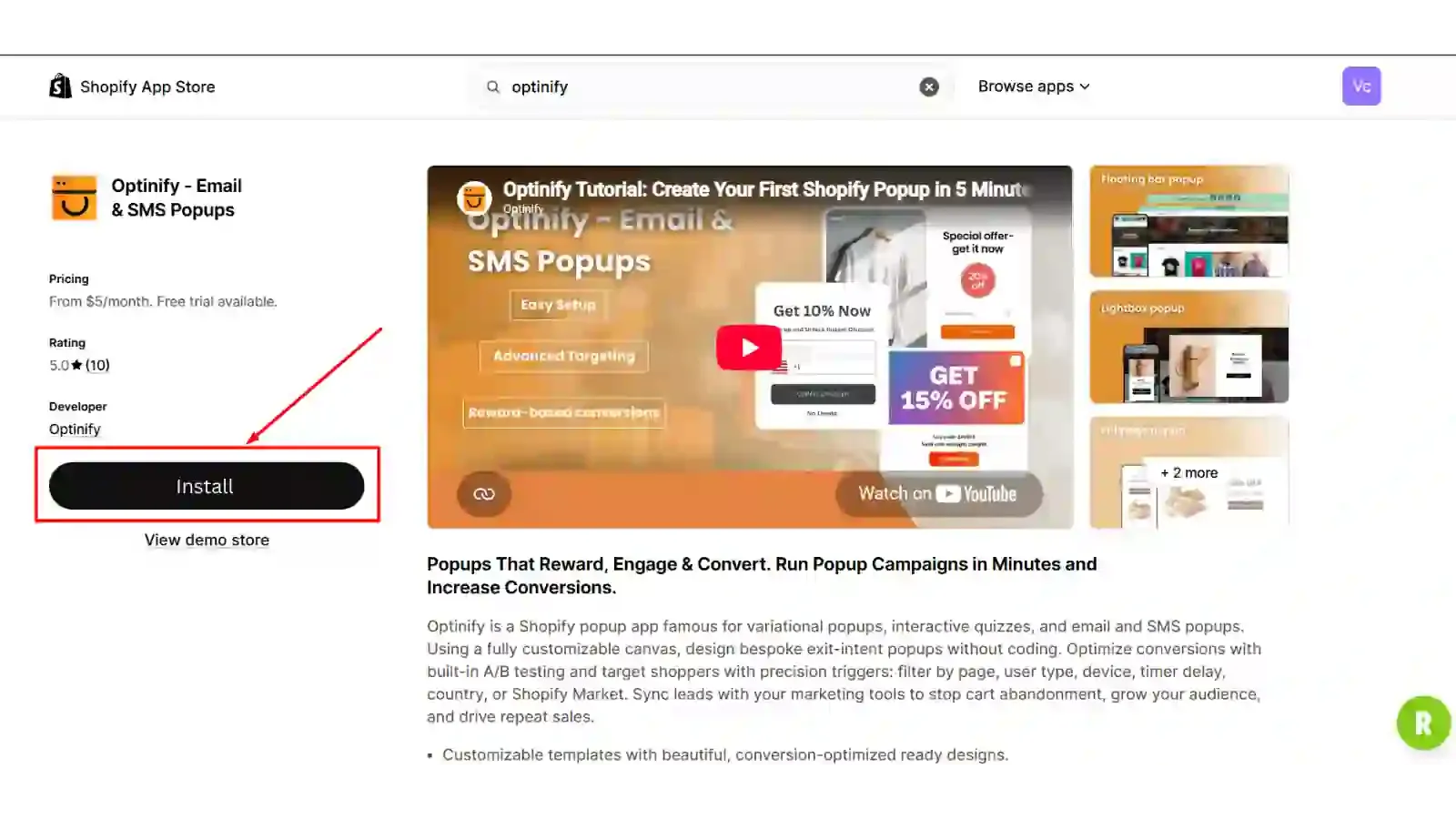
We will go with the Shopify popup app named Optinify.
Optinify is available in the Shopify app store and can be installed directly into your store.
Before installing any Shopify app, review recent merchant feedback to see whether it fits your requirements.
Step 2: Create a new campaign
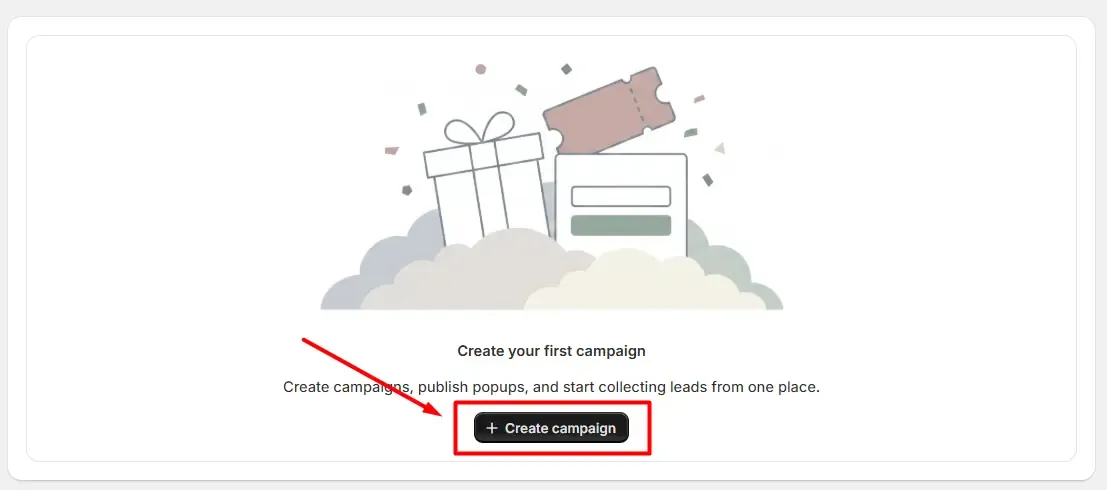
Click on the button “Create campaign.”
Write the name and the description. Then click next.
Step 3: Select a popup template
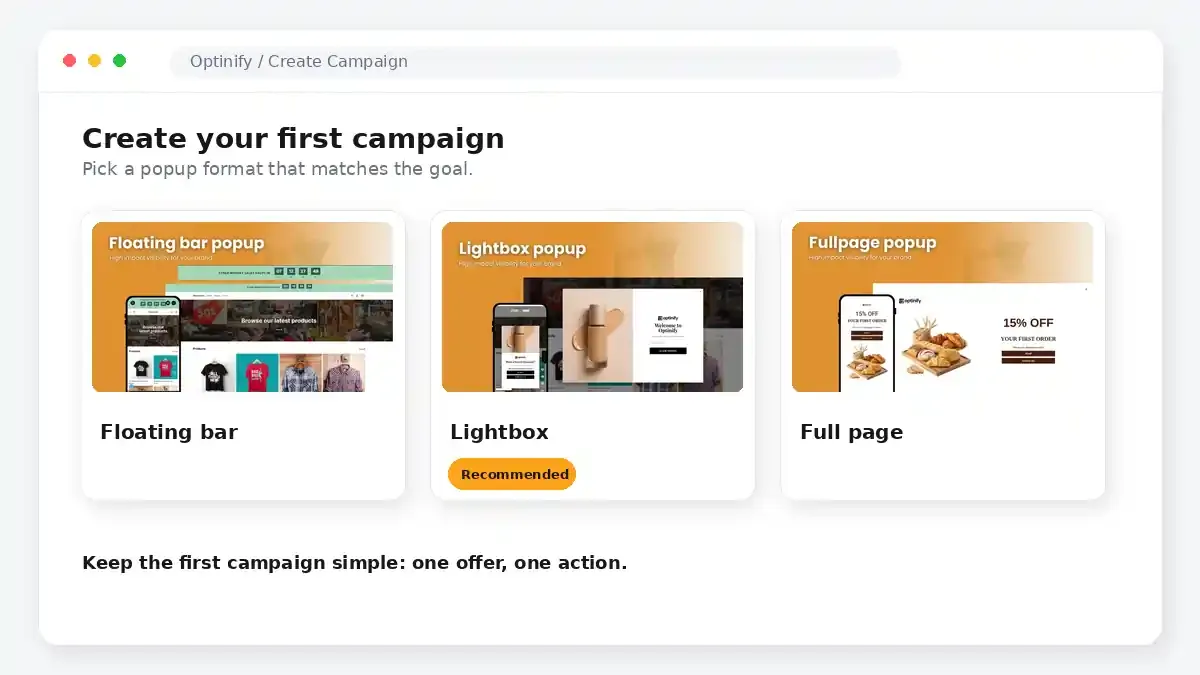
You will land in the template section. Choose one and click next.
Step 4: Customize the template to match your brand
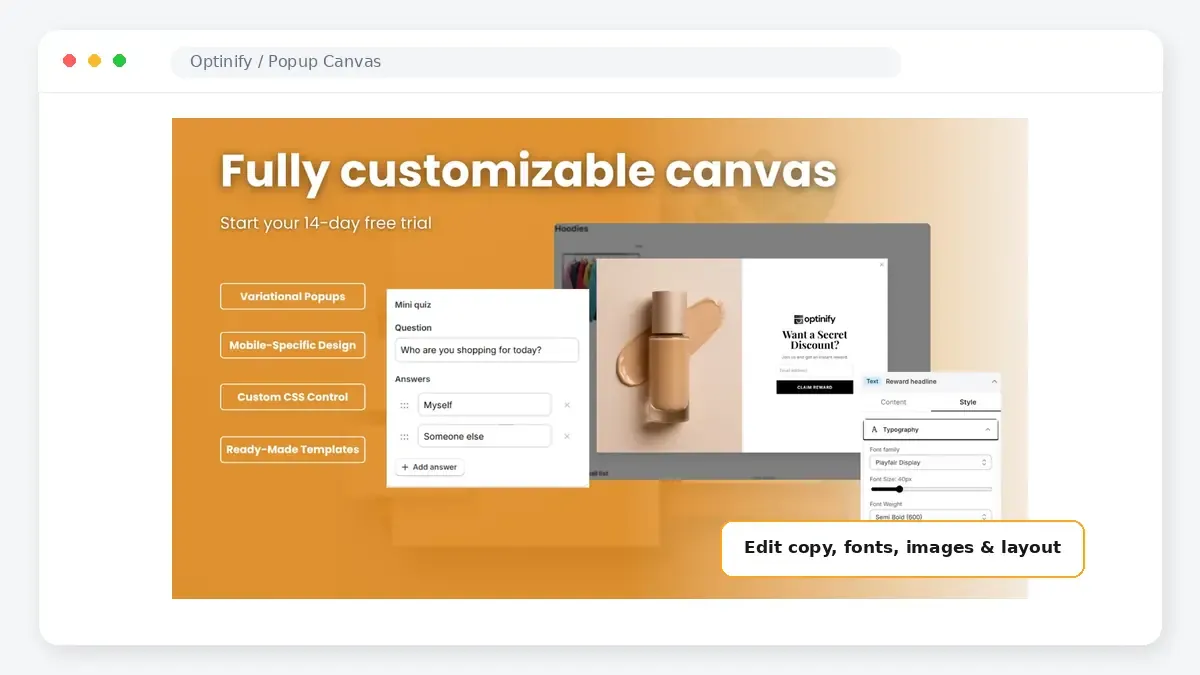
You can use your brand theme and import colors and fonts from your storefront with just one click. If you want, you can customize it as your own using the canvas.
Step 5: Choose the smart targeting rules
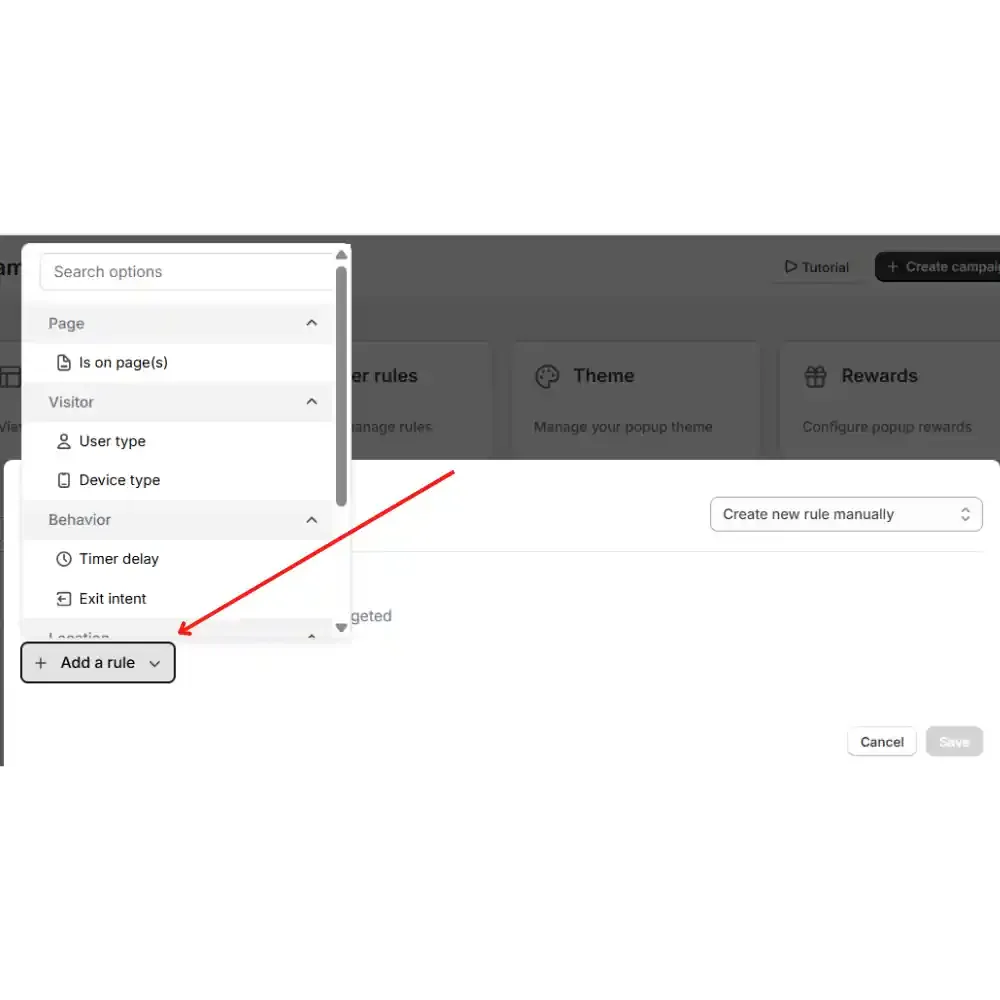
Choose a rule to show your popup. It detects who sees your popup and when.
These targeting rules are important. If you can choose the right rule for your store, it will show the right message to the right visitor at the right time.
Step 6: Preview your popup
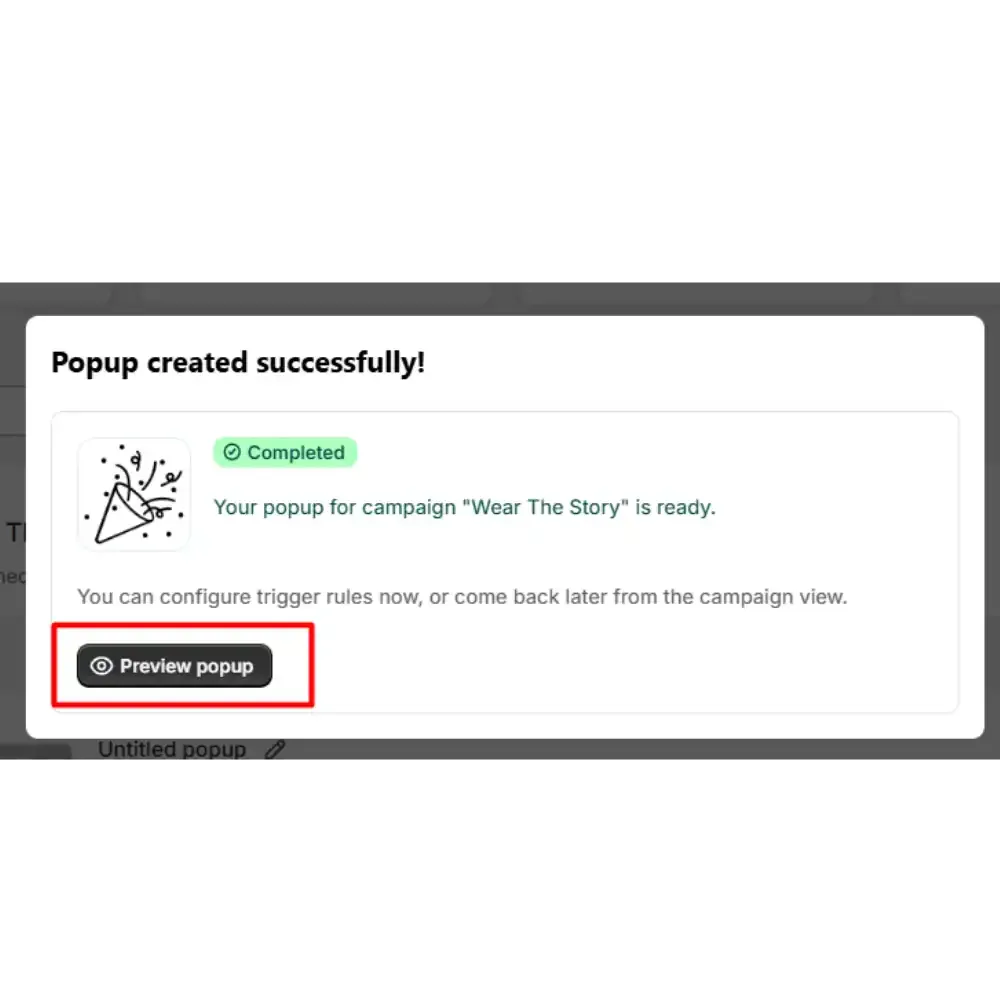
Before publishing, preview your popup to make sure it looks correct on your storefront.
If you need any customization, do that. If not, go to the next step.
Step 7: Connect integrations
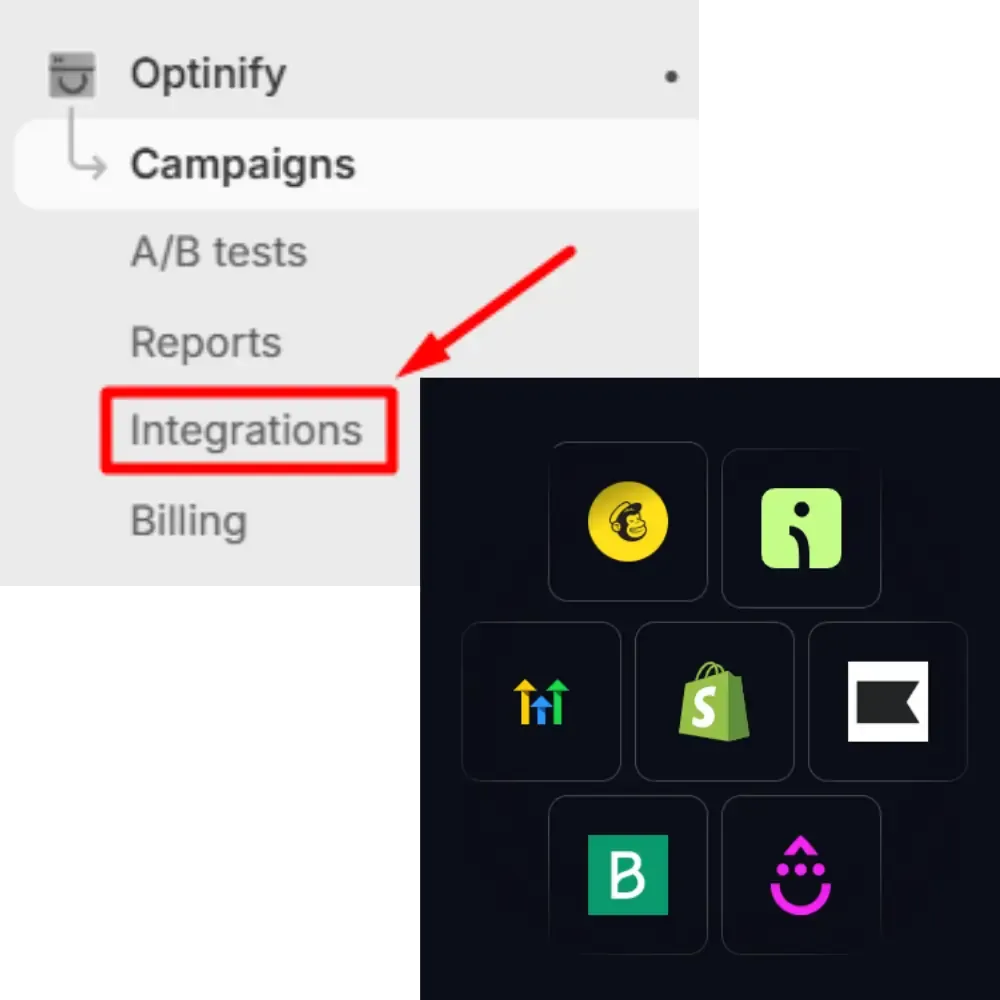
Click on integrations. Connect the email or SMS marketing platform your store already uses.
Your collected leads can then be synced automatically with your email or SMS marketing platform.
Step 8: Publish
When you’re satisfied with your popup, all you have to do is change the status of this button of your campaign to display the popup on your Shopify store.
The campaign is now live.
This is how you can add your first popup to your store.
Shopify popup best practices
Creating a popup is easy, but getting good results depends on how you use it. Keep these best practices in mind:
- Offer a clear benefit: Give visitors a reason to subscribe, such as a discount, free shipping, early access, or an exclusive offer.
- Use the right timing: Avoid showing every popup immediately. Test triggers such as time on page, scroll depth, exit intent, or cart activity.
- Keep it simple: Use a short headline, minimal form fields, and one clear call to action. This is especially important on mobile.
- Target the right visitors: Show different offers based on factors such as device, traffic source, pages viewed, or whether someone is a new or returning visitor.
- Test and improve: A/B test your offer, headline, design, timing, and CTA. Measure not only signups but also conversions and revenue.
The best Shopify popup app is not necessarily the one with the most aggressive offer. It is the one that reaches the right visitor with the right message at the right time.
Frequently Asked Questions
Wrapping up
With popup software, you can add any type of popup to your Shopify store. You will find many conversion-oriented features, gorgeous popup templates, and pro marketing tips.
That’s it. Now you have all the information you need to create your first popup campaign.
Ready to get started?
Take the first step and create your first popup campaign today.
Human Support • Setup in 60 seconds • Free 14-day trial